80 User’s Manual INNOMAR Parametric Sub-Bottom Profilers / SESWIN
80 Innomar Technologie GmbH (2023-01)
5.14 SESWIN Network
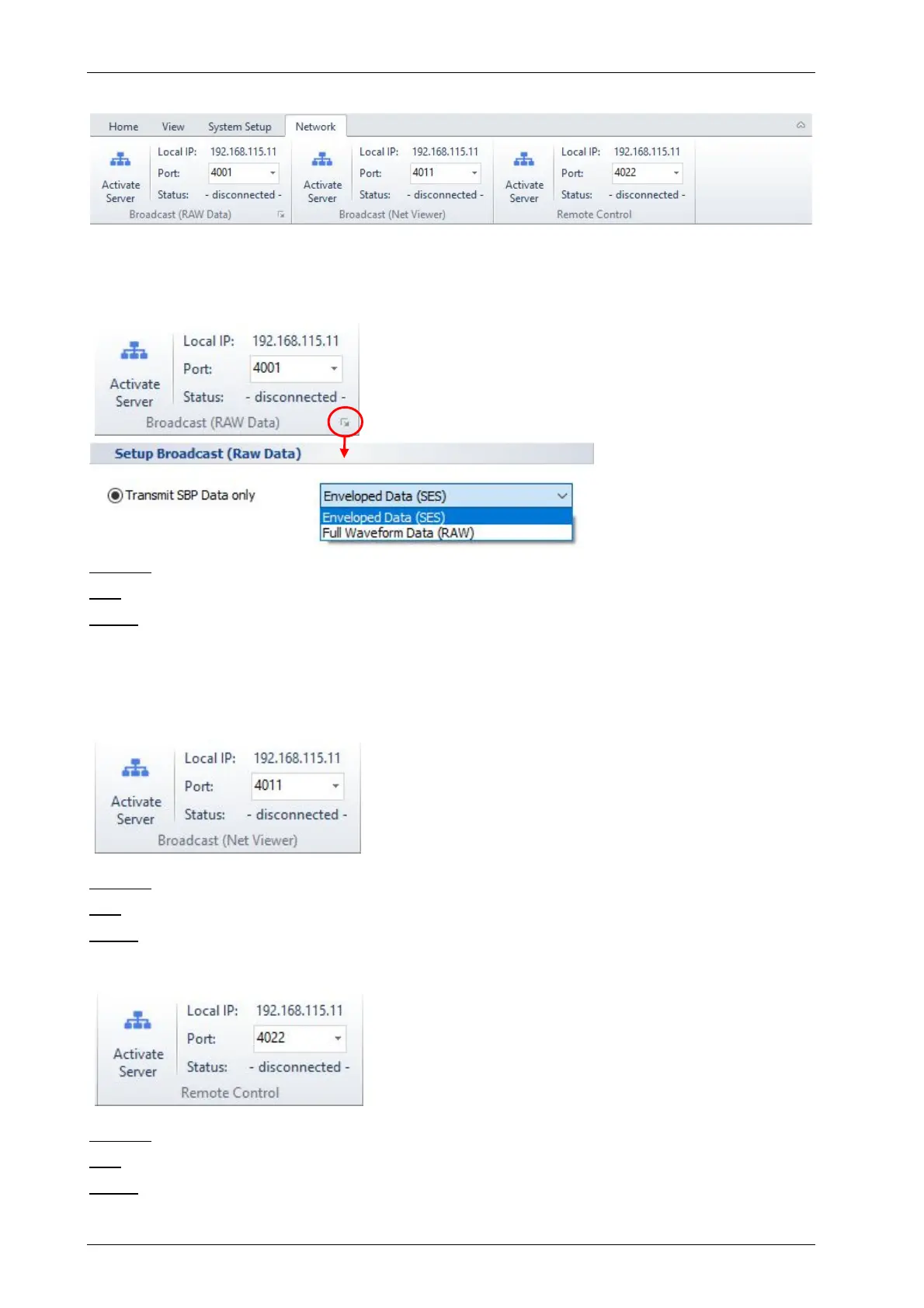
The SESWIN network tools allow to transfer SBP data in real time to other data acquisition
software or to slave displays for quality check.
5.14.1 Network – Broadcast (RAW Data)
The broadcast server can be used to transmit echo print
data (either “SES” envelope data or “RAW” full-
waveform data) to other computers for data observation
using special software (e.g. HYPACK
®
).
Local IP is given for information, has to be set in the client software used for data display.
Port has to be set according to network requirements.
Status gives the network status (connected / disconnected).
!
Please note that the envelope “SES” data format is obsolete. Use the full-waveform
“RAW” format instead. This connection cannot be used for remote controlling the
INNOMAR SBP system!
5.14.2 Network – Broadcast (Net Viewer)
If additional echo print screens are required for QC, data
of the SESWIN master channel is sent on a second port
by the broadcast server that may be received by
INNOMAR’s “NetView” application. See also section 9 on
page 131.
Local IP is given for information, has to be set in the client software used for data display.
Port has to be set according to network requirements.
Status gives the network status (connected / disconnected).
5.14.3 Network – Remote Control (Optional)
There is an optional feature to control the SESWIN
software remotely via Ethernet.
Local IP is given for information, has to be set in the client software.
Port has to be set according to network requirements.
Status gives the network status (connected / disconnected).



 To Next Page