186
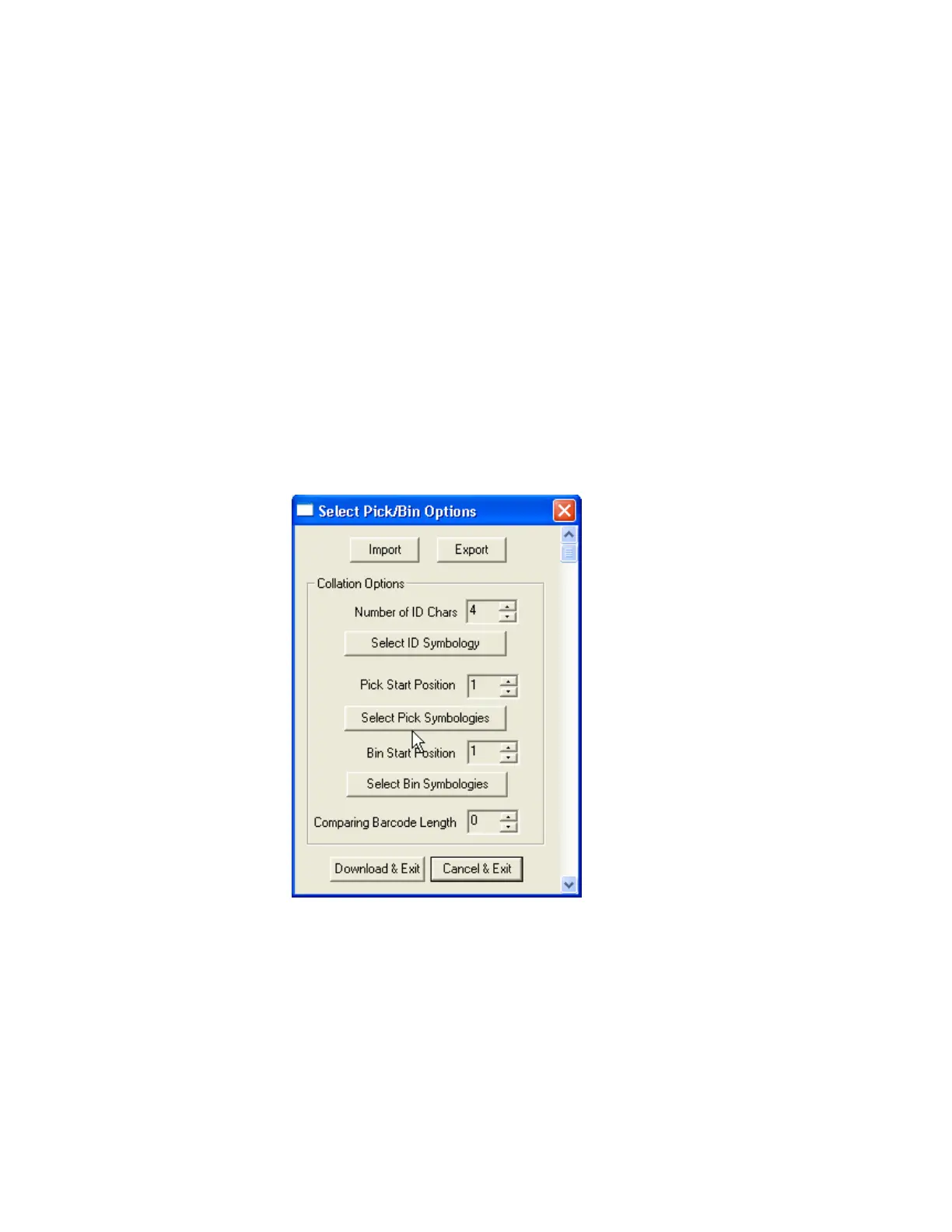
⚫ Pick Start Position and Symbology
Select numeric position of start substring character in Pick barcode from 1 to 255
and the barcode symbology.
⚫ Bin Start Position and Symbology
Select the numeric position of start substring character in Bin barcode from 1 to 255
and the barcode symbology.
⚫ Comparing Barcode Length
Select the number of characters to be compared from 0 to 255. 0 means all
characters.
Figure 48 - Pick/BIN Application Menu



 To Next Page