KDC User Manual BLUETOOTH
89
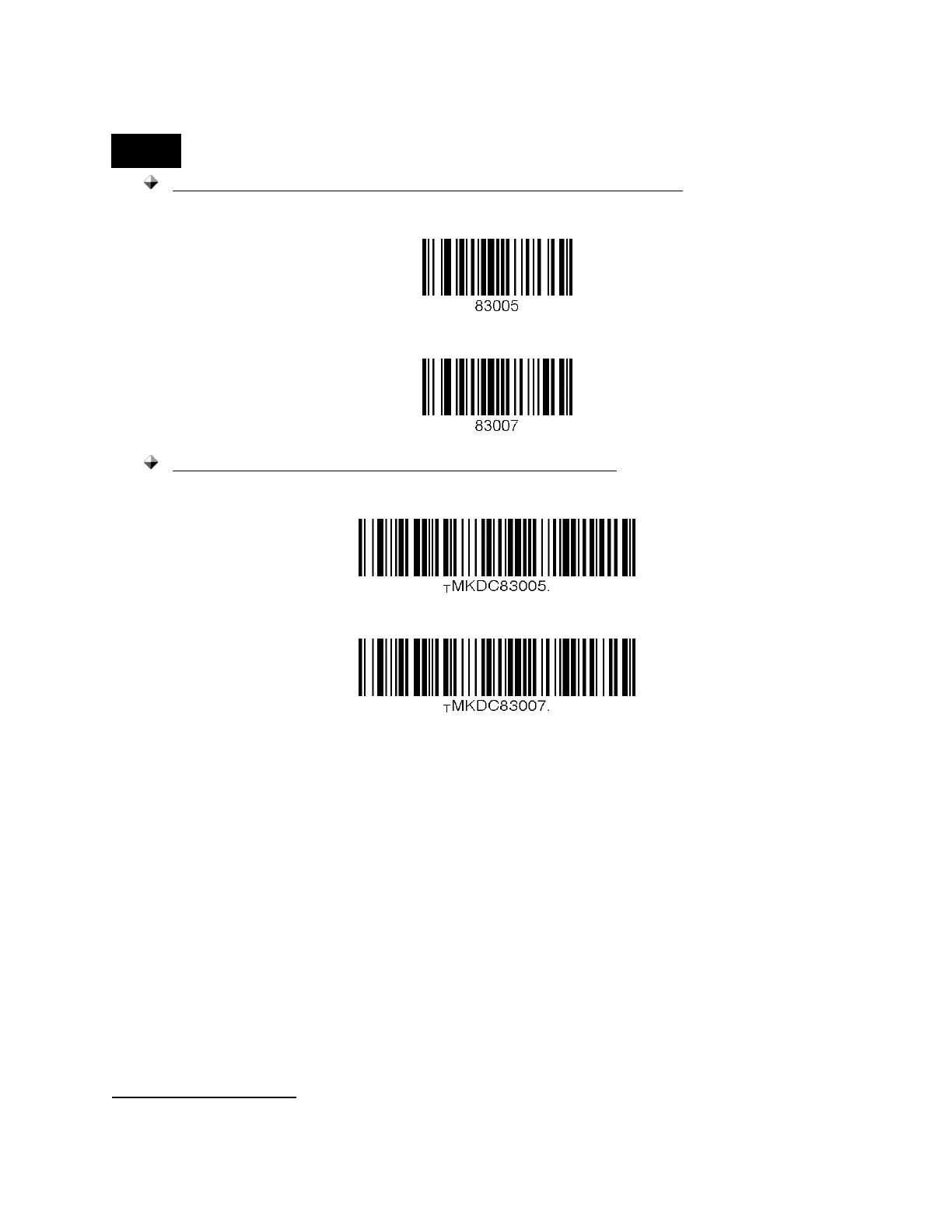
The user may also delete or display a current suffix by scanning the following
special barcodes.
KDC20/100/200/250/270L/270D/350L/410/411/415/470L/470D/500L
Delete Suffix
Display Suffix
KDC30/270C/280C/300/350C/420/421/425/450/470C/500C
Delete Suffix
Display Suffix
⚫ AIM ID - Enables the user to add AIM ID to scanned data, which may then be wedged
to the host. AIM ID can be added to the end of a Prefix or Suffix.
⚫ Partial Data: Enables the user to store and/or transfer partial data. The user defines the
start position and number of characters to be stored and/or transferred. The user also
can select if taking or erasing the characters selected with Start position and No of
char(s).
➢ Start position
◆ This option specifies the start position of data.
➢ No of char(s)
◆ This option specifies the length of data. The ‘0’ means all data.
➢ Action
◆ This option selects if erasing or taking the specified data.
Handshake(Deprecated)



 To Next Page