DVR Settings
Entering/Changing the Ethernet Options
Flashback3 & Flashback HD User’s Guide
Page 174 L3 Mobile-Vision 6.23.2017
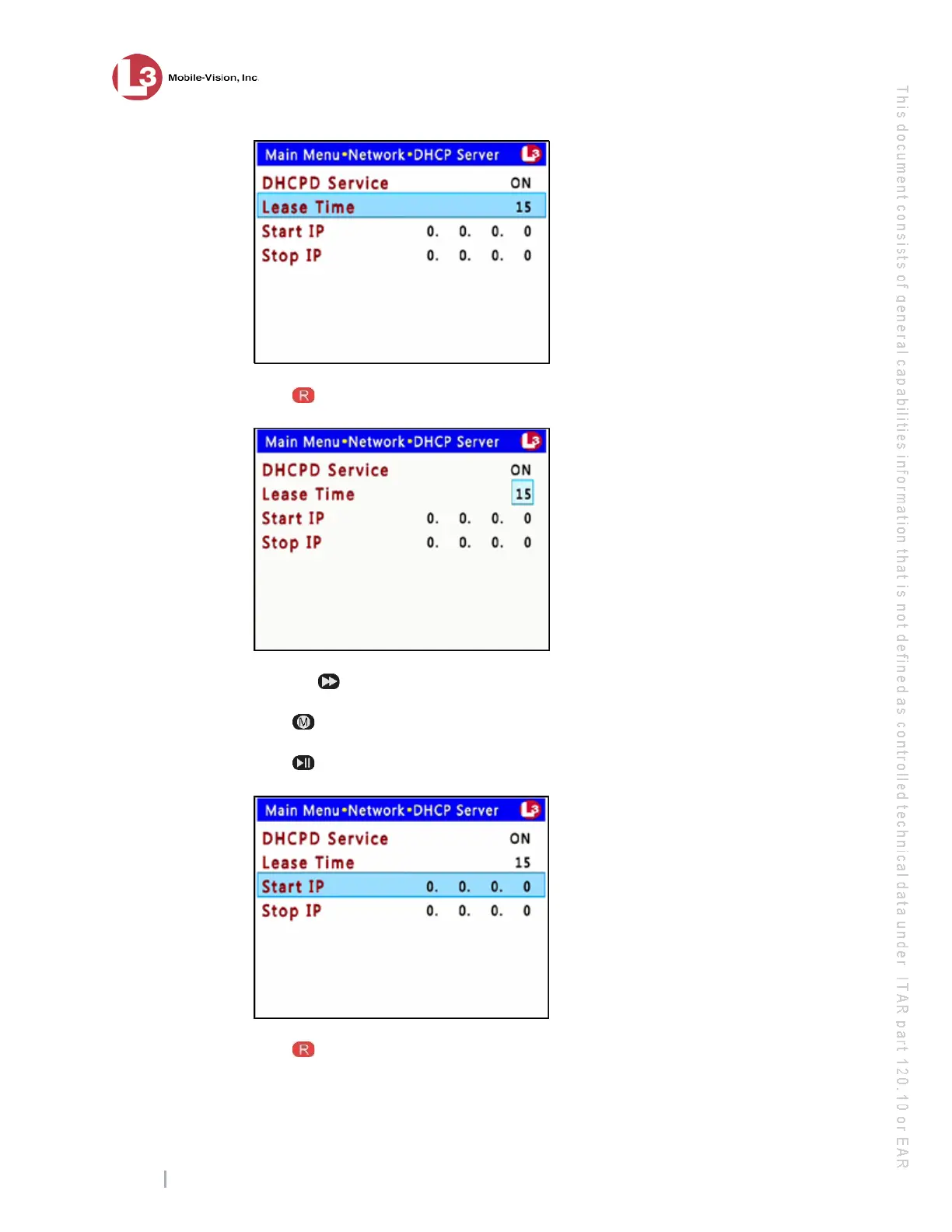
12 Pr
ess to select the Lease Time field.
13 Pr
ess the button until the desired Lease Time minutes display—15, 30, 45, or 60.
14 Pr
ess .
15 Pr
ess to advance to the Start IP field.
16 Pr
ess to select the Start IP field.



 To Next Page