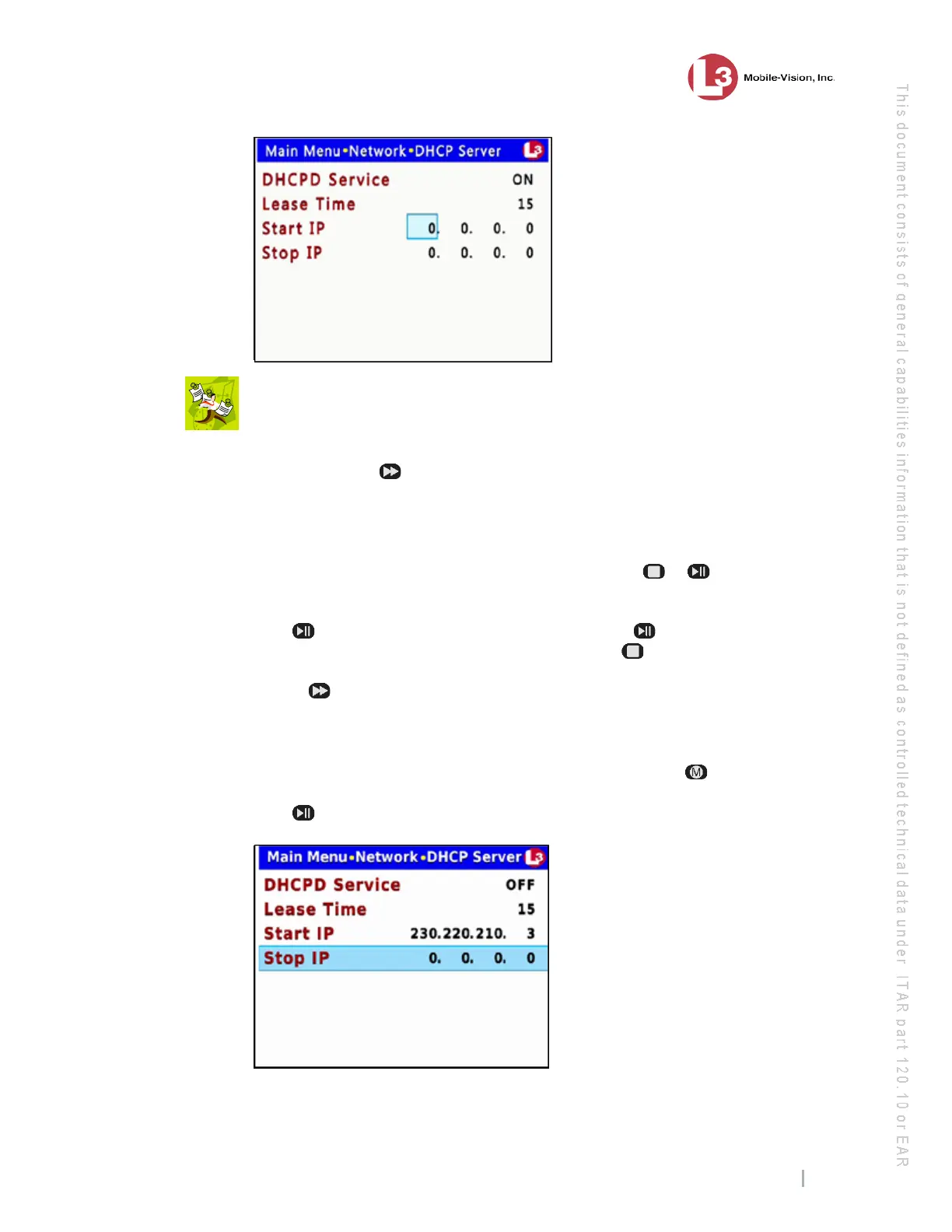
DVR Settings
Entering/Changing the Ethernet Options
Flashback3 & Flashback HD User’s Guide
L3 Mobile-Vision 6.23.2017 Page 175
NOTE: The IP range that you specify in the Start IP and Stop IP fields must be
outside the range of any existing DHCP servers.
17 To
enter/change the first segment of the IP address, proceed to the next step.
Otherwise use the button to advance to the first segment you wish to change.
18 If
the current value of this IP segment is 0, proceed to the next step.
– OR –
If the current value of this IP segment is 1 – 255, use the or
buttons to move
the numeric display higher or lower, respectively. Next, skip to step 20.
19 Pr
ess . The number 255 displays. Keep pressing the button until the desired
number displays. (If you overshoot the number, press to back up.)
20 Use t
he button to advance to the next segment you wish to enter/change.
21 Rep
eat steps 18 – 20 until all four segments of the IP address are entered/updated.
22 On
ce the correct IP address displays in the Start IP field, press .
23 Pr
ess to advance to the Stop IP field.



 To Next Page