DIAGNOSTICS
4 - 32
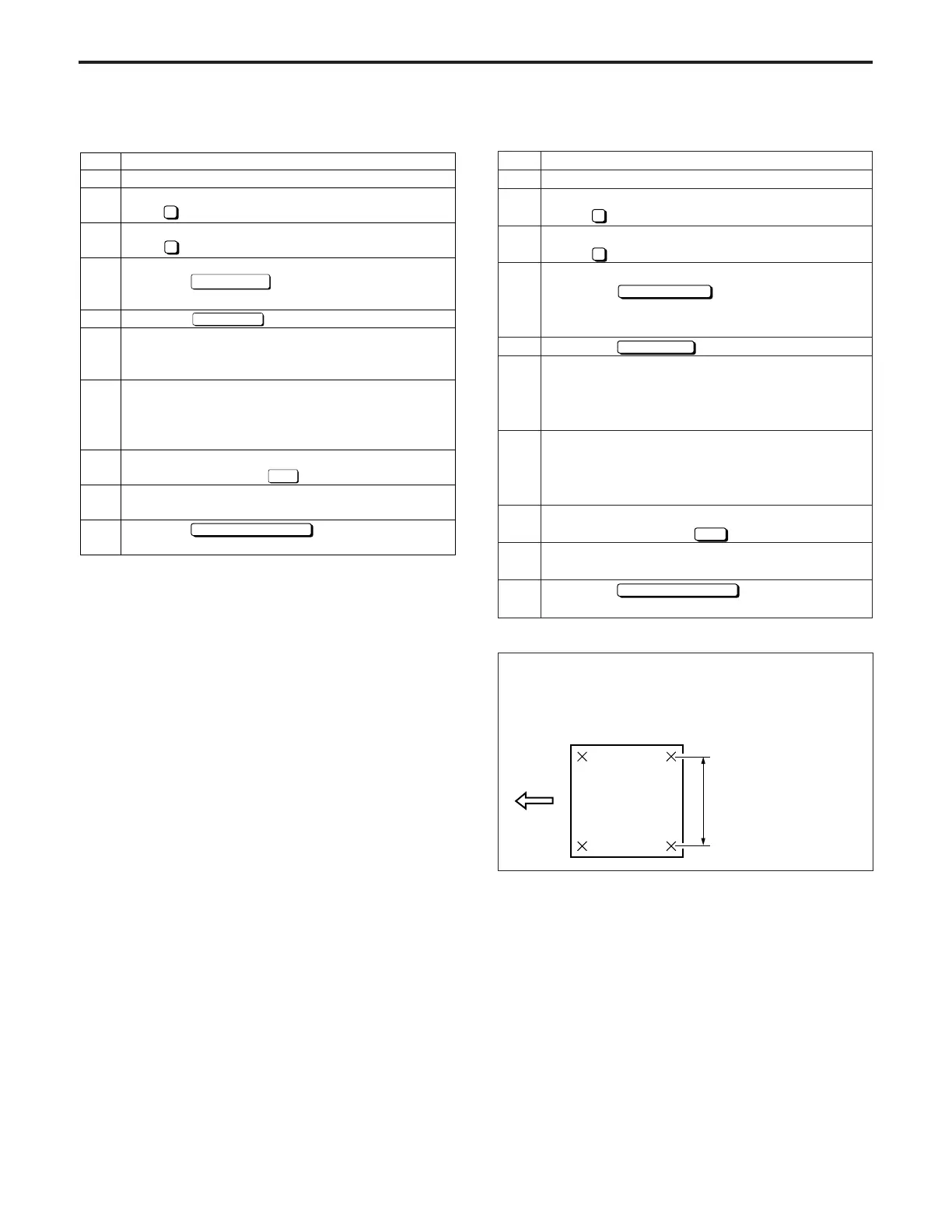
(3) Horizontal magnification adjustment
Operation
Enter the 36 mode.
[36 MODE MENU SCREEN]
Press
2
Timing adjustment.
[TIMING ADJUSTMENT SCREEN]
Press
1
Drum clock/Horizontal adjustment.
[DRUM CLOCK ADJUSTMENT SCREEN]
Touch the
Next adjustment
key until "Horizontal
magnification" appears in the message display
box.
Touch the
key.
Set the NTC chart on the original glass, then press
the PRINT START button, make a copy and
measure the horizontal magnification with a ruler.
Standard: ±1% max (life size)
If the horizontal magnification does not conform to
the standard, press the C button while pressing the
P button so as to re-display the horizontal magnifi-
cation screen.
Enter a value from the numeric keypad on the
screen, then touch the
SET
key.
Repeat steps 5 to 8 until the horizontal magnifica-
tion is within the standard range.
Touch the
PREVIOUS SCREEN
key to re-display the
timing adjustment screen.
Step
1
2
3
4
5
6
7
8
9
10
Standard:
Horizontal magnification =
within 10% at 1.0
Within 2mm every 200mm
Step
1
2
3
4
5
6
7
8
9
10
Operation
Enter the 36 mode.
[36 MODE MENU SCREEN]
Press Timing adjustment.
[TIMING ADJUSTMENT SCREEN]
Press Drum clock/Horizontal adjustment.
[DRUM CLOCK ADJUSTMENT SCREEN]
Touch the key until "Scanner" appears
in the message display box.
Touch the key.
Set the NTC chart on the original glass, then
press the PRINT START button, make a copy and
measure the vertical magnification with a ruler.
If the vertical magnification is different to the
standard value, press the C button while pressing
the P button to re-display the vertical magnification
adjustment screen.
Enter a value from the numeric keypad on the
screen, then touch the key.
Repeat steps 5 to 8 until the vertical magnification
becomes the standard value.
Touch the key to re-display the
timing adjustment screen.
Next adjustment
Copy Screen
SET
1
2
PREVIOUS SCREEN
(2) Vertical magnification adjustment (Scanner)
DIAGNOSTICS-1



 To Next Page