DIAGNOSTICS
4 - 41
Recall standard data : Drum clock / Horiz.
All thing data restore ?
[16] Resetting Standard Data
Reset the adjusted set values to the standard values (After
production adjustment) using the procedure shown below.
If the 36 mode menu screen is opened, then
2
timing adjust-
ment selected, the timing adjustment menu screen will ap-
pear.
Open this screen, then select
9
Recall standard data.
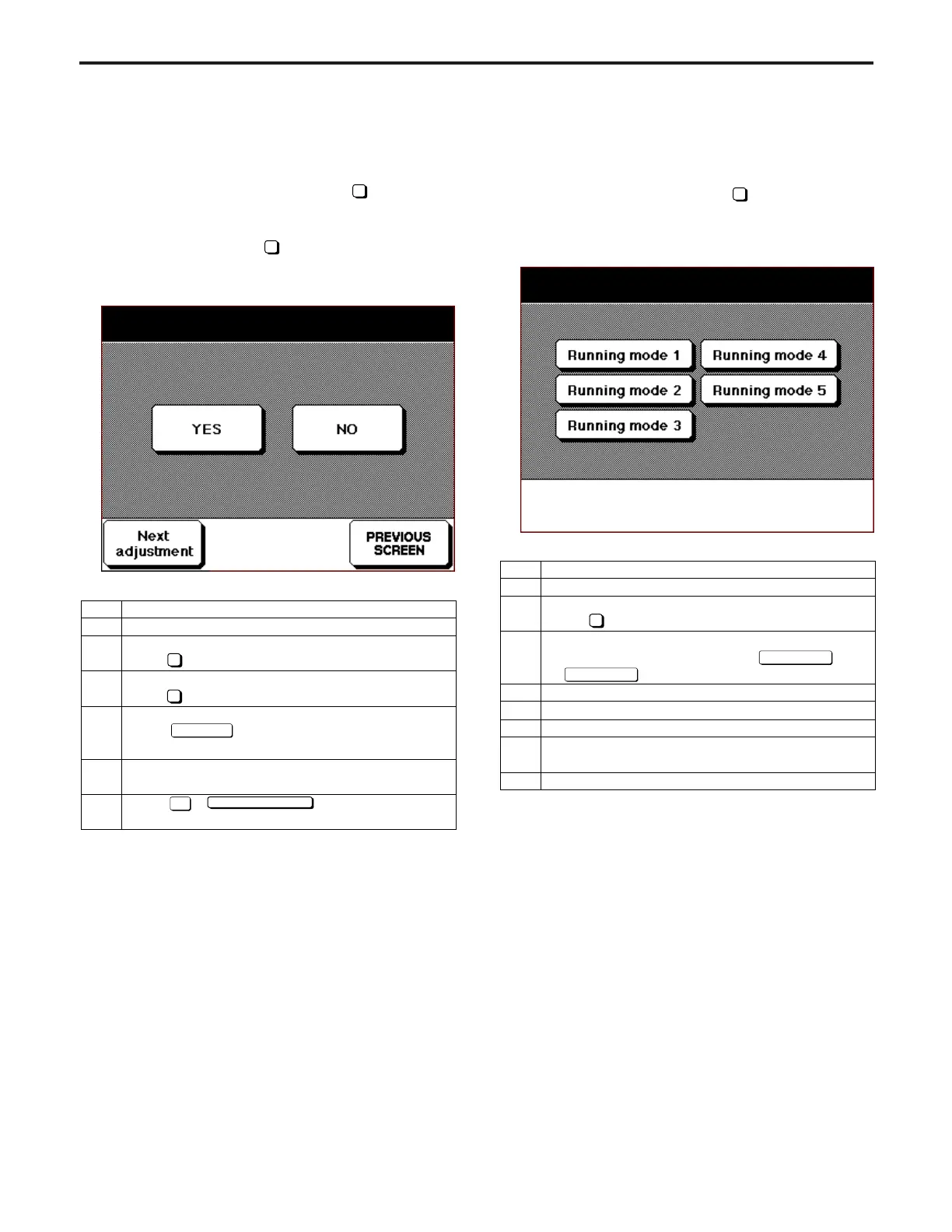
[Recall standard data Screen]
[17] Running Test Mode
Perform a running test during a continuous copy operation
using the method described below.
Open the 36 mode menu, then select
3
Running Mode.
[Running Test Mode Screen]
Running mode
Step
1
2
3
4
5
6
7
8
Operation
Enter the 36 mode.
[36 MODE SCREEN]
Press Running test mode.
[RUNNING TEST MODE SCREEN]
Warming-up operation will start if
to is pressed. *1
Turn OFF the main switch.
Turn ON the main switch.
Once warmup is completed, press the
START PRINT button. The running mode is
activated, and a warming-up operation starts.
Press Stop/Clear button to stop copying.
3
Running mode 1
Running mode 5
Step
1
2
3
4
5
6
Operation
Enter the 36 mode.
[36 MODE SCREEN]
Press Timing adjustment.
[TIMING ADJUSTMENT SCREEN]
Press Recall standard data.
[RECALL STANDARD DATA SCREEN]
Press key to select the item to recover.
*1 Item to select
Check if the selected item is displayed in the
message area.
Press or key to end this
recovery mode.
*1 Item to select
·Drum clock/Horizontal adjustment data
· Restart timing data
· Paper feed loop adjustment data
· Leading edge original erasure adjustment data
· Optics brake adjustment data
· Centering adjustment data
· RADF original stop position data
9
Next adjust
NO
PREVIOUS SCREEN
2



 To Next Page