144
HELP No. Adjustments and checks Contents and descriptions
H-11 Feed solenoid function test Feed solenoid function test
Pre-solenoid operates when the <+> key is pressed.
Gate solenoid operates when the <-> key is pressed.
NOTE :
• Pressing the key for more than 2 seconds may
damage the solenoid.
H-12 Left margin slitter Left margin slitter positioning motor (stepping motor) function
(stepping motor) function test test
Slitter moves to the left (opposite the operation panel) when the
<+> key is pressed.
Slitter moves to the right (toward the operation panel) when the
<-> key is pressed.
H-13 Right margin slitter Right margin slitter positioning motor (stepping motor) function
(stepping motor) function test test
Slitter moves to the left (opposite the operation panel) when the
<+> key is pressed.
Slitter moves to the right (toward the operation panel) when the
<-> key is pressed.
H-14 Left center slitter Left center slitter positioning motor (stepping motor) function
(stepping motor) function test test
Slitter moves to the left (opposite the operation panel) when the
<+> key is presseds.
Slitter moves to the right (toward the operation panel) when the
<-> key is pressed.
H-15 Right center slitter Right center slitter positioning motor (stepping motor) function
(stepping motor) function test test
Slitter moves to the left (opposite the operation panel) when the
<+> key is pressed.
Slitter moves to the right (toward the operation panel) when the
<-> key is pressed.
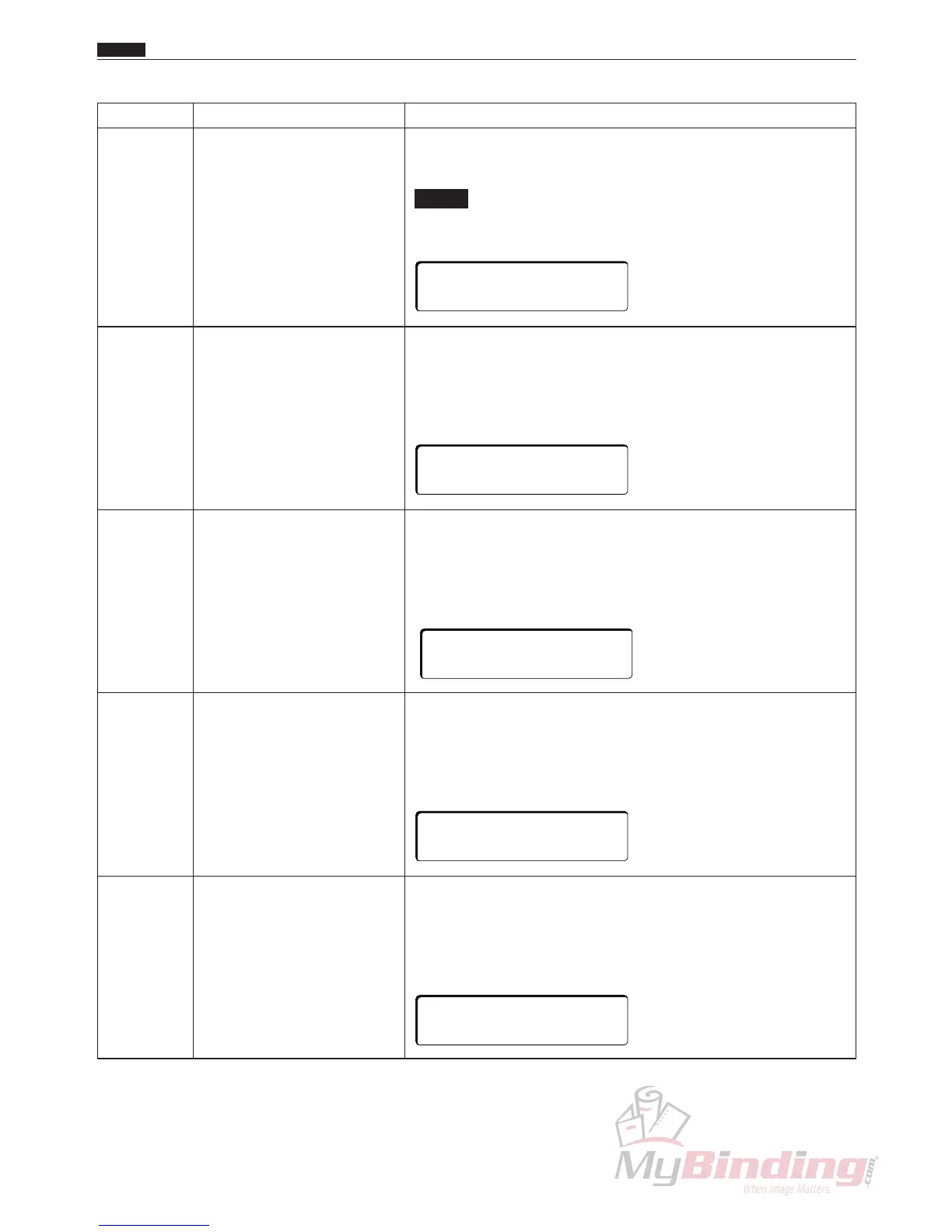
+KEY:PRESS SOL.
-KEY:GATE SOL.
+KEY:GOTO LEFT
-KEY:GOTO RIGHT
+KEY:GOTO LEFT
-KEY:GOTO RIGHT
+KEY:GOTO LEFT
-KEY:GOTO RIGHT
+KEY:GOTO LEFT
-KEY:GOTO RIGHT
Chap.7
c HELP Description



 To Next Page