147
HELP No. Adjustments and checks Contents and descriptions
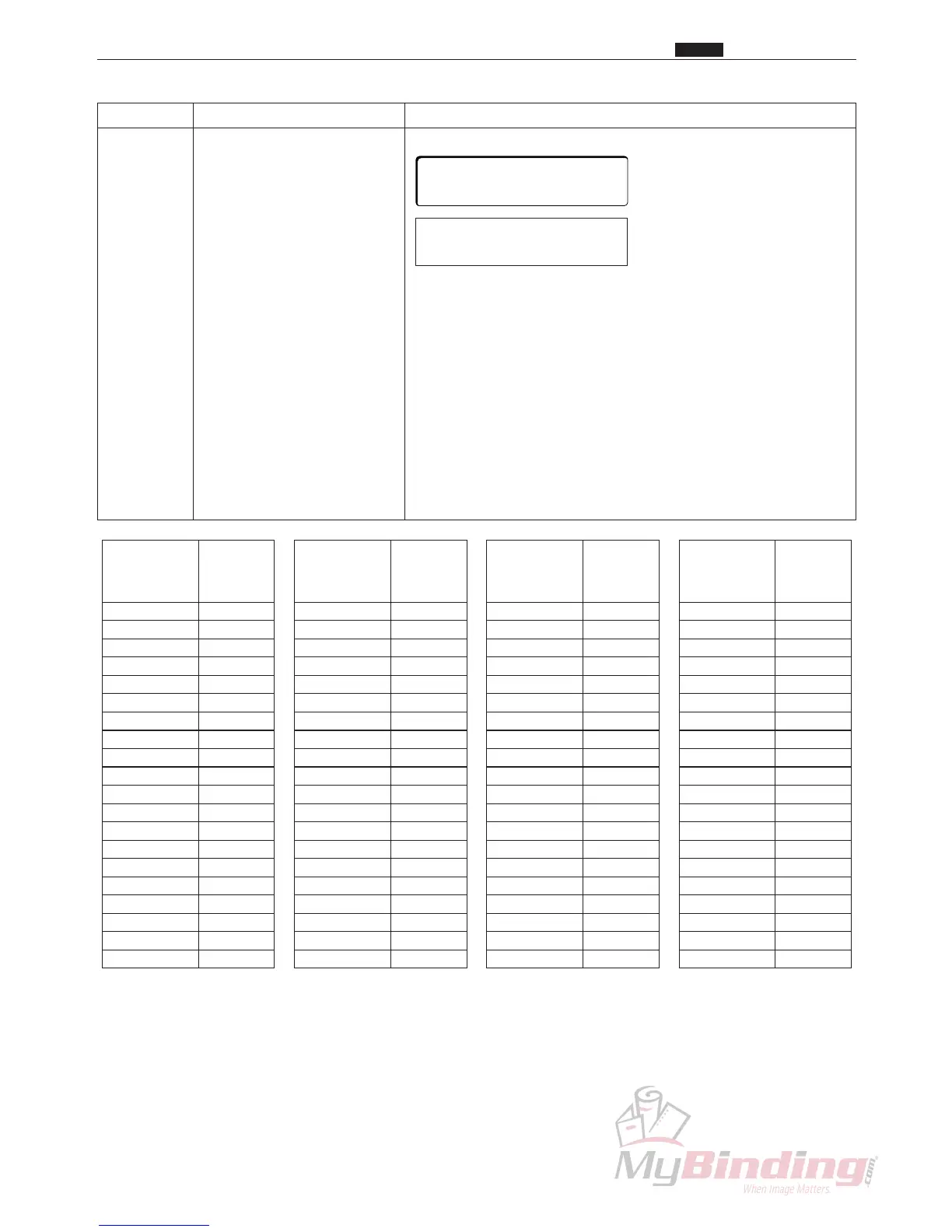
H-24 Position adjustment for each Adjust the slit position of each slitter.
slitter
q The “
*
” mark moves each time the <SET> key is pressed.
Move the “
*
” mark to the left side of the value of the slitter
that you want to set.
w Change the values with the <+> and <-> keys to make
adjustments.(Refer to the table below for distance moved.)
• The slitter position moves 0.08 mm when the value
changes by 1.
• The slitter shifts inwards (opposite the inner side) when the
value increases.
• The slitter shifts outwards (to the inner side) when the value
decreases.
e Register the adjusted value that you decided on by pressing
the <STOP> key.
c HELP Description
Chap.7
Left Margin Slitter
Right Margin Slitter
Left Center Slitter
Right Center Slitter
Optional Slitter1
Optional Slitter2
∗
100 100 100
100 100 100
Distance Value
moved input
(mm)
0.1 1
0.2 2
0.3 4
0.4 5
0.5 6
0.6 7
0.7 9
0.8 10
0.9 11
1.0 12
1.1 14
1.2 15
1.3 16
1.4 17
1.5 19
1.6 20
1.7 21
1.8 22
1.9 24
2.0 25
Distance Value
moved input
(mm)
2.1 26
2.2 27
2.3 29
2.4 30
2.4 30
2.6 32
2.7 34
2.8 35
2.9 36
3.0 37
3.1 39
3.2 40
3.3 41
3.4 42
3.5 44
3.6 45
3.7 46
3.8 47
3.9 49
4.0 50
Distance Value
moved input
(mm)
4.1 51
4.2 52
4.3 54
4.4 55
4.5 56
4.6 57
4.7 59
4.8 60
4.9 61
5.0 62
5.1 64
5.2 65
5.3 66
5.4 67
5.5 69
5.6 70
5.7 71
5.8 72
5.9 74
6.0 75
Distance Value
moved input
(mm)
6.1 76
6.2 77
6.3 79
6.4 80
6.5 81
6.6 82
6.7 84
6.8 85
6.9 86
7.0 87
7.1 89
7.2 90
7.3 91
7.4 92
7.5 94
7.6 95
7.7 96
7.8 97
7.9 99
8.0 100
Table of distance moved (H-24)



 To Next Page