148
Chap.7
c HELP Description
HELP No. Adjustments and checks Contents and descriptions
H-25 Initialization of RAM Initialize the RAM.
The entire RAM memory (including the pre-set data) is
initialized by pressing the <MODE> key and the <SET> key.
(It takes about 10 seconds.) Initialize the RAM memory except
for the pre-set data by pressing the <+> key and the <-> key.
(It takes about 2 seconds.)
NOTE :
• Do not touch the operation panel when “FINISH!!” is
displayed. Also, do not turn off the power.
H-26 Cutter & score distance Compensates for mechanical differences between the cutter
adjustment and the scorer.
Use the <+> key and the <-> key to adjust the score position,
and then register it with the <STOP> key.
H-27 PPS2 & CCD distance
NOTE :
adjustment • Do not do the following operations except when
changing the Main P.W.B. unit.
Compensates for mechanical differences between the PPS2
and the CCD.
Use the <+> key and the <-> key to adjust the score position,
and then register it with the <STOP> key.
The processing (cutting or scoring) position moves 0.1 mm
when the value changes by 1. However, this is only enabled
when REG. MARK is ON.
H-28 OP2 positioning motor check OP2 positioning motor (stepping) function test (when the option
(When the optional slitter 2 is installed)
is attached.) Motor moves to the left (opposite the operation panel) when the
<+> key is pressed.
Motor moves to the right (toward the operation panel) when the
<-> key is pressed.
H-29 Elevator check Elevator function test (when the option is installed)
(Optional AF-100) Elevator moves up when the <+> key is pressed. (The upper
limit switch stops the elevator.)
Elevator moves down when the <+> key is pressed. (The lower
limit switch stops the elevator.)
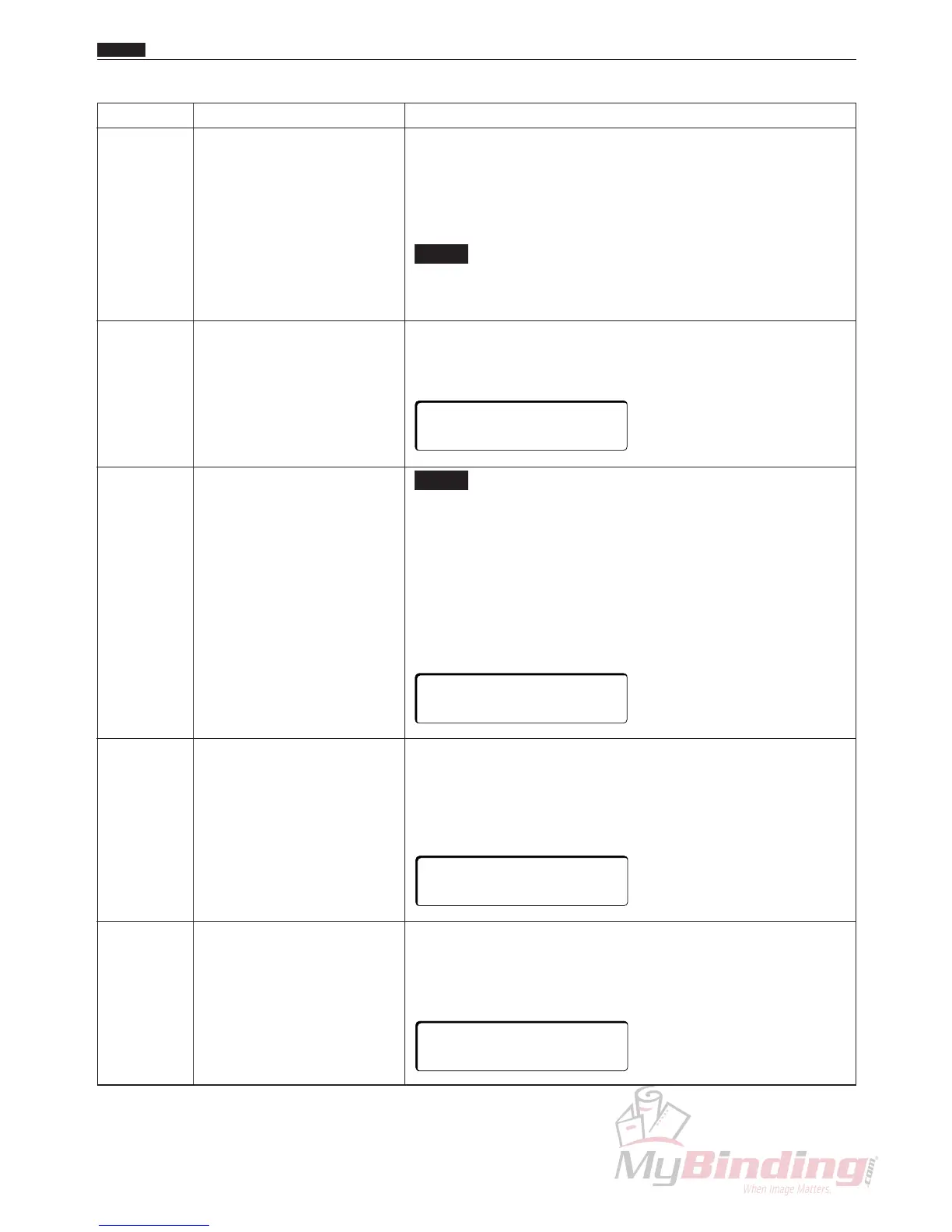
26:SCORE DIST.
DISTANCE:
∗ ∗ ∗
27:CCD DIST.
DISTANCE:∗ ∗ ∗
+KEY:GOTO LEFT
-KEY:GOTO RIGHT
+KEY:ELEV.UP
-KEY:ELEV.DWN



 To Next Page