EasyManua.ls Logo

Philips HeartStart XL+ - Operational Check Summary; Operational Check Summary Report

Philips HeartStart XL+
224 pages
Print Icon
To Next Page IconTo Next Page
To Previous Page IconTo Previous Page
Loading...
Operational Check 3: Troubleshooting
39
Operational Check Summary
The Op Check summary lists the results from the last 60 operational checks. Test results are reported as
described in Ta bl e 8.
Operational Check Summary Report
To access the Op Check summary report:
1 From the service Main Menu, navigate Other > Operational Check > Op Check Summary.
2 Respond Yes to the Exit Clinical Mode?
prompt.
3 Select Export
orPrint from the Main Menu to export to a USB drive or print a copy of the report.
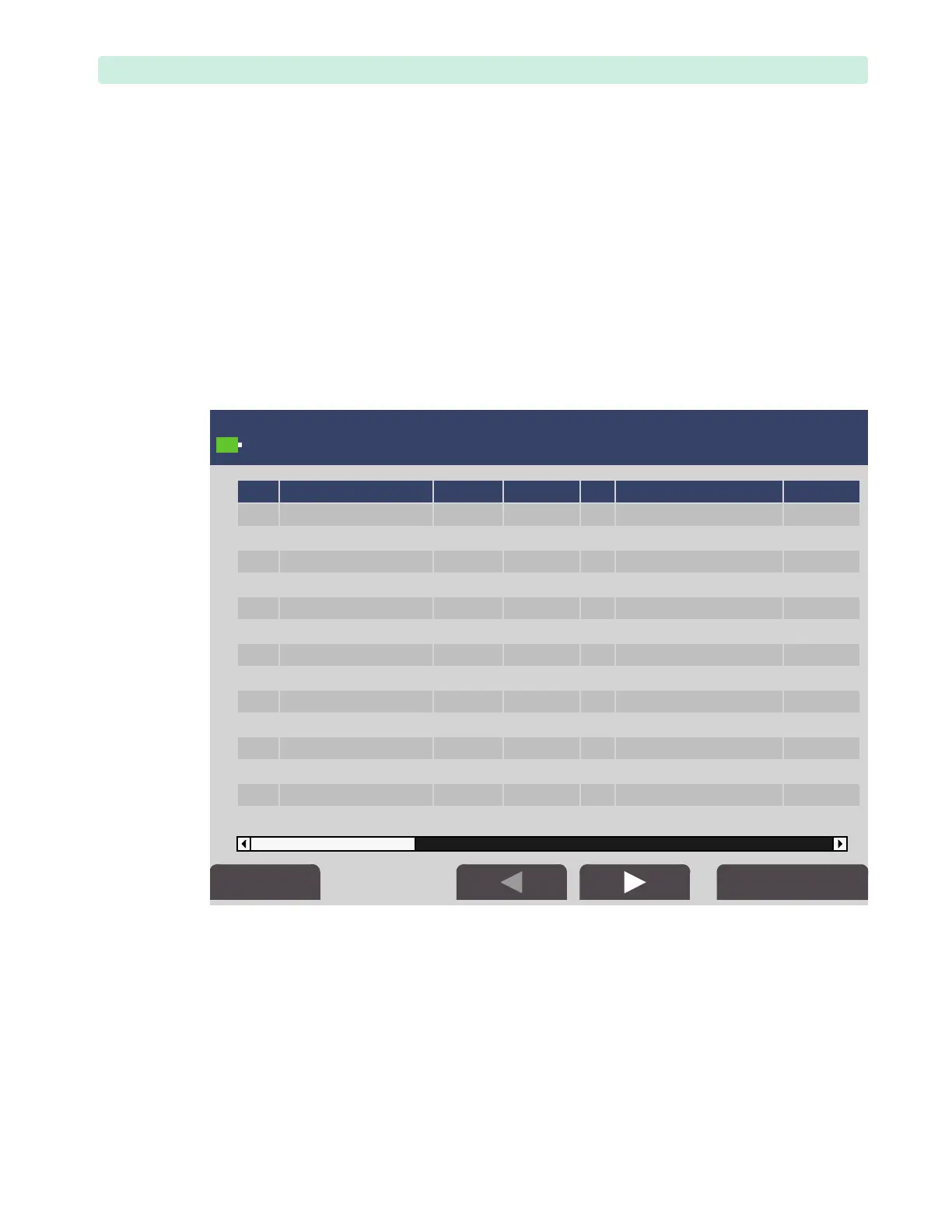
Figure 27 shows a sample Op Check summary:
Figure 27 Operational Check Screen — Summary



   
     
     
     
     
     
     
     
     
     
     
     
     
     
     




Table of Contents

Related product manuals