External Assemblies 4: Repair
83
Paddle Tray, Blank
Preparation
1 Turn the device off and remove the battery and the AC power.
2 Remove the Handle Assembly, see “Handle Assembly” on page 78.
Removal
1 Remove the old Paddle Tray:
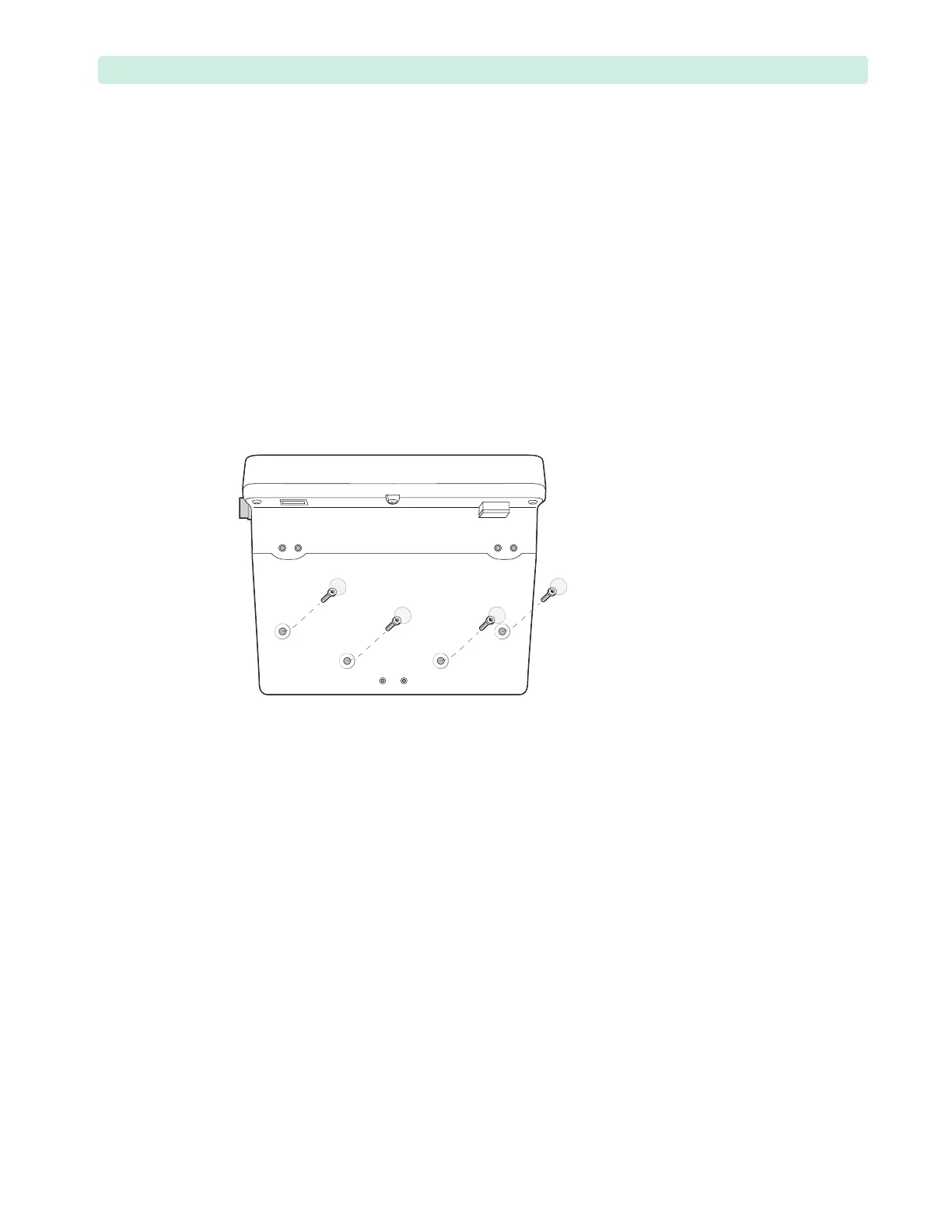
a If you are replacing a Blank Paddle Tray, then remove and discard the four round screw cover
stickers from the tray:
– Puncture the stickers with tweezers or needle-nose pliers and lift. See Figure 44.
– Remove the four T15 screws from the blank paddle tray.
b If you are replacing a Paddle Tray and Plates, then follow the removal instructions of “Paddle
Tray and Plates” on page 81.
2 Lift the Paddle Tray.
Replacement
1 Inspect the paddle tray wires.
If the wires became loose, then group the wires together and secure with the cable tie wrap. Cut off
any excess tie wrap.
2 Place the blank paddle tray into position on the device.
Line up the screw holes in the paddle tray with the threaded inserts on the device. Be careful not to
pinch the wires under the tray.
3 Replace the four M4x10 (T15) screws. Tighten the screws to 10 inch-lb. (1.1 N m).
4 Apply four blank dot stickers to cover the screw holes, see “Labels” on page 75.
5 Replace the Handle Assembly, see “Handle Assembly” on page 78.
To Complete the Replacement:
Run Performance Verification and Safety testing as described in the “Performance Verification”
chapter.
Figure 44 Removing the Blank Paddle Tray








 To Next Page