User’s Manual of GSD-1002M
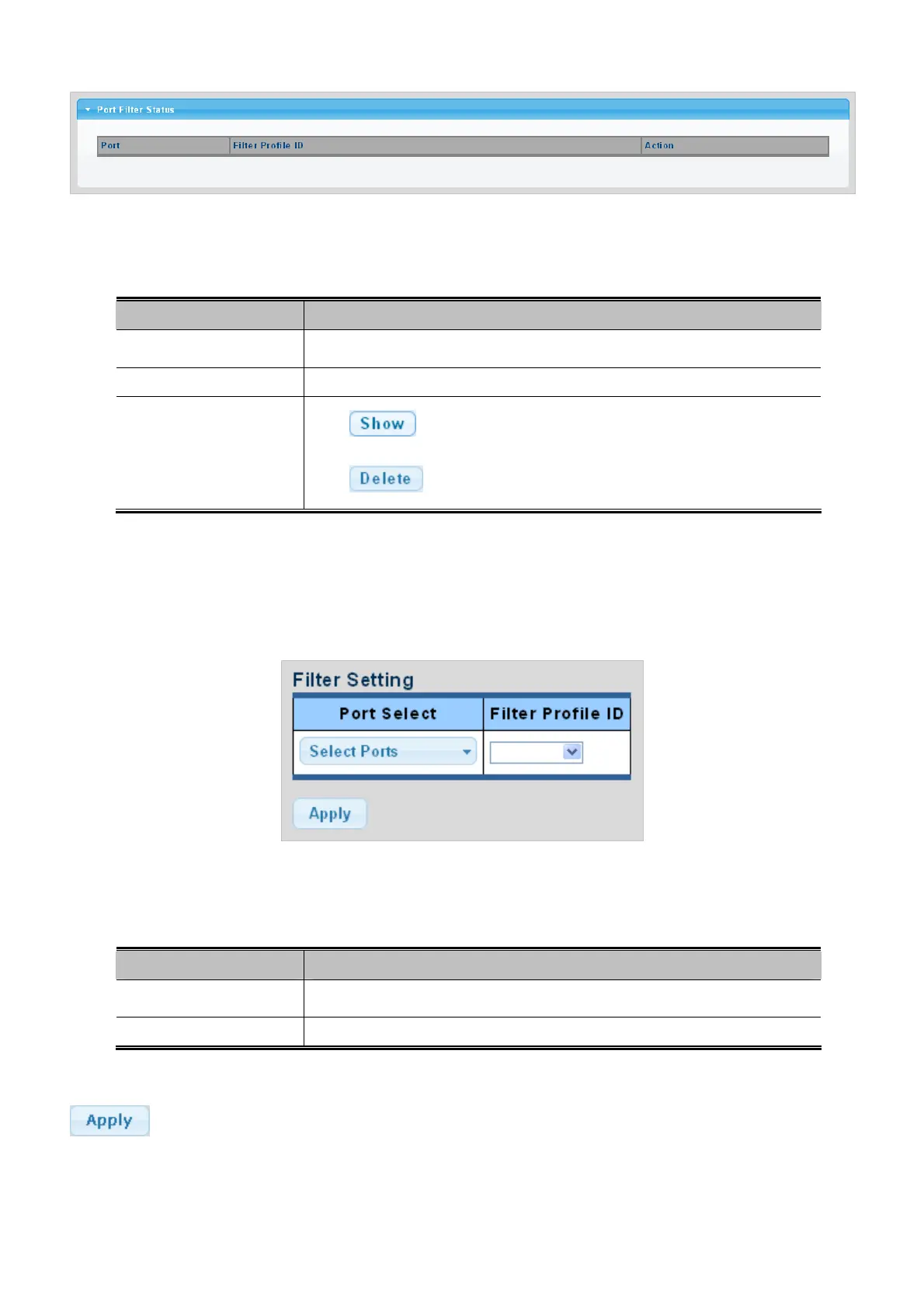
Figure 4-7-39 Port Filter Status page screenshot
The page includes the following fields:
Object Description
Displa
y the current port
Port
Displa
y the current filter profile ID
Filter Profile ID
Action
Click
to display detail profile parameter.
Click
to delete the IGMP filter profile entry.
4.7.7.3 MLD Filter Setting
The Filter Setting and Status screens in Figure 4-7-40 & Figure 4-7-41 appear.
Figure 4-7-40 Filter Setting page screenshot
The page includes the following fields:
Object Description
Select port nu
mber for this drop down list.
Port Select
Select filter profile ID for this drop dow
n list.
Filter Profile ID
Buttons
: Click to apply changes.
171



 To Next Page
 Loading...








