User’s Manual of GSD-1002M
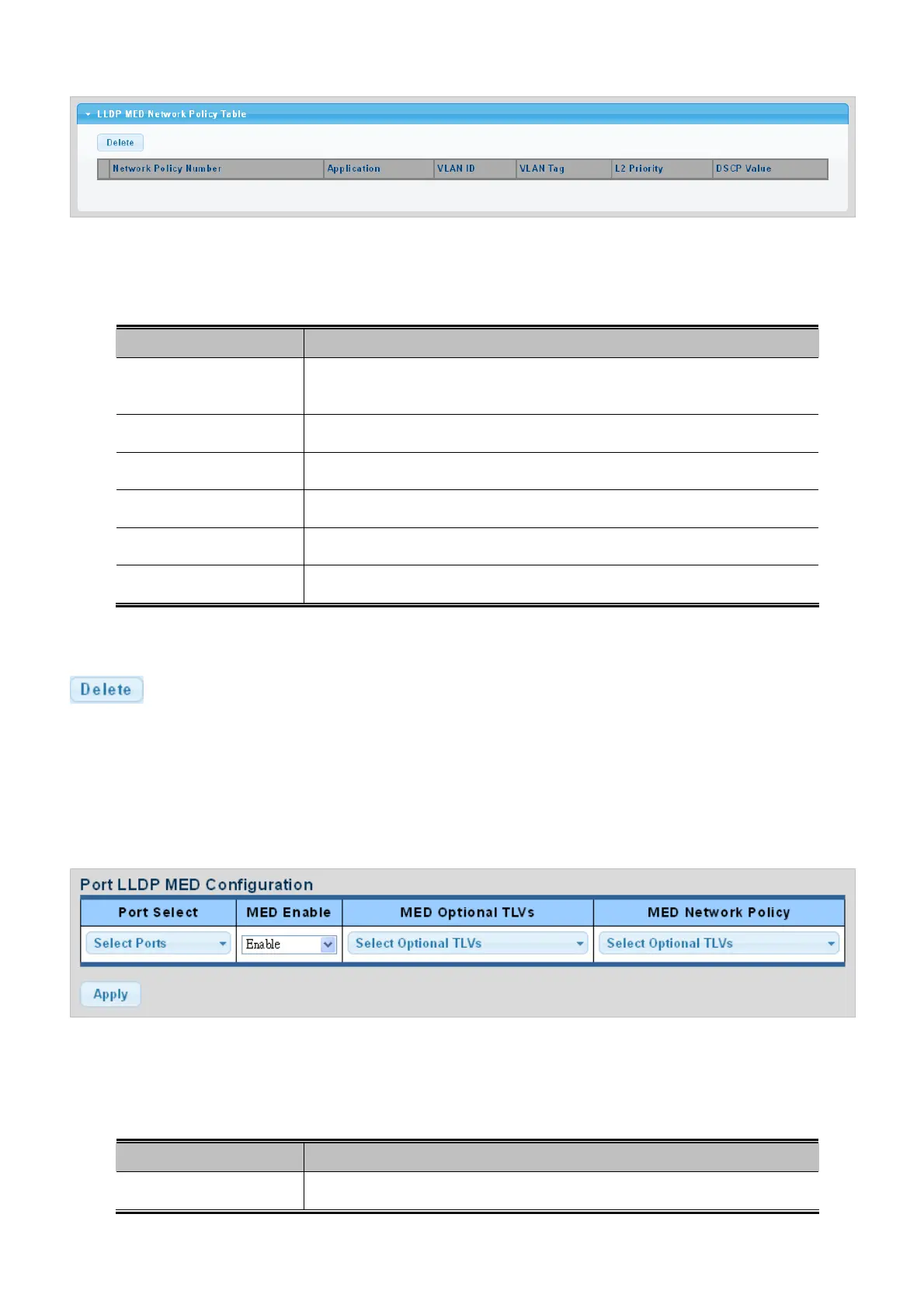
Figure 4-12-11 LLDP MED Network Policy Table page screenshot
The page includes the following fields:
Object Description
Displa
y the current network policy number
Network Policy
Number
Displa
y the current application
Application
Displa
y the current VLAN ID
VLAN ID
Displa
y the current VLAN tag status
VLAN Tag
Displa
y the current L2 prierity
L2 Priertity
Duspla
y the current DSCP value
DSCP Value
Buttons
: Click to delete LLDP MED network policy table entry.
4.12.7 MED Port Setting
The Port LLDP MED Configuration/Port Setting Table screens in Figure 4-12-12 & Figure 4-12-13 appear.
Figure 4-12-12 Port LLDP MED Configuraiton page screenshot
The page includes the following fields:
Object Description
Port Select
Select port for this drop down list.
283



 To Next Page