User’s Manual of GSD-1002M
4.2.7.2 SNMP System Information
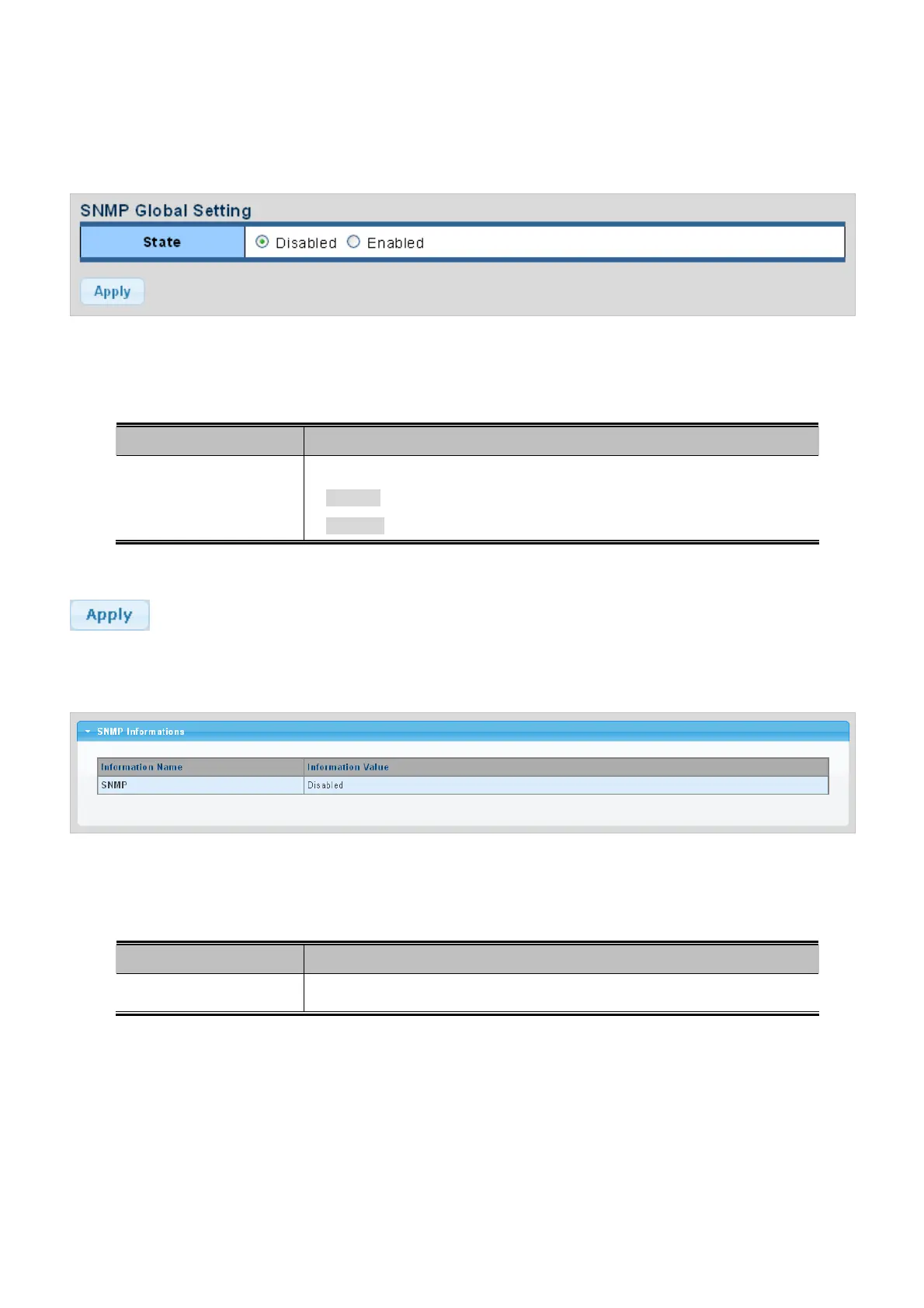
Configure SNMP setting on this page. The SNMP System global setting screens in Figure 4-2-21 & Figure 4-2-22 appear.
Figure 4-2-21 SNMP Global Setting page screenshot
The page includes the following fields:
Object Description
Status
Indicates the SNMP mode operation. Possible modes are:
Enabled: Enable SNMP mode operation.
Disabled: Disable SNMP mode operation.
Buttons
: Click to apply changes.
Figure 4-2-22 SNMP Information page screenshot
The page includes the following fields:
Object Description
Displa
y the current SNMP status
SNMP
4.2.7.3 SNMP View
Configure SNMPv3 view table on this page. The entry index keys are View Name and OID Subtree. The SNMPv3 View Table
Setting screens in Figure 4-2-23 and Figure 4-2-24 appear.
54



 To Next Page