User’s Manual of GSD-1002M
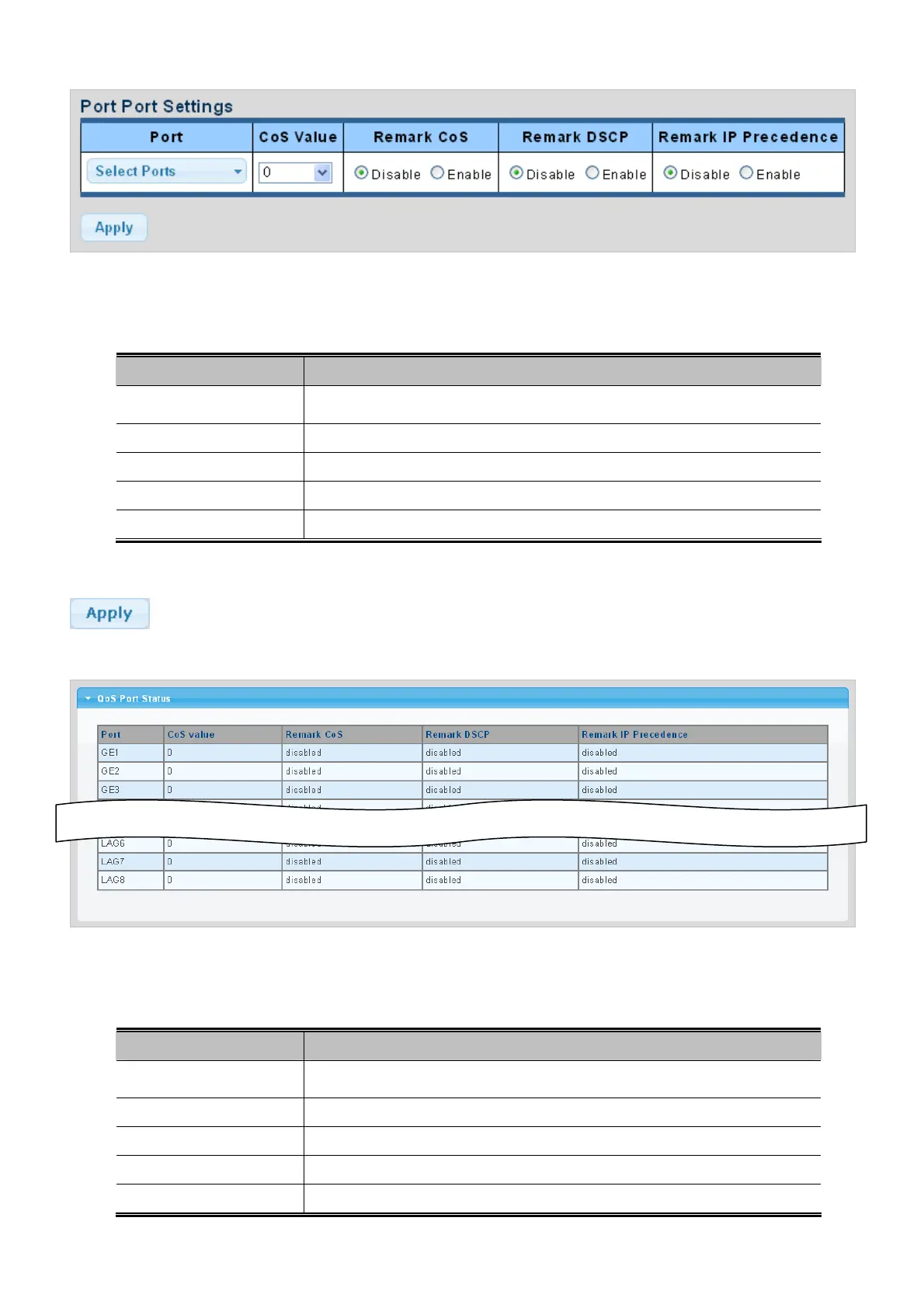
Figure 4-8-2 QoS Port Setting page screenshot
The page includes the following fields:
Object Description
Select port nu
mber for this drop down list.
Port Select
Select CoS value for this drop dow
n list.
CoS Value
Disable or e
nable remark CoS
Remark CoS
Disable or e
nable remark DSCP
Remark DSCP
Remark IP Precedence
Disable or enable remark IP Precedence
Buttons
: Click to apply changes.
Figure 4-8-3 QoS Port Status page screenshot
The page includes the following fields:
Object Description
The s
witch port number of the logical port.
Port
Displa
y the current CoS value.
CoS Value
Displa
y the current remark CoS.
Remark CoS
Displa
y the current remark DSCP.
Remark DSCP
Remark IP Precedence
Display the current remark IP precedence.
175



 To Next Page