User’s Manual of IGS-10020MT
4.7.7 MSTI Ports Configuration
This page allows the user to inspect the current STP MSTI port configurations, and possibly change them as well.
A MSTI port is a virtual port, which is instantiated separately for each active CIST (physical) port for each MSTI instance
configured and applicable for the port. The MSTI instance must be selected before displaying actual MSTI port configuration
options.
This page contains MSTI port settings for physical and aggregated ports. The aggregation settings are stack global. The MSTI
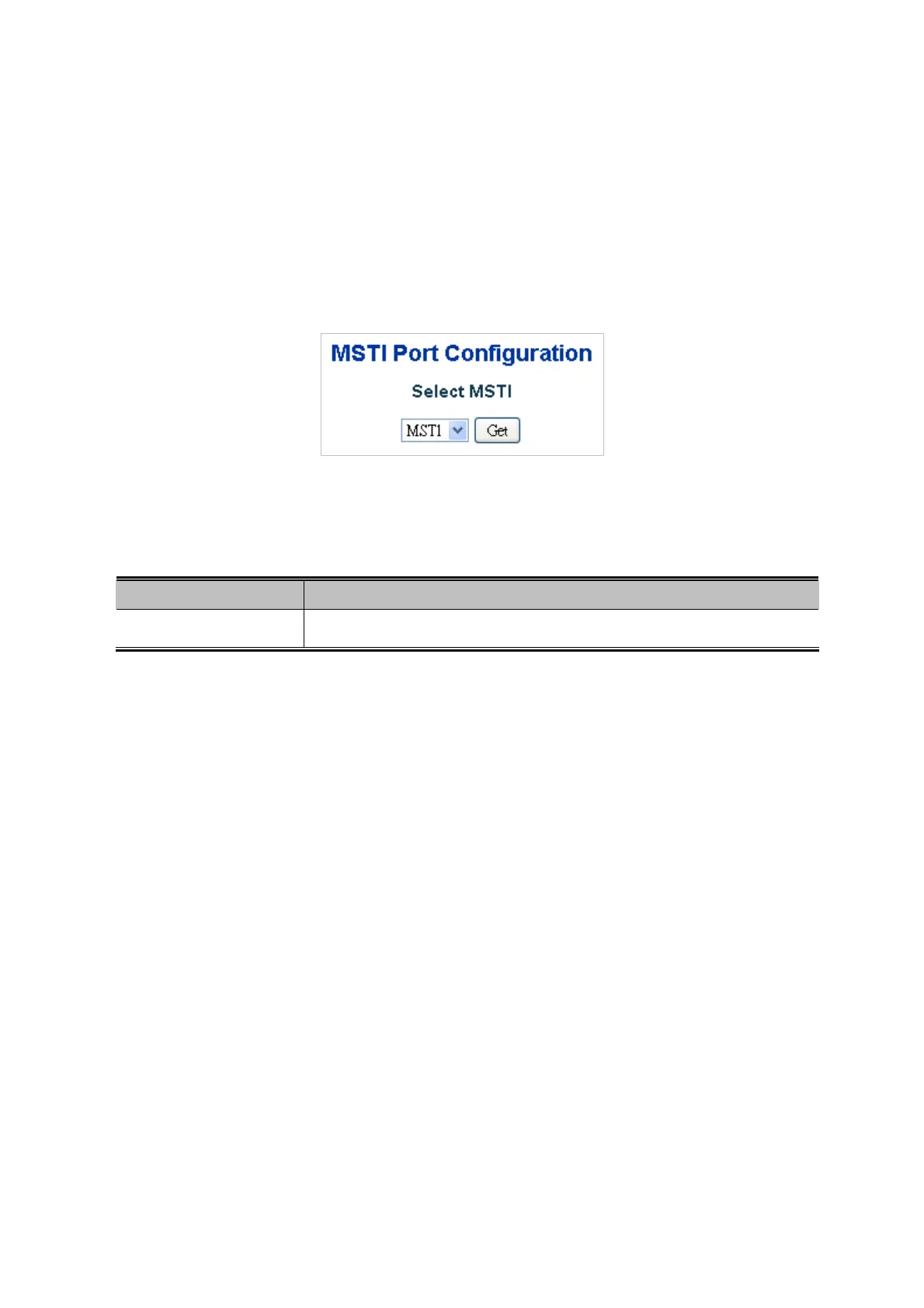
Port Configuration screen in Figure 4-7-9 & Figure 4-7-10 appears.
Figure 4-7-9: MSTI Port Configuration Page Screenshot
The page includes the following fields:
MSTI Port Configuration
Object Description
Select MSTI
Select the bridge instance and set more detail configuration.
161











 To Next Page