User’s Manual of IGS-10020MT
All means all ports will have one specific setting.
Buttons
: Click to translate all dynamic entries to static entries.
: Click to save changes.
: Click to undo any changes made locally and revert to previously saved values.
4.12.11 IP Source Guard Static Table
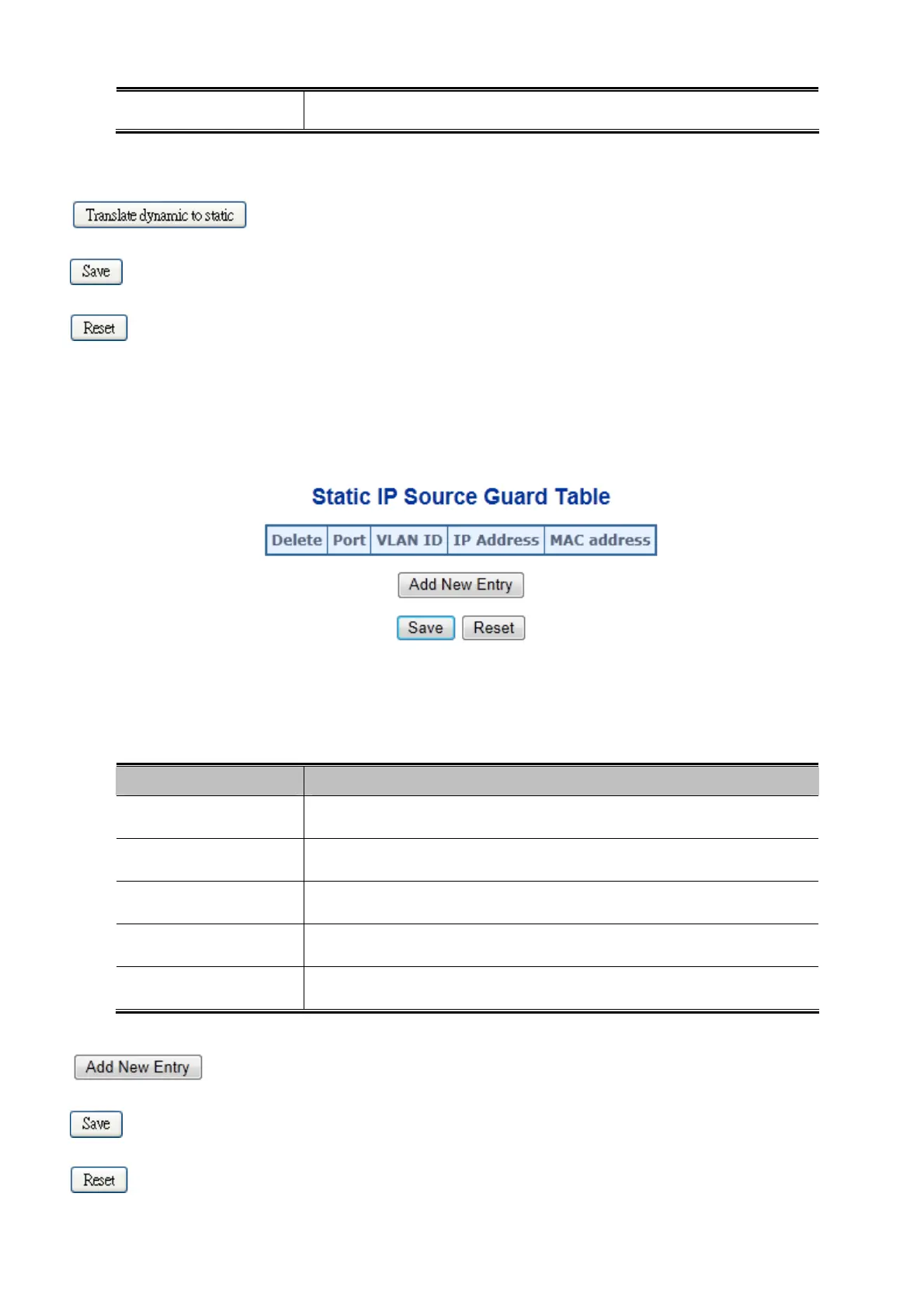
This page provides Static IP Source Guard Table. The Static IP Source Guard Table screen in Figure 4-12-11 appears.
Figure 4-12-11: Static IP Source Guard Table Screen Page Screenshot
The page includes the following fields:
Object Description
Delete
Check to delete the entry. It will be deleted during the next save.
Port
The logical port for the settings.
VLAN ID
The VLAN ID for the settings.
IP Address
Allowed Source IP address.
MAC address
Allowed Source MAC address.
Buttons
: Click to add a new entry.
: Click to save changes.
: Click to undo any changes made locally and revert to previously saved values.
289











 To Next Page