User’s Manual of IGS-10020MT
Buttons
: Click to add a new community entry.
: Click to save changes.
: Click to undo any changes made locally and revert to previously saved values.
4.17.5 RMON Event Detail
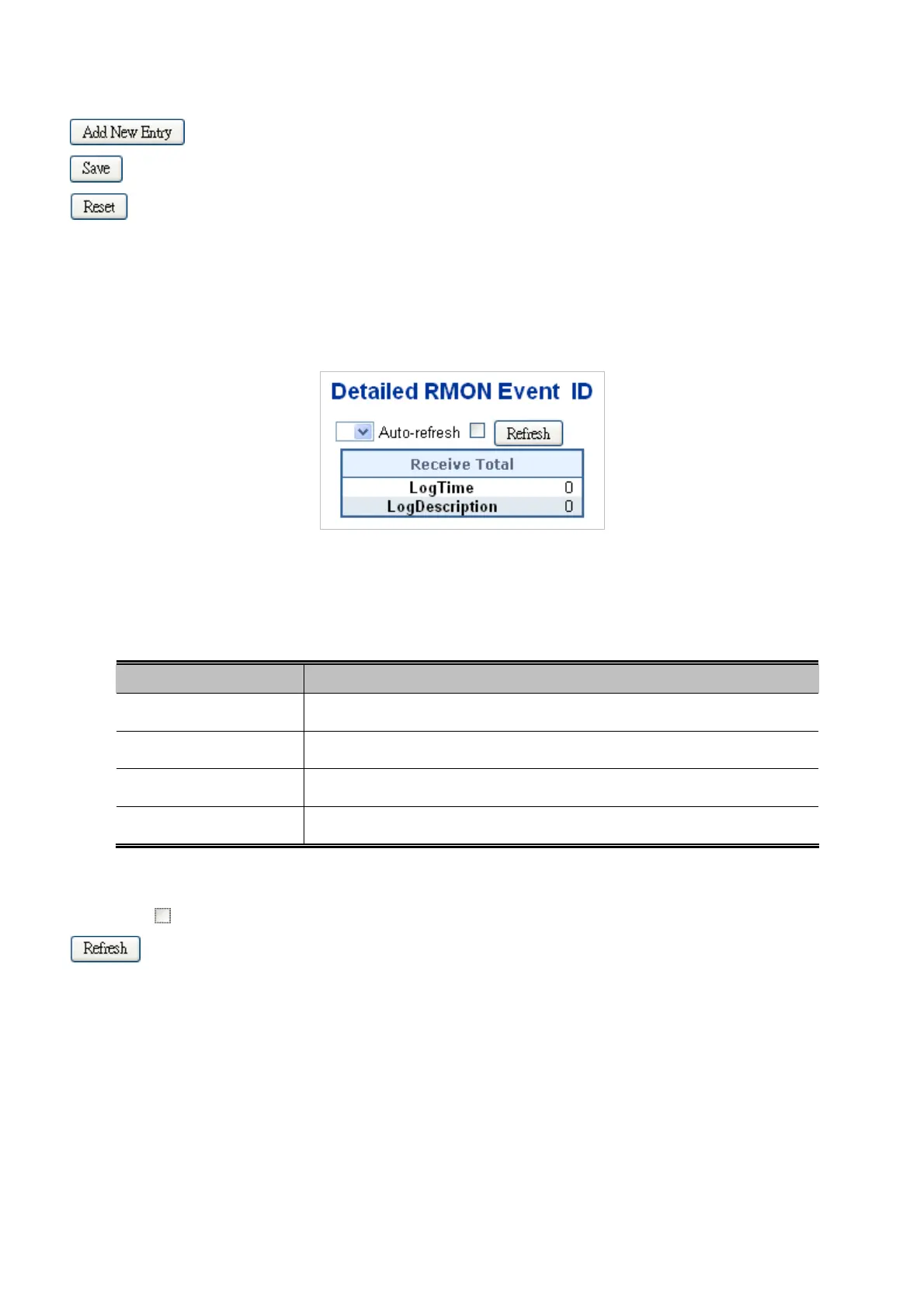
This page provides an overview of RMON event entries; screen in Figure 4-17-5 appears.
Figure 4-17-5: Detailed RMON Event ID page screenshot
The page includes the following fields:
Object Description
Event Index
Indicates the index of the event entry.
Log Index
Indicates the index of the log entry.
LogTime
Indicates Event log time
LogDescription
Indicates the Event description.
Buttons
Auto-refresh
: Check this box to refresh the page automatically. Automatic refresh occurs every 3 seconds.
: Click to refresh the page immediate.
329











 To Next Page