User’s Manual of IGS-10020MT
193
Mode
Shows the scheduling mode for this port.
Q0 ~ Q5
Shows the weight for this queue and port.
4.9.5 Port Shaping
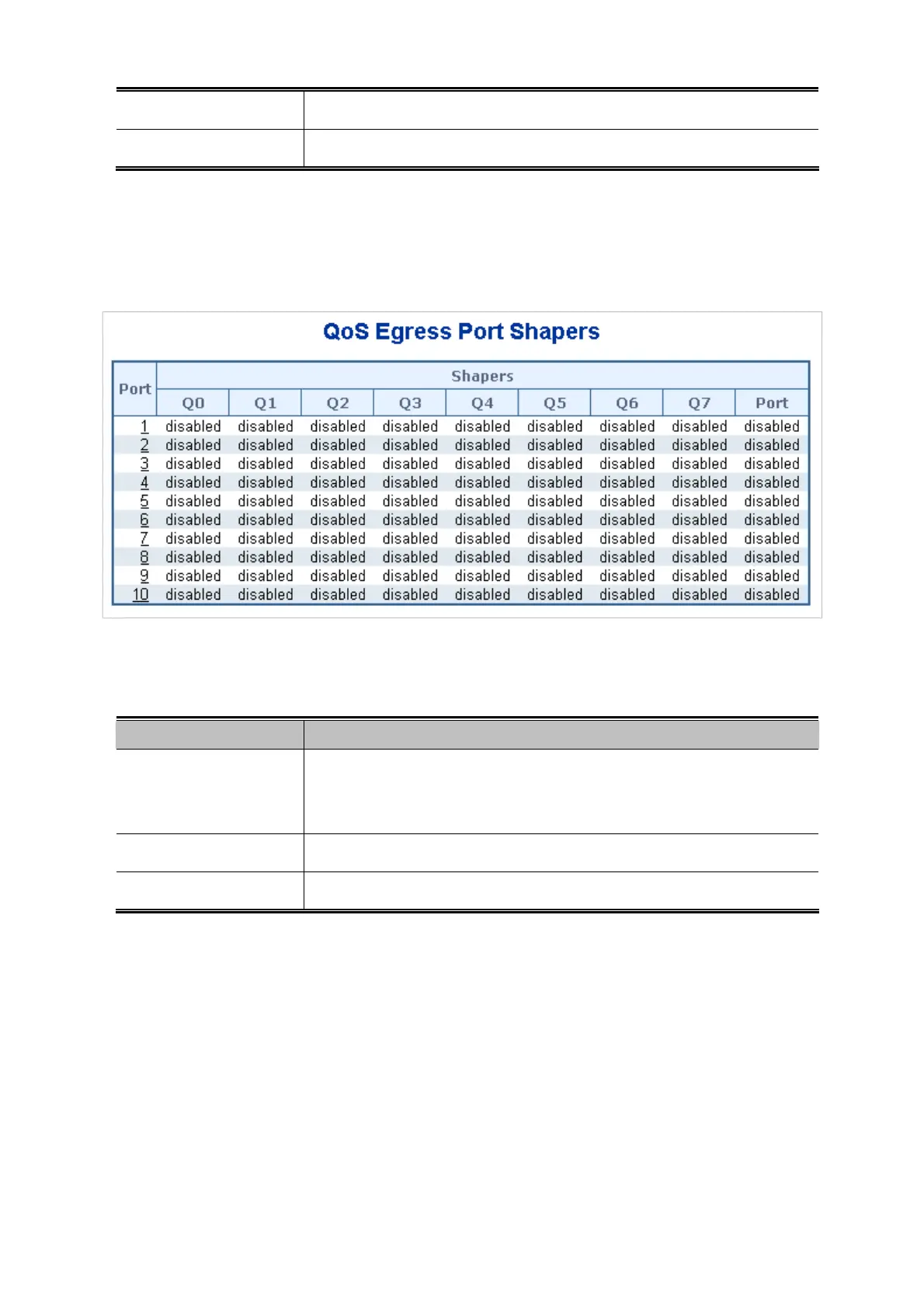
This page provides an overview of QoS Egress Port Shapers for all switch ports. The Port Shapping screen in Figure 4-9-5
appears.
Figure 4-9-5: QoS Egress Port Shapers Page Screenshot
The page includes the following fields:
Object Description
Port
The logical port for the settings contained in the same row.
Click on the port number in order to configure the shapers.
For more detail, please refer to chapter 4.9.5.1.
Q0 ~Q7
Shows "disabled" or actual queue shaper rate - e.g. "800 Mbps".
Port
Shows "disabled" or actual port shaper rate - e.g. "800 Mbps".











 To Next Page