User’s Manual of IGS-10020MT
4.17.6 RMON Event Status
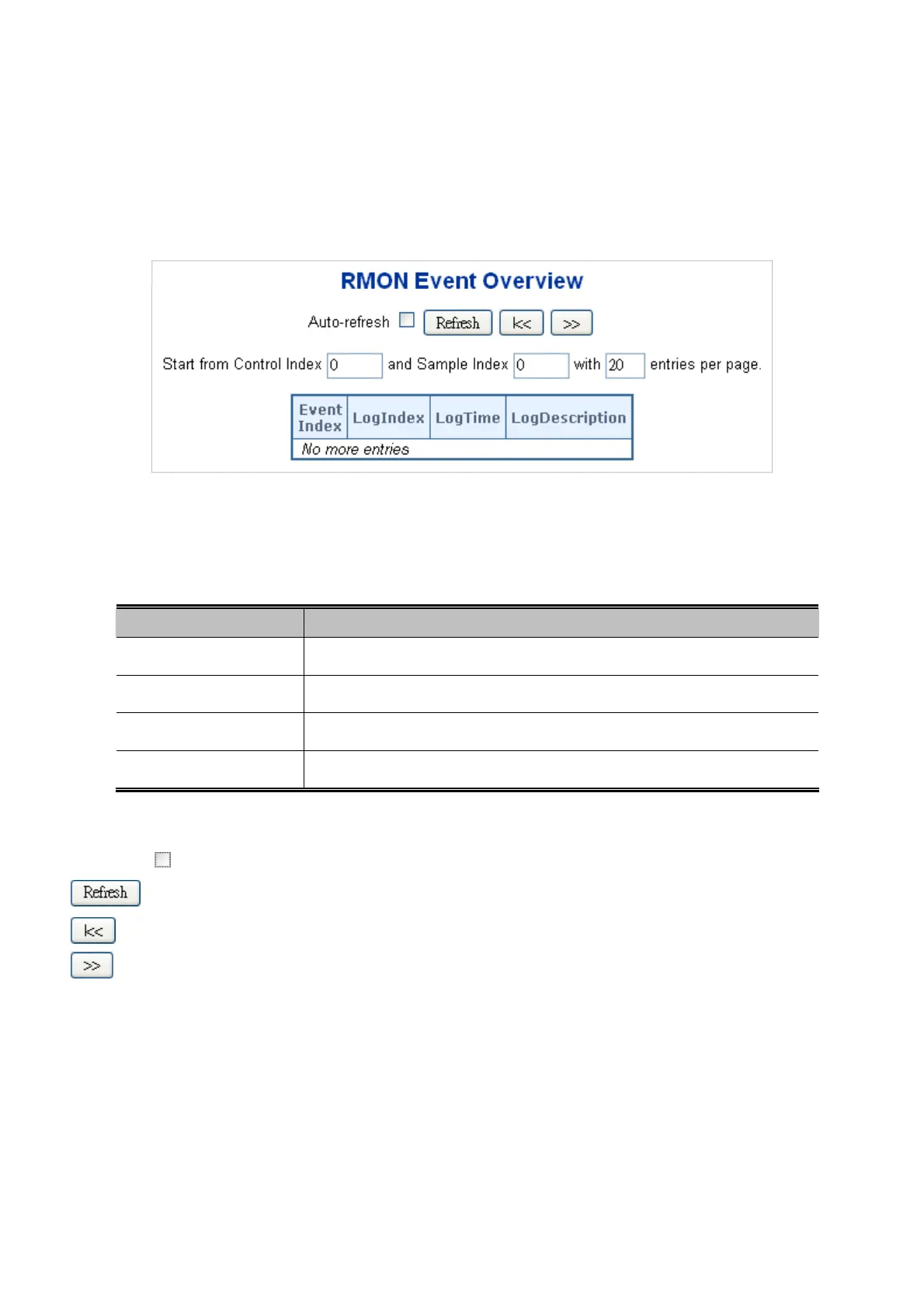
This page provides an overview of RMON Event table entries.Each page shows up to 99 entries from the Event table, default
being 20, selected through the "entries per page" input field. When first visited, the web page will show the first 20 entries from
the beginning of the Event table. The first displayed will be the one with the lowest Event Index and Log Index found in the Event
table table; screen in Figure 4-17-6 appears.
Figure 4-17-6: RMON Event Overview page screenshot
The page includes the following fields:
Object Description
Event Index
Indicates the index of the event entry.
Log Index
Indicates the index of the log entry.
LogTime
Indicates Event log time
LogDescription
Indicates the Event description.
Buttons
Auto-refresh
: Check this box to refresh the page automatically. Automatic refresh occurs every 3 seconds.
: Click to refresh the page immediate.
: Updates the table starting from the first entry in the Alarm Table, i.e. the entry with the lowest ID.
: Updates the table, starting with the entry after the last entry currently displayed.
330











 To Next Page