User’s Manual of IGS-10020MT
195
Queue Scheduler
Percent
Shows the weight in percent for this queue. This parameter is only shown if
"Scheduler Mode" is set to "Weighted".
Port Shaper Enable
Controls whether the port shaper is enabled for this switch port.
Port Shaper Rate
Controls the rate for the port shaper. The default value is 500. This value is
restricted to 100-1000000 when the "Unit" is "kbps", and it is restricted to
1-3300 when the "Unit" is "Mbps".
Port Shaper Unit
Controls the unit of measure for the port shaper rate as "kbps" or "Mbps". The
default value is "kbps".
Buttons
: Click to save changes.
: Click to undo any changes made locally and revert to previously saved values.
: Click to undo any changes made locally and return to the previous page.
4.9.6 Port Tag Remarking
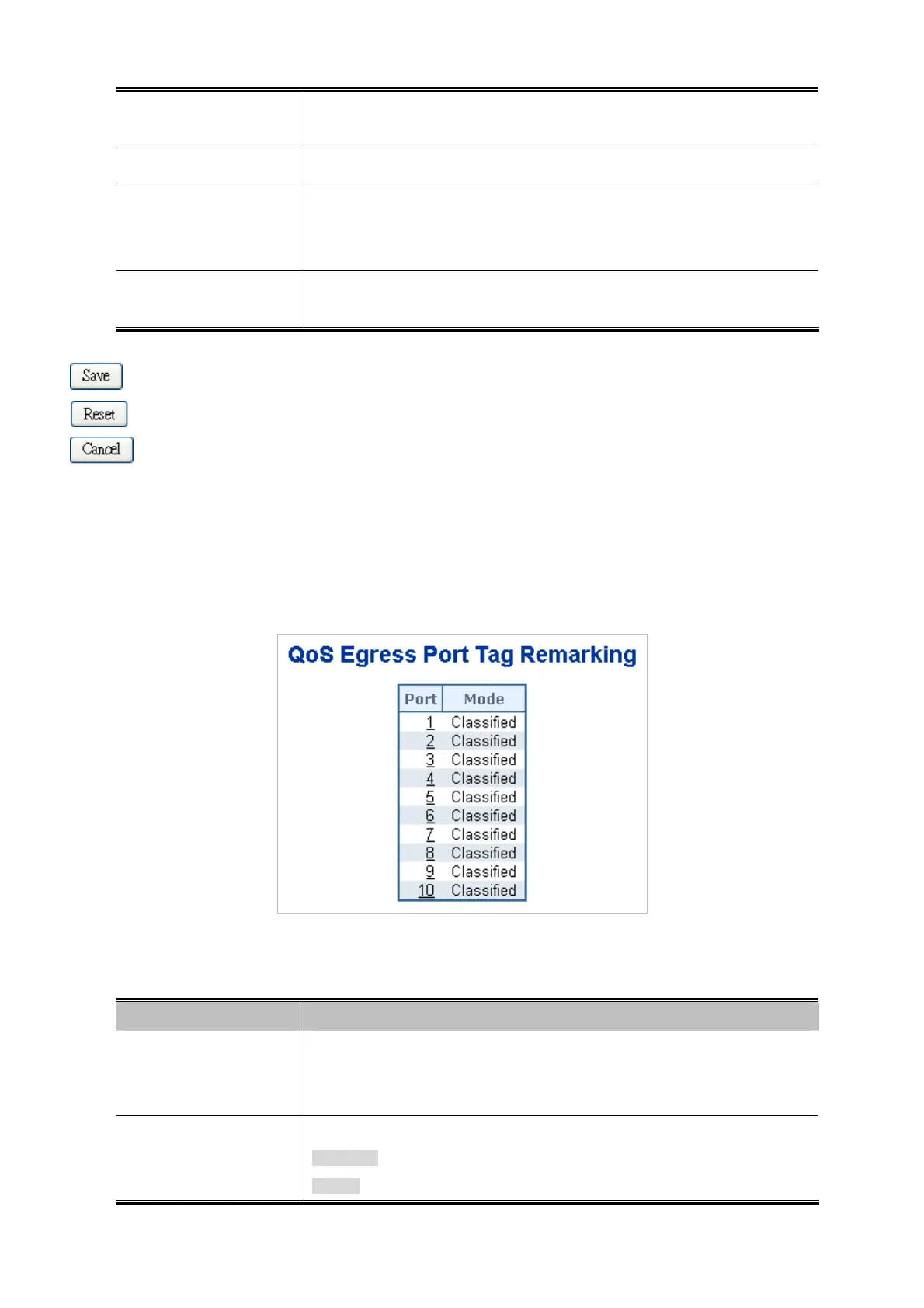
This page provides an overview of QoS Egress Port Tag Remarking for all switch ports. The Port Tag Remarking screen in
Figure 4-9-7 appears.
Figure 4-9-7: QoS Egress Port Tag Remarking Page Screenshot
The page includes the following fields:
Object Description
Port
The logical port for the settings contained in the same row.
Click on the port number in order to configure tag remarking.
For more detail, please refer to chapter 4.9.6.1.
Mode
Shows the tag remarking mode for this port.
Classified: Use classified PCP/DEI values.
Default: Use default PCP/DEI values.











 To Next Page