User’s Manual of IGS-10020MT
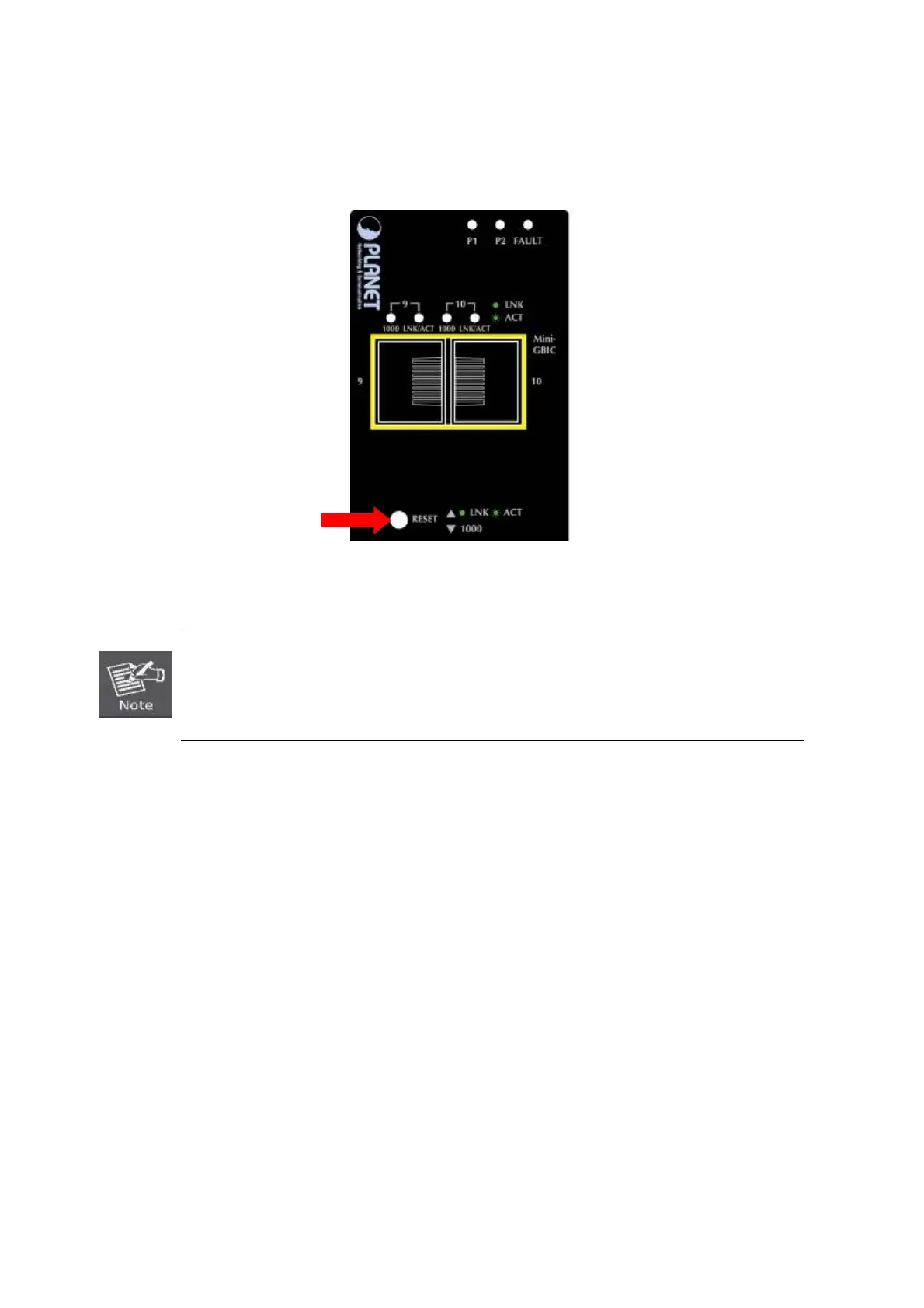
■ Reset Button
At the left of front panel, the reset button is designed for reboot the Industrial Managed Switch without turn off and on the
power, also can reset the Industrial Managed Switch to factory default mode.
Fi
gure 2-2: Reset button of Industrial Managed Switch
1. Press the RESET button once. The Industrial Managed Switch will reboot automatically.
2. Press the RESET button for 5 seconds. The Industrial Managed Switch will back to the
factory default mode; the entire configuration will be erased.
30











 To Next Page