User’s Manual of IGS-10020MT
separating each field (:). For example, 'fe80::215:c5ff:fe03:4dc7'. The symbol '::'
is a special syntax that can be used as a shorthand way of representing multiple
16-bit groups of contiguous zeros; but it can appear only once. It can also
represent a legally valid IPv4 address. For example, '::192.1.2.34'.
Trap Authentication
Failure
Indicates the SNMP entity is permitted to generate authentication failure traps.
Possible modes are:
Enabled: Enable SNMP trap authentication failure.
Disabled: Disable SNMP trap authentication failure.
Trap Link-up and
Link-down
Indicates the SNMP trap link-up and link-down mode operation. Possible modes
are:
Enabled: Enable SNMP trap link-up and link-down mode operation.
Disabled: Disable SNMP trap link-up and link-down mode operation.
Trap Inform Mode
Indicates the SNMP trap inform mode operation. Possible modes are:
Enabled: Enable SNMP trap inform mode operation.
Disabled: Disable SNMP trap inform mode operation.
Trap Inform Timeout
(seconds)
Indicates the SNMP trap inform timeout. The allowed range is 0 to 2147.
Trap Inform Retry
Times
Indicates the SNMP trap informs retry times. The allowed range is 0 to 255.
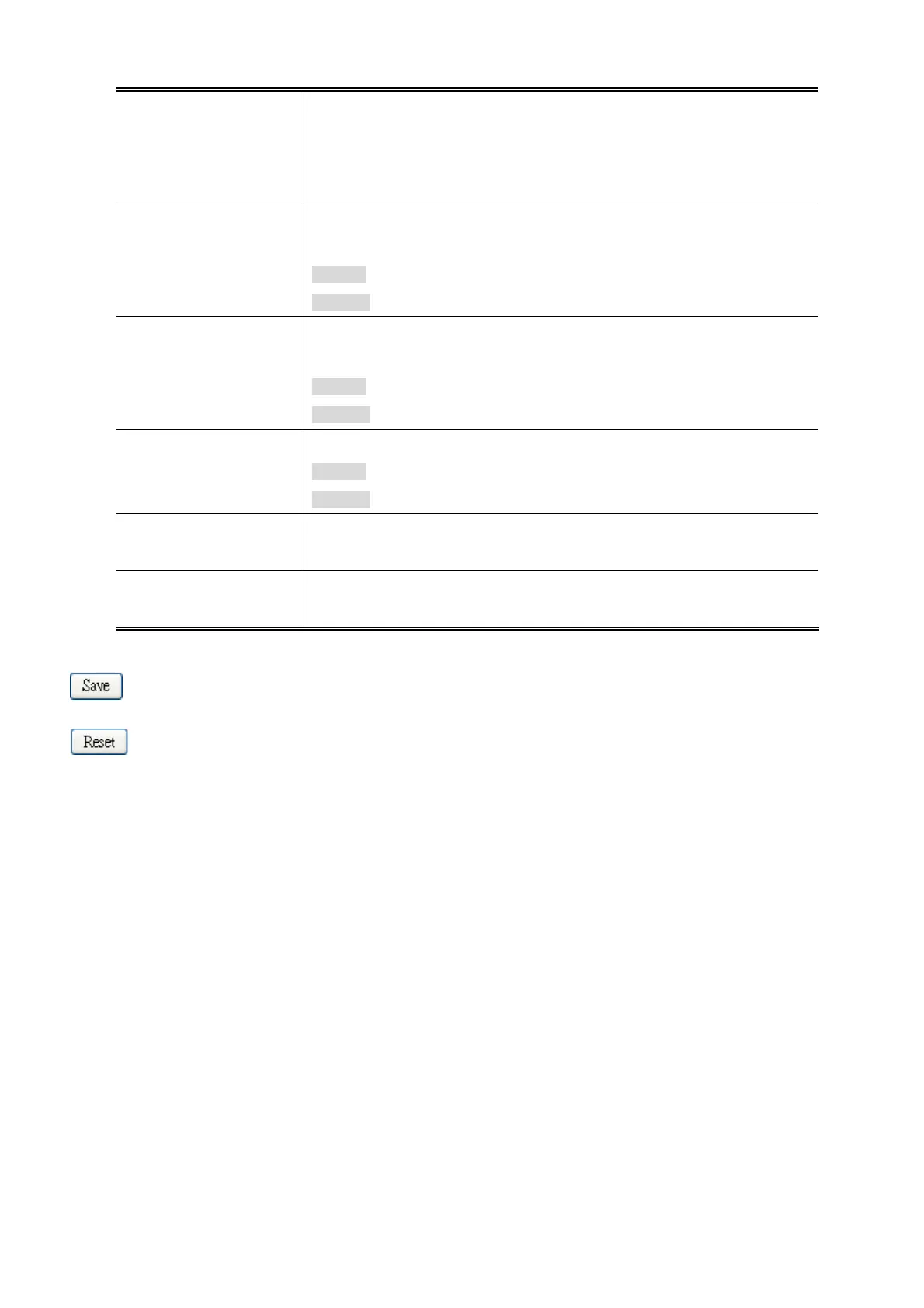
Buttons
: Click to save changes.
: Click to undo any changes made locally and revert to previously saved values.
89











 To Next Page