Roche Diagnostics
74 Operator’s Manual · Version 3.0
4 Software Multiplate® analyzer
Main screen
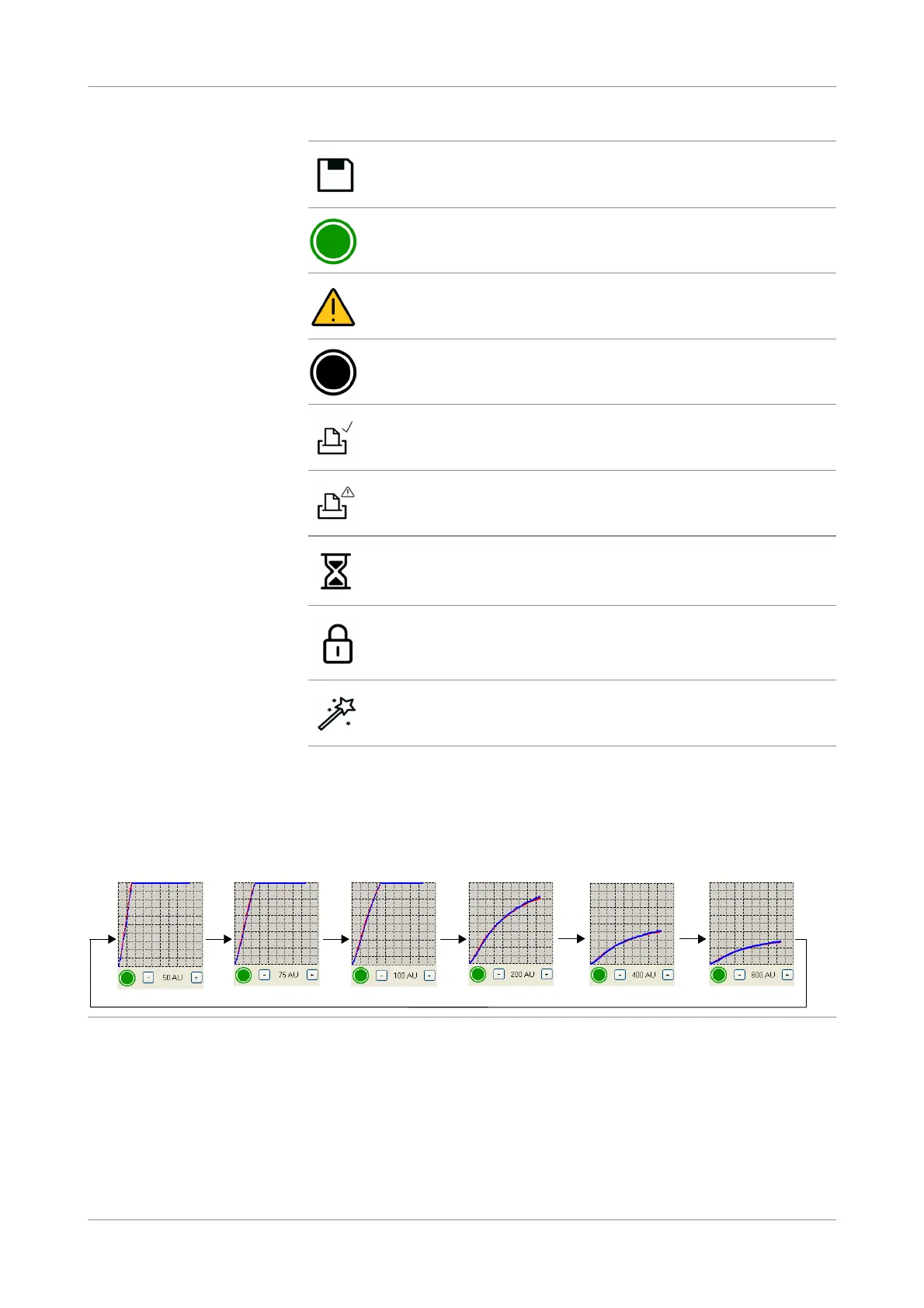
Scaling buttons The Y axis scale of the graphic is adjustable to 6 levels: 50, 75, 100, 200, 400, and
600 aggregation units [AU].
By choosing the scaling buttons at the bottom of the graphic, the scale changes to the
next level. This function allows optimal visualization of curves with low aggregation
responses (Level 50 / 75 AU) and a better display of high aggregation curves.
Figure 4-6 Different scaling levels
To improve the assessment of curves with higher aggregation signals, the scaling
button is preset to 200 AU.
It is possible to change the scale for each channel individually or for all channels
simultaneously by enabling the option Synchronized graphic scaling in
Configuration >Edit ana lyzer configur ation > Display / print.
Saving measurement results.
Measurement has been completed without data alarm.
Measurement has been completed with a data alarm.
Measurement has been completed with a data alarm. The data alarm
was confirmed by the user.
Results have been printed.
A printing problem has occurred.
Channel is busy.
Channel is locked.
Electronic pipette is in use on this channel.











 To Next Page