Sirius 800 Series User Manual 4915 Sirius 800 AES/MADI Input Module Input Rear Panels and Input Modules 9.17
Iss 5 Rev 7 Page 139 © 2017 SAM
Yellow
Remote
Command
OK
Receiving messages
from remote Nucleus
control module (the
Nucleus controller in the
frame linked to this
frame)
Sirius 830/840/850 (no expansion):
Off - Expansion not used.
Sirius 850 (expanded to second frame):
Flashing - receiving information and
working correctly
Red
Remote
Error
Error with messages
from remote Nucleus
control module (the
Nucleus controller in the
frame linked to this
frame)
Sirius 830/840/850 (no expansion):
Off - Expansion not used.
Sirius 850 (expanded to second frame):
Off - normal state,
Flashing - the command message from
the remote router controller is corrupt or
hasn’t been received.
This communications error could be
caused by a hardware failure or incorrect
insertion. Check that the module is
inserted correctly and the four RJ45
connections between the frames are fitted
correctly (see section 12.2).
If the “Remote Error” LED is flashing at the
same time as the “Remote Command OK”
LED is flashing it suggests a mismatch in
the configuration of the Nucleus controller.
Check the controller configuration.
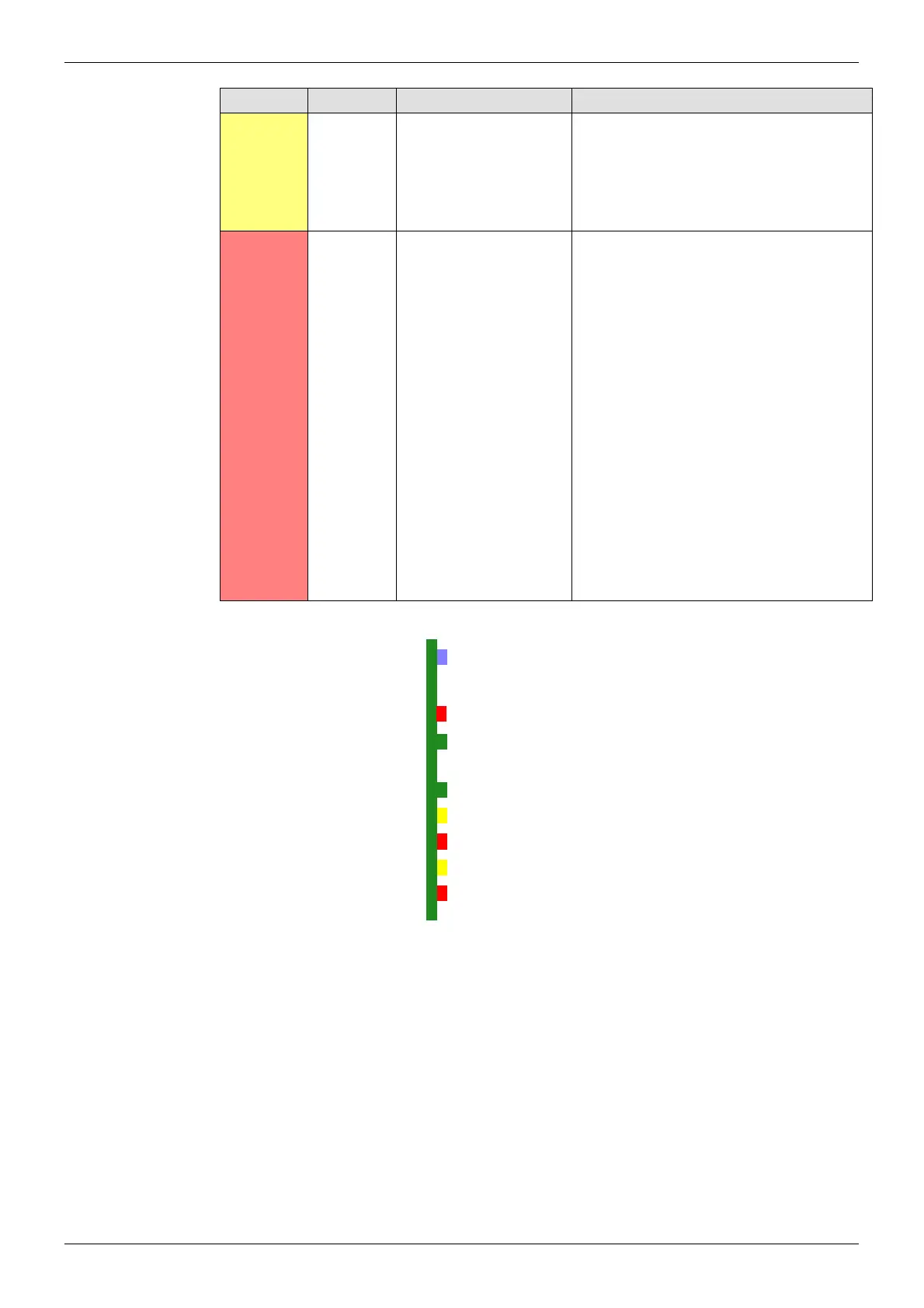
Figure 94 4915 Input Module LEDs
LED Color Label Detail Status
Table 24 4915 Input Module LED Information
Power OK
Local Command OK
Local Error
Remote Command OK
Remote Error
LED G
LED R
Fugue Status



 To Next Page