Sirius 800 Series User Manual 5902 Sirius 800 Multiviewer Crosspoint Multiviewer & Input/Output Monitoring Modules 13.5
Iss 5 Rev 7 Page 239 © 2017 SAM
13.5.2 5902 Sirius 800 Multiviewer Crosspoint Module LED Information
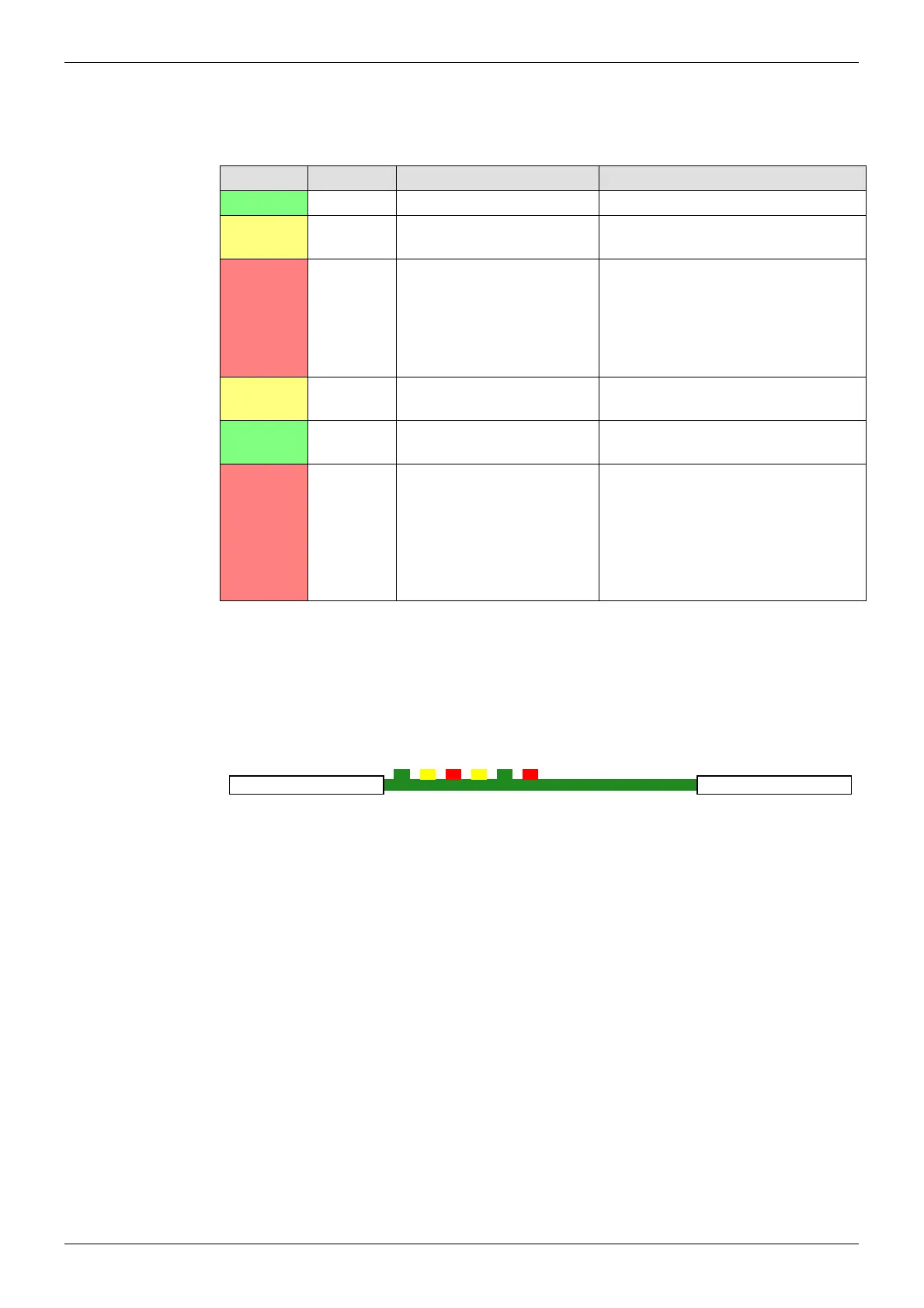
Table 56 shows the LED color code on the 5902 Multiviewer Crosspoint Module, and Figure
167 shows the front edge of the module.
LED Color Function Detail Normal Working Status
Green Power OK Power to the module On Solid - working correctly
Yellow
Command
OK
Command from the Control
module
Flashing - receiving information and
working correctly
Red
Command
Error
Error with command from
the Control module
Off - normal state
Flashing - the command message
from the router controller is corrupt or
hasn’t been received. Contact SAM
Customer Support (see section 1.2
for contact details).
Yellow
Switch Flashes on a take signal
when switching a route
Off - normal state
Flashes - each time a route is set
Green
PAL OK Flashes and signals that the
FPGA is working correctly
Flashing - the FPGA is working
correctly
Red
Xpt Error Displays if there is a
problem with any
crosspoints
Off - normal state
On solid - problem with one or more
crosspoints on the module.
Flashing - Crosspoint module
overheating, make sure the fan
assemblies are all closed and the
fans are all operating correctly.
Table 56 5902Sirius 800 Series Multiviewer Crosspoint Module LED Information
Figure 167 5902Sirius 800 Series Multiviewer Crosspoint Module LEDs
Power OK
Command OK
Command Error
Switch
PAL OK
Xpt Error
5902



 To Next Page