Sirius 800 Series User Manual 5905 Sirius 800 Series Video Crosspoint Module Crosspoint Modules 10.1
Iss 5 Rev 7 Page 159 © 2017 SAM
10.1.1 5905 Video Crosspoint Module LED Information
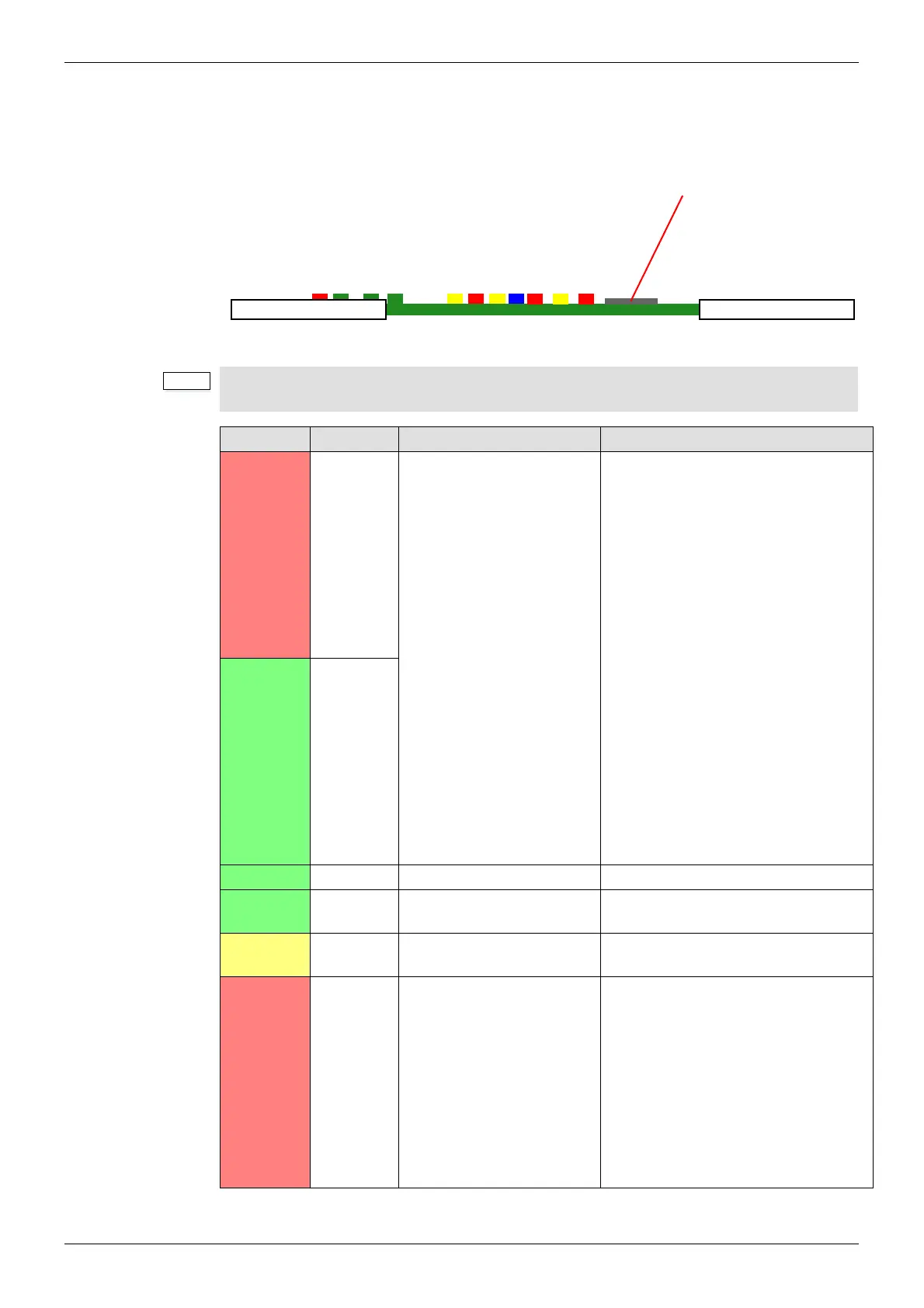
Table 34 shows the LED color code on the 5905 Video Crosspoint Module, and Figure 109
shows the front edge of the module.
Figure 109 5905 Video Crosspoint Module LEDs
If the active LED is not illuminated, it is safe to remove the video crosspoint module without
affecting any active routes.
LED Color Label Detail Status
Red Config R
FPGA status
Flashing rapidly between Red &
Green (2 Hz each LED) - starting up
Green On Solid & Red Off - normal
state working correctly
Green Off & Red On Solid - FPGA
programming fault found. Remove
module and refit to force a reboot.
Red & Green Flashing very rapidly
in sync (4 Hz each LED) - A change
has been made to the module settings
database in RAM but it has not yet
been written to flash memory. This is
not a fault and the flash memory will
be updated after a period of inactivity.
Do not remove power from the module
while this indication is present as the
flash may become corrupted.
Other indications are displayed when
performing a firmware upgrade, see
the Sirius 800 Maintenance &
Upgrade manual for details.
Green Config G
Green Power OK Power to the module On Solid - working correctly
Green
PAL OK FPGA Working Flashing - the FPGA is working
correctly
Yellow
Command
OK
Command from the Control
module
Flashing - receiving information and
working correctly
Red
Command
Error
Error with command from
the Control module
Off - normal state
Flashing - the command message
from the router controller is corrupt or
hasn’t been received. If all of the
crosspoint modules indicate a
Command Error check that the router
controller is operating correctly. If only
one of the crosspoint modules
indicates the error contact SAM
Customer Support (see section 1.2 for
contact details).
Table 34 5905 Video Crosspoint Module LED Information
Power OK
Command OK
Command Error
Switch
PAL OK
Xpt Alarm
Active
Route Fail
Config R
Config G
Fugue Status
5905
SD/SDHC Card - Used
for upgrading Crosspoint
module firmware, see
the Sirius 800
Maintenance & Upgrade
manual for details.



 To Next Page