Sirius 800 Series User Manual Workbench Catsii Control Catsii Functionality 6.3
Iss 5 Rev 7 Page 82 © 2017 SAM
6.2.1 Door PC Catsii Control
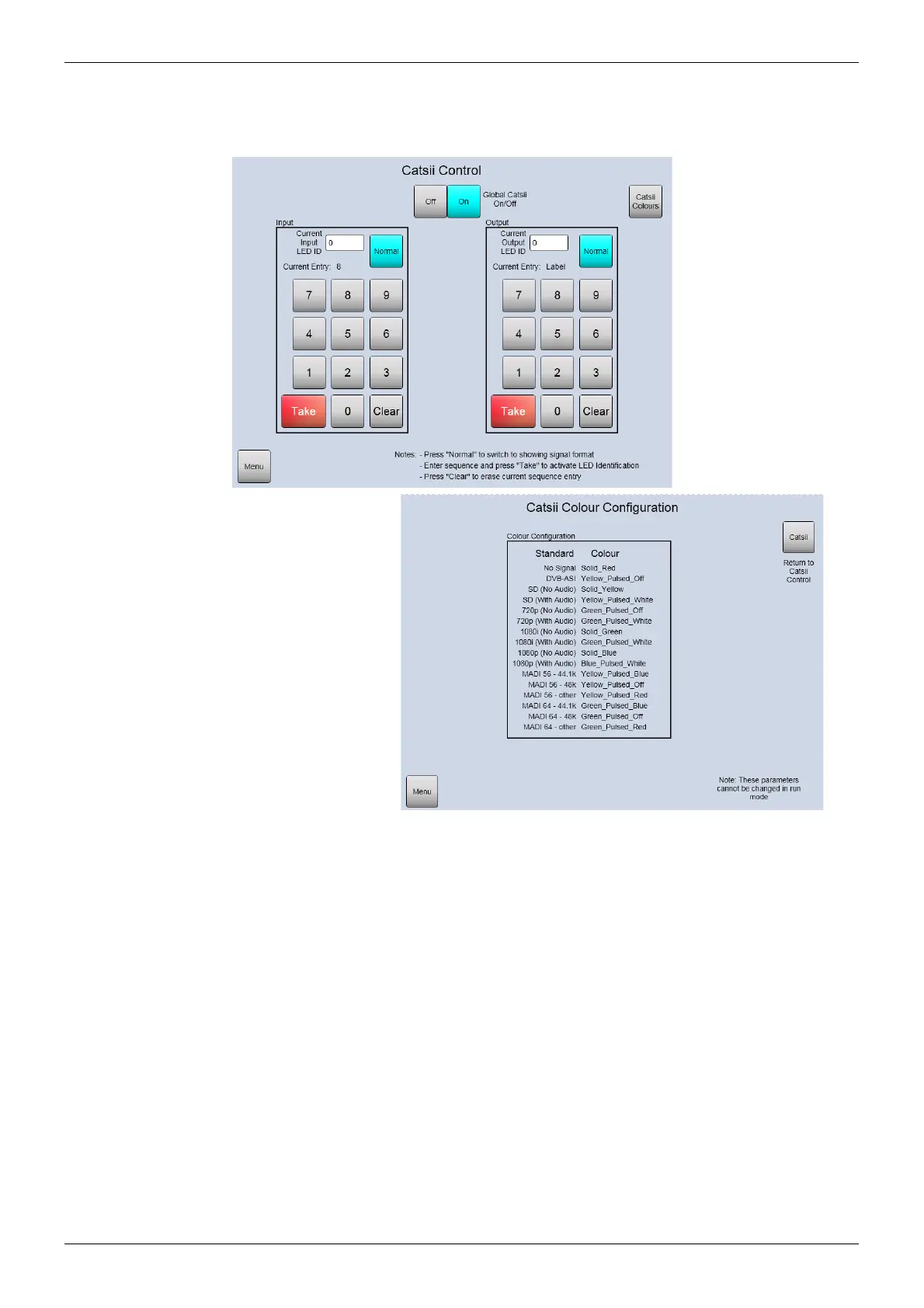
The Catsii inputs and outputs can be identified using the door PC, Figure 45
6.3 Workbench Catsii Control
To apply a user-assigned color configuration through Workbench from a remote PC:
1. In Workbench Configuration mode click on Edit Controller Config, select the
Generic tab and click on the Edit Controller button. This opens the Generic Editor.
Nucleus (2450) Controllers
Navigate to:
Controller | Devices | Devices | Config2450 | ModuleConfigurations
| ModuleConfigurations[280]: TCatsiiControlModule
Nucleus2 Controllers
Navigate to:
Devices | Devices[1]: LocalRouterConfig | ModuleConfigurations |
ModuleConfigurations[280]: CatsiiControl
2. Select a parameter and then select the color from the drop down list.
Figure 45 Door PC Catsii Control



 To Next Page