Sirius 800 Series User Manual Older Control Panels External Control 7.2
Iss 5 Rev 7 Page 85 © 2017 SAM
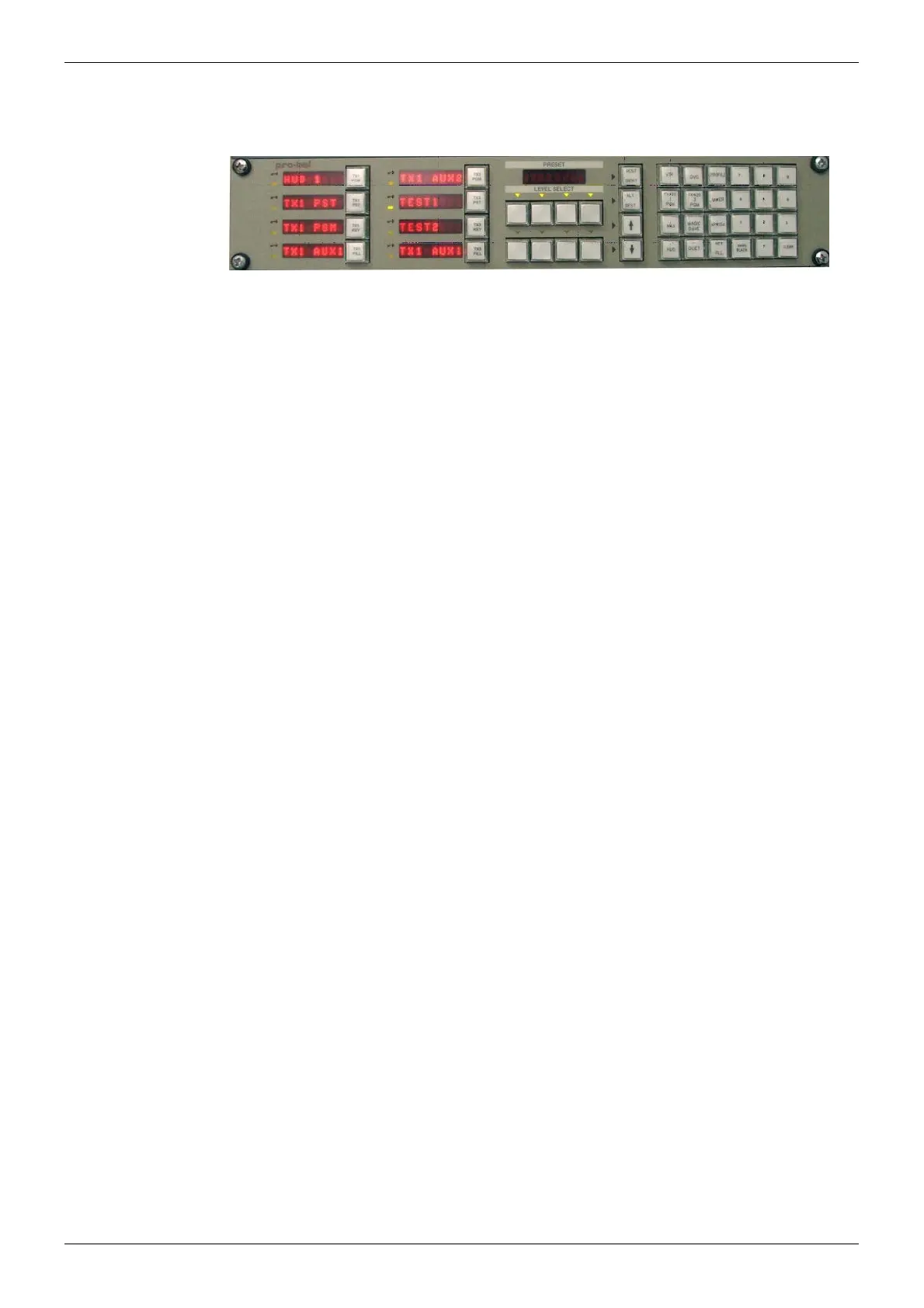
7.2.3 6277 2RU
Range of Dial-up Multibus panels.
To connect these panels to a Sirius 800, use a multi-drop pin to pin RS485 cable and connect
to one of the four RS485 connectors on the Control Rear Panel.
For configuration details refer to the Workbench manual. These RS485 connectors
correspond to COM 3 to COM 6 in Workbench.
For details on switch settings refer to the User Manuals supplied with the control panel.
Each serial port can be configured to connect to up to 16 panels.
Figure 53 6277 2RU Dial-up Multibus Panel



 To Next Page