Sirius 800 Series User Manual Status Door PC 5.2
Iss 5 Rev 7 Page 54 © 2017 SAM
5.2 Status
The Status box on the main menu screen contains the Alarms, Modules and Temperature
buttons.
5.2.1 Alarms
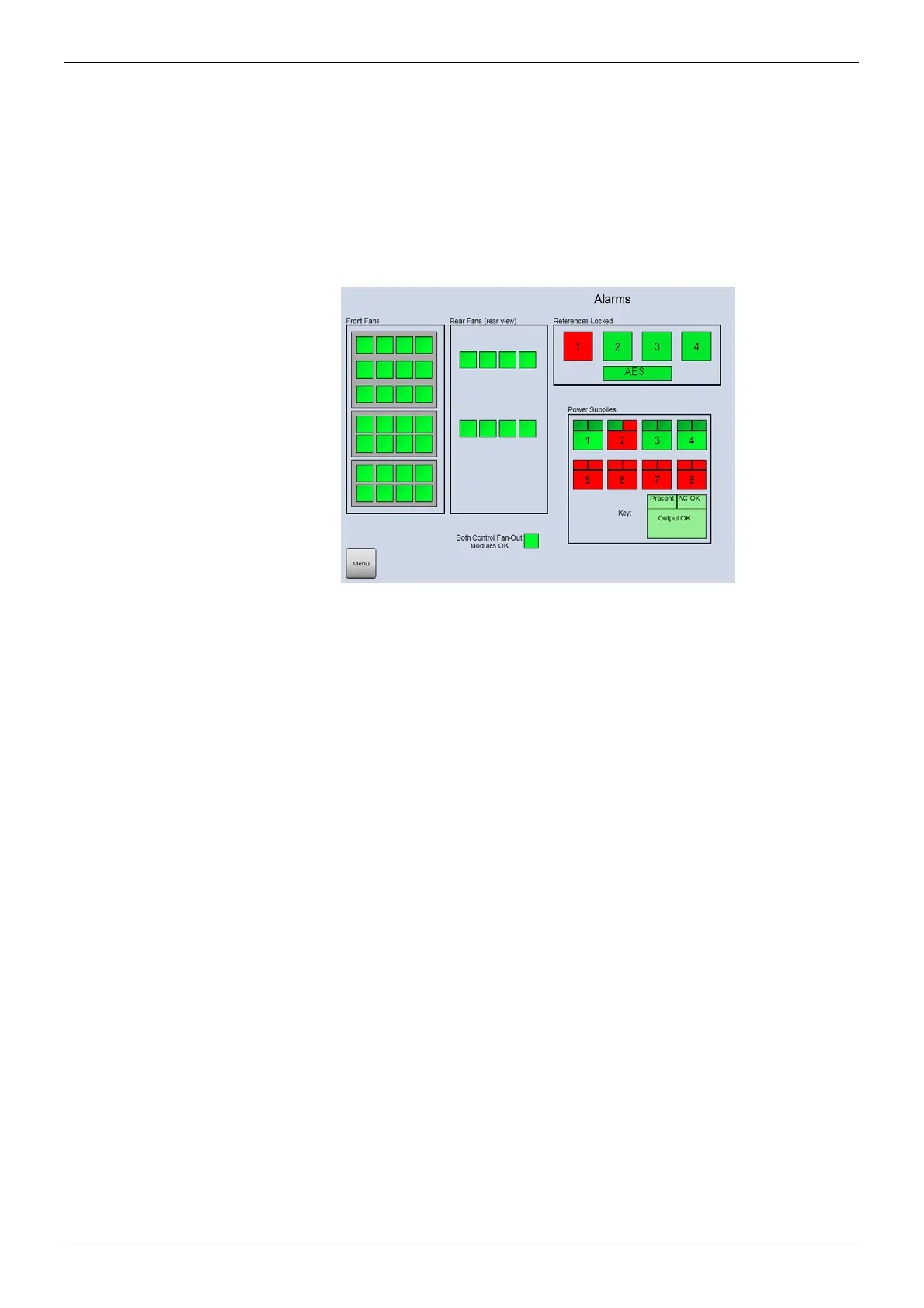
Touch the Alarms button on the main menu screen to view the router alarm status (see
section 5.1). Alternatively touch either the Fans or Power Supplies status boxes on the main
menu screen (see section 5.1).
Figure 22 Alarms (Sirius 840 Router shown)



 To Next Page