Add User
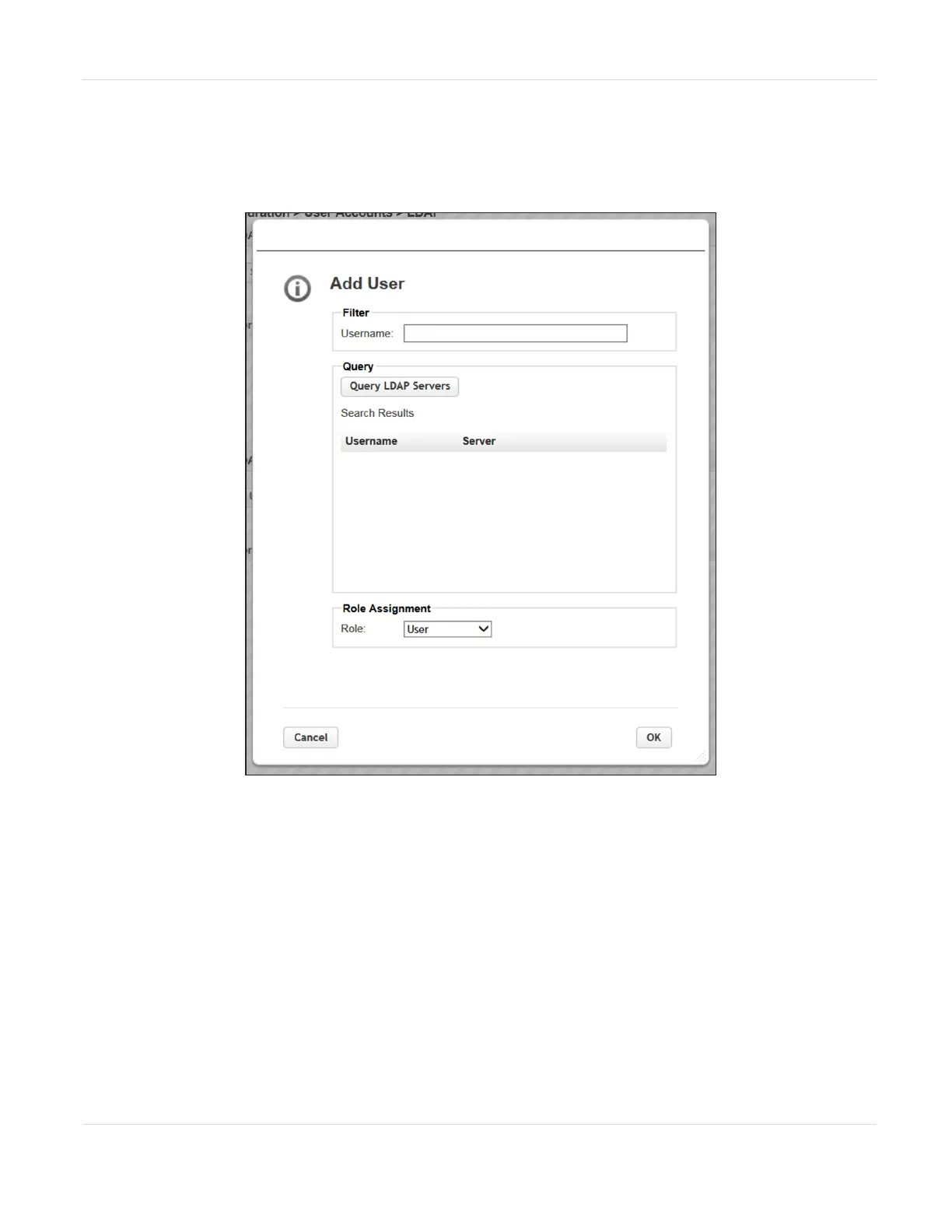
To add an LDAP user, click Add User, the Add User dialog box displays.
Figure47 The LDAP Add User dialog box.
1. Click Query LDAP Servers to see a list of available users.
2. Select a user name and then assign the user a Role (User, Administrator, or
Security).
3. Click OK.
JANUARY 2023 102
SPECTRA STACK LIBRARY
USER GUIDE
CHAPTER 3 - CONFIGURING THE LIBRARY



 To Next Page