LOGGING INTO THE LIBRARY
Use the instructions in this section to log into the library. The process is similar when
using either the OPC or RMI.
1. Access the user interface:
• Using the OCP - touch the screen to clear the screen saver and display the
login screen.
• Using the RMI - open a web browser and enter the IP address of the library in
the browser address bar.
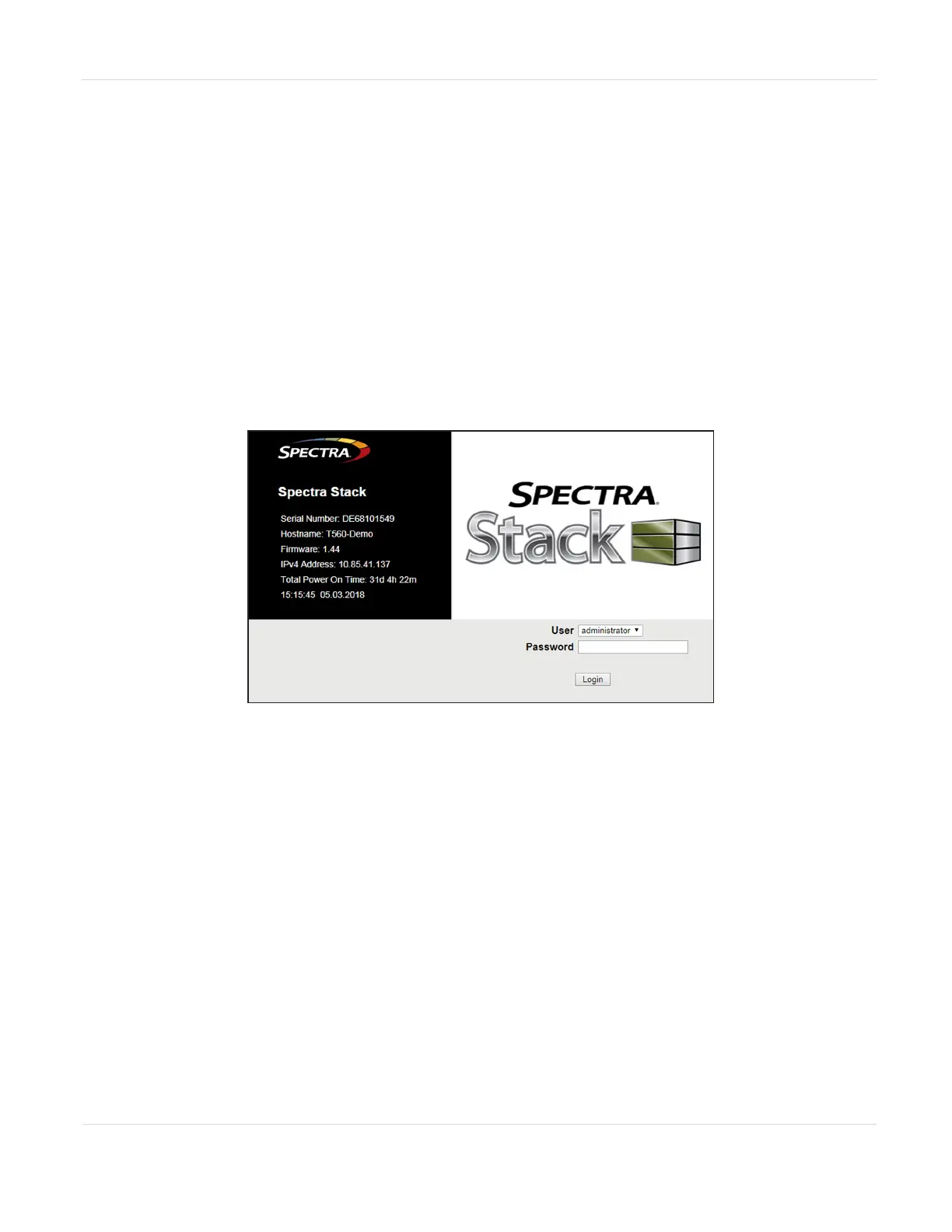
The Login screen displays.
Figure9 The Login screen.
2. Using the drop-down menu, select the desired User.
3. If necessary, enter the Password for the user.
4. Click Login.
JANUARY 2023 51
SPECTRA STACK LIBRARY
USER GUIDE
CHAPTER 2 - USING THE BLUEVISION INTERFACE



 To Next Page