Robotics Test
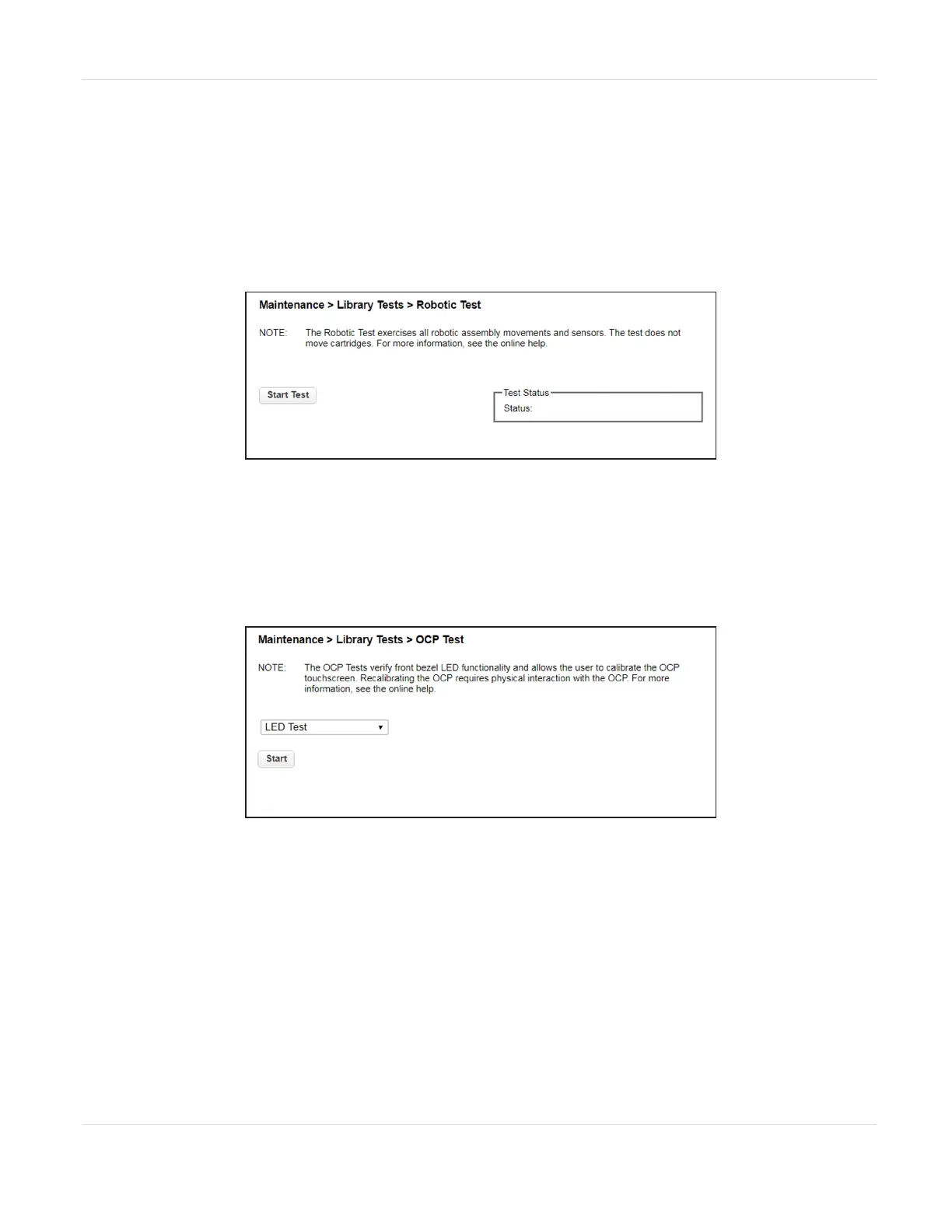
The robotics test performs a full inventory and exercises all robotic assembly
movements and sensors.
To run the robotics test, navigate to the Maintenance > Library Tests > Robotic Test
screen, then click Start Test.
Figure110 The Robotic Test screen.
OCP Test and Calibration
1. To test or calibrate the OCP, navigate to the Maintenance > Library Tests > OCP
Test screen.
Figure111 The OCP Test screen.
2. Select the desired test:
• LED test - illuminates each of the front panel LEDs
• Touch panel calibration test - allows you to calibrate the LCD touch screen
• OCP reboot - reboots the LCD touch screen
3. Click Start.
4. Follow the instructions on the screen.
JANUARY 2023 194
SPECTRA STACK LIBRARY
USER GUIDE
CHAPTER 7 - MAINTAINING THE LIBRARY



 To Next Page