SAVING, RESTORING, AND RESETTING THE LIBRARY
CONFIGURATION
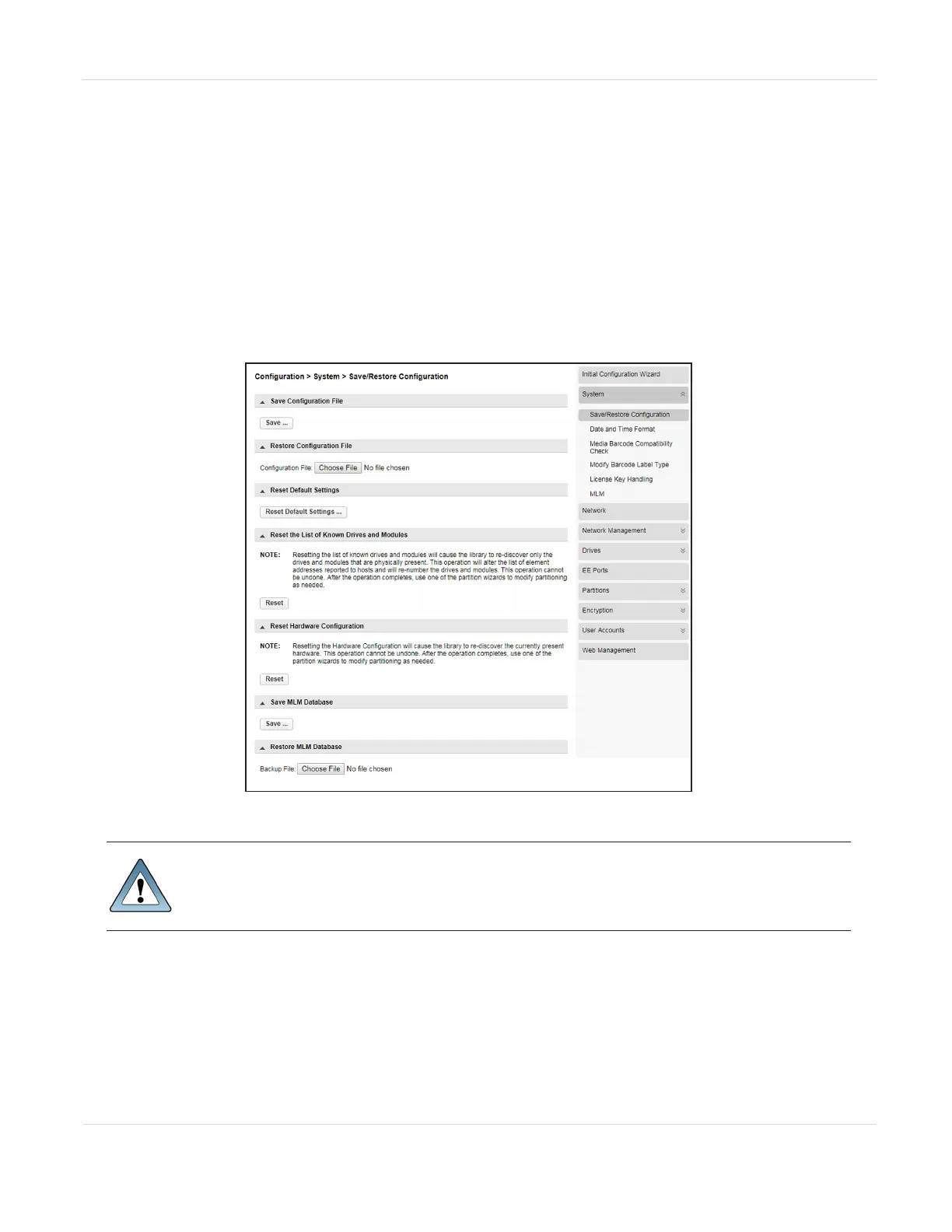
You can save the library configuration settings to a file, restore the settings, or reset
the library configuration to the default settings from the Configuration > System >
Save/Restore Configuration screen. The saved configuration database makes it easier
to recover the library configuration if you need to replace the controller module or the
controller in the controller module.
Figure14 The Save/Restore System Configuration screen.
IMPORTANT
The backup configuration can only be used to restore the library that
generated the backup. The configuration is tied to the Hardware ID of the
library and cannot be transferred to another library.
Note: The library configuration backup does not contain the MLM database. To backup the
MLM database, see Backup the MLM Database on page184.
The library configuration backup can be generated using the library operator control
panel to save the file to a USB device, or using the RMI to download the backup file.
JANUARY 2023 61
SPECTRA STACK LIBRARY
USER GUIDE
CHAPTER 3 - CONFIGURING THE LIBRARY



 To Next Page