MOVING THE ROBOTIC ASSEMBLY TO THE
CONTROLLER MODULE
Before extending a module from the rack, the robotic assembly must return to its park
position in the controller module. Under normal circumstances, when the library is
powered off using the front power button, the robot automatically parks and locks
into the controller module behind the OCP. After powering off the library and before
proceeding with extending a module from the rack, look inside the controller module
window to verify that the robotic assembly is behind the OCP.
Use the following instruction if the library did not move the robotic assembly to its
park position:
1. Power on the library.
2. Log into the library as an Administrator user.
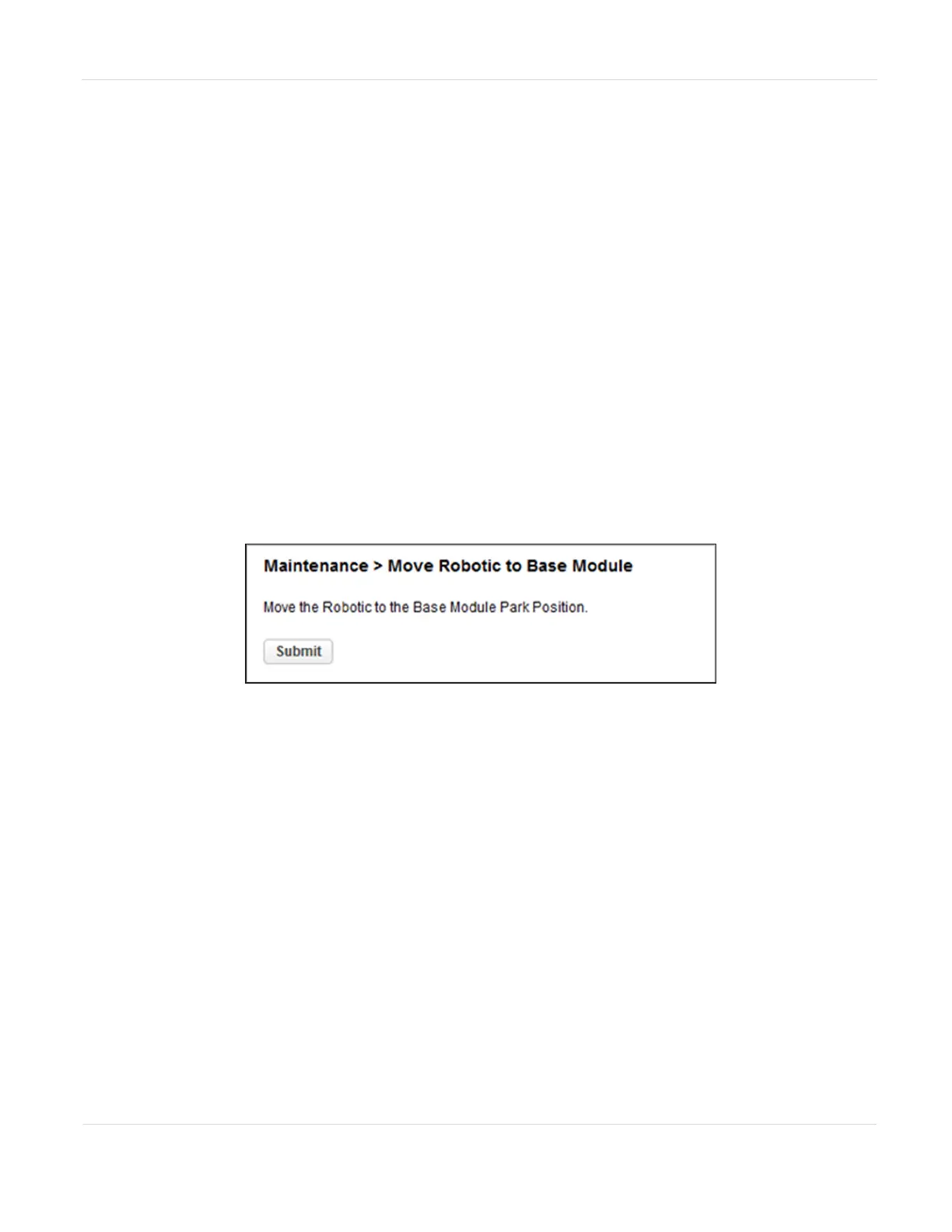
3. Navigate to the Maintenance > Move Robotic to Base Library screen.
Figure125 The Move Robotic to Base Module screen.
4. Click Submit.
If the robot still did not park and locks into the controller module, contact
Spectra Logic Technical Support. See Contacting Spectra Logic on page11.
JANUARY 2023 206
SPECTRA STACK LIBRARY
USER GUIDE
CHAPTER 7 - MAINTAINING THE LIBRARY



 To Next Page