USING THE OPERATOR CONTROL PANEL
The OCP has a power button, an LCD touch screen, five indicator LEDs, and a USB
port (see Figure3 on page32). With the OCP you can monitor, configure, and operate
most library functions from the library LCD screen on the controller module. To
navigate the OCP, click on the LCD touch screen.
Front Panel LED Indicators
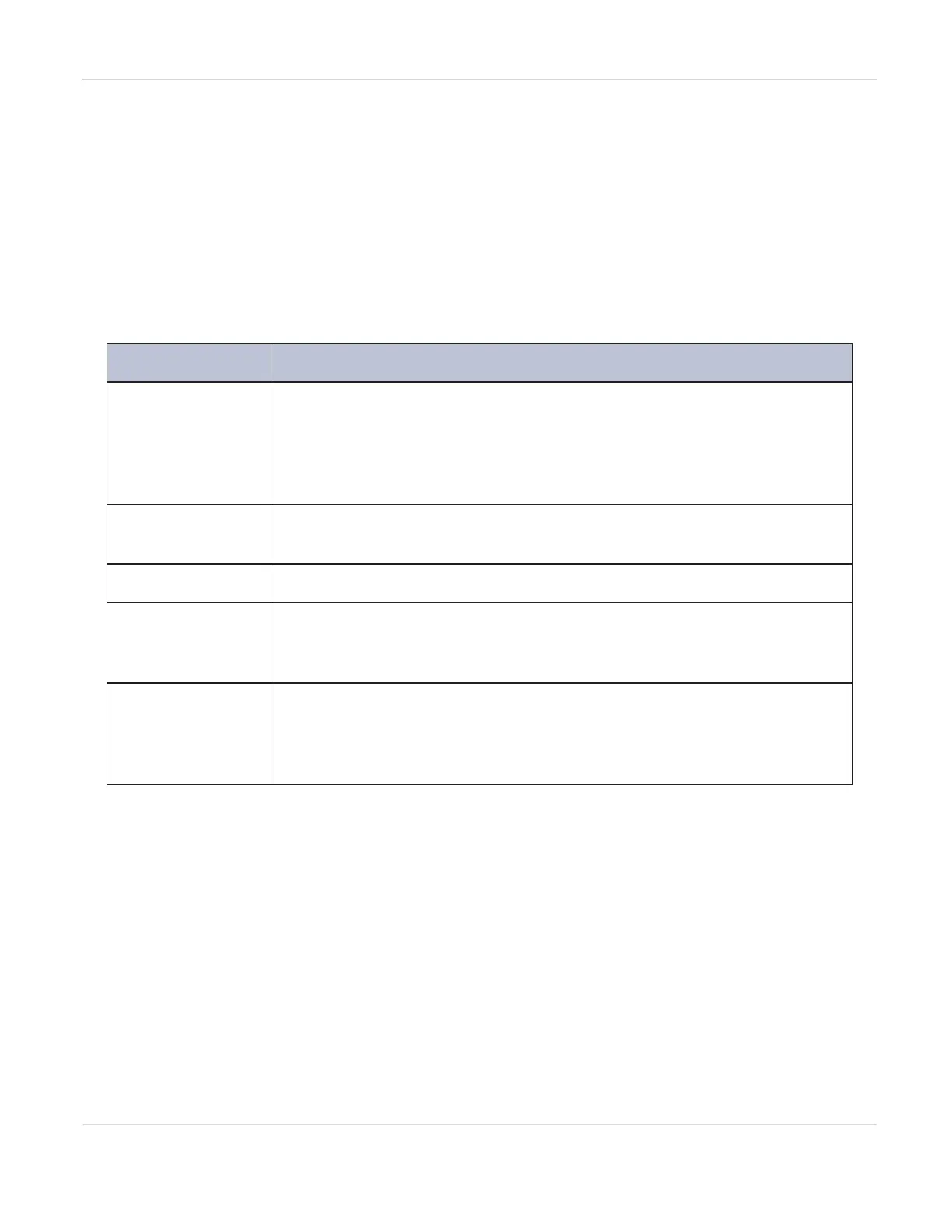
Indicator Meaning
Module ID
Blue when activated. The unit identification (UID) LEDs are
controlled by the user through the OCP and RMI Maintenance > UID
LED Control screen. The UIDs on the OCP and back panel UID are
activated and deactivated together. The UIDs are helpful for locating
the library in a data center.
Ready
Steady green when the library is on, and blinking green when there is
library robotic assembly activity.
Clean
Amber when a tape drive requires cleaning.
Attention
Amber blinking if the library detects a condition for which user
attention is necessary, but which does not prevent the library from
performing most operations.
Error
Amber if an unrecoverable tape drive or library error occurs. A
corresponding error message displays on the LCD screen. User
intervention is required; the library is not capable of performing some
operations.
JANUARY 2023 48
SPECTRA STACK LIBRARY
USER GUIDE
CHAPTER 2 - USING THE BLUEVISION INTERFACE



 To Next Page