Using the Basic Partition Wizard
You must create at least one partition before you can use your Stack library for data
backup operations. The following instructions guide you through partition creation
using the Basic Wizard, which creates one or more partitions using all tape drives and
licensed slots in the library.
IMPORTANT
With the Basic Wizard, all previously configured partitions are deleted. Ensure
that host operations for all partitions are idle before running the partition
wizard.
Note: If you want to configure advanced partition settings, see Using the Expert Partition
Wizard on page88 for instructions on using the partition Expert Wizard. Use the
Expert Wizard to create additional partitions without deleting current partitions, to
configure partitions that have different resources or to adjust resource assignments
for existing partitions.
Use the instructions below to create partitions using the Basic Partition Wizard:
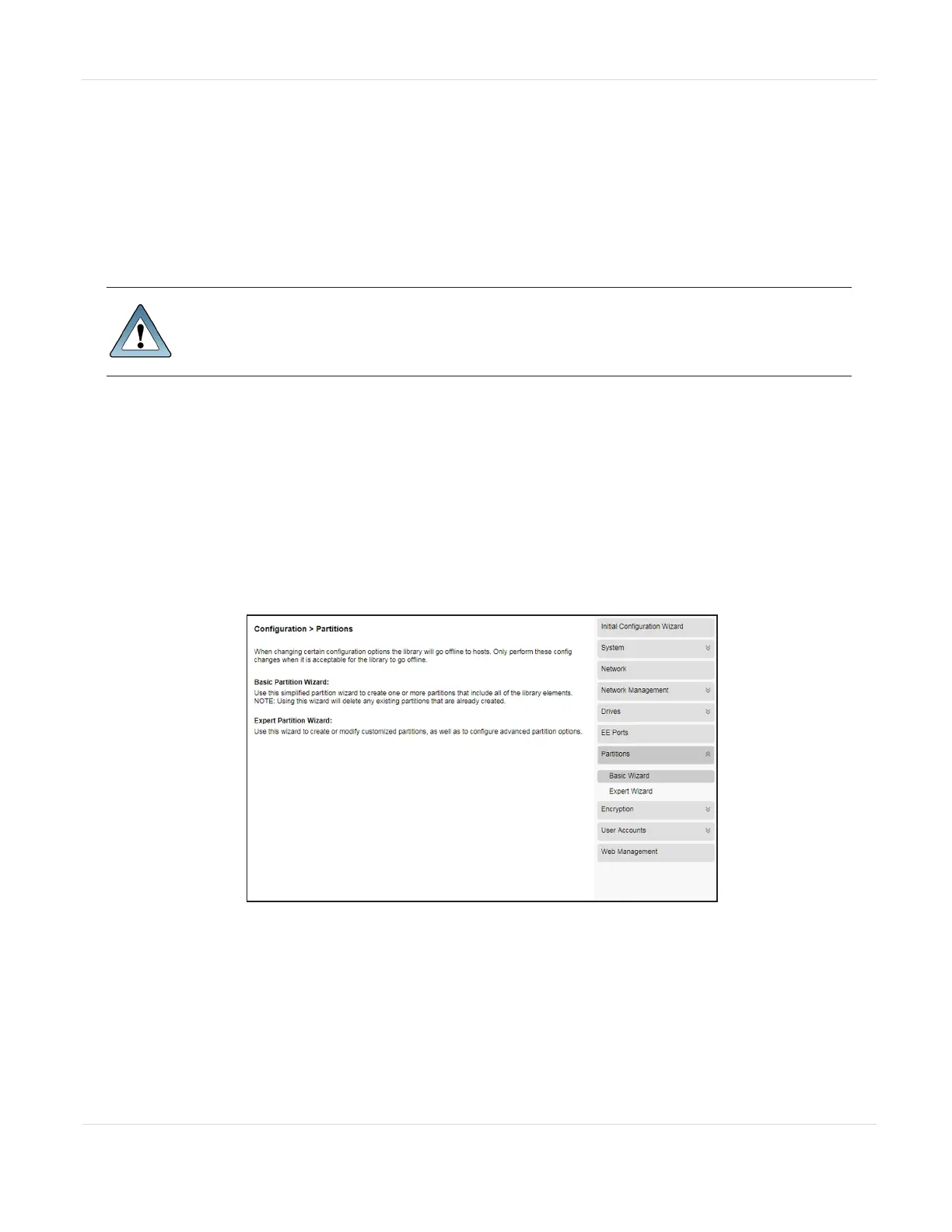
1. From the home screen of the library interface, select Configuration > Partitions.
The Configuration screen displays.
Figure30 The Configuration screen.
JANUARY 2023 85
SPECTRA STACK LIBRARY
USER GUIDE
CHAPTER 3 - CONFIGURING THE LIBRARY



 To Next Page