USING THE CARTRIDGE INVENTORY GRAPHICAL
VIEW
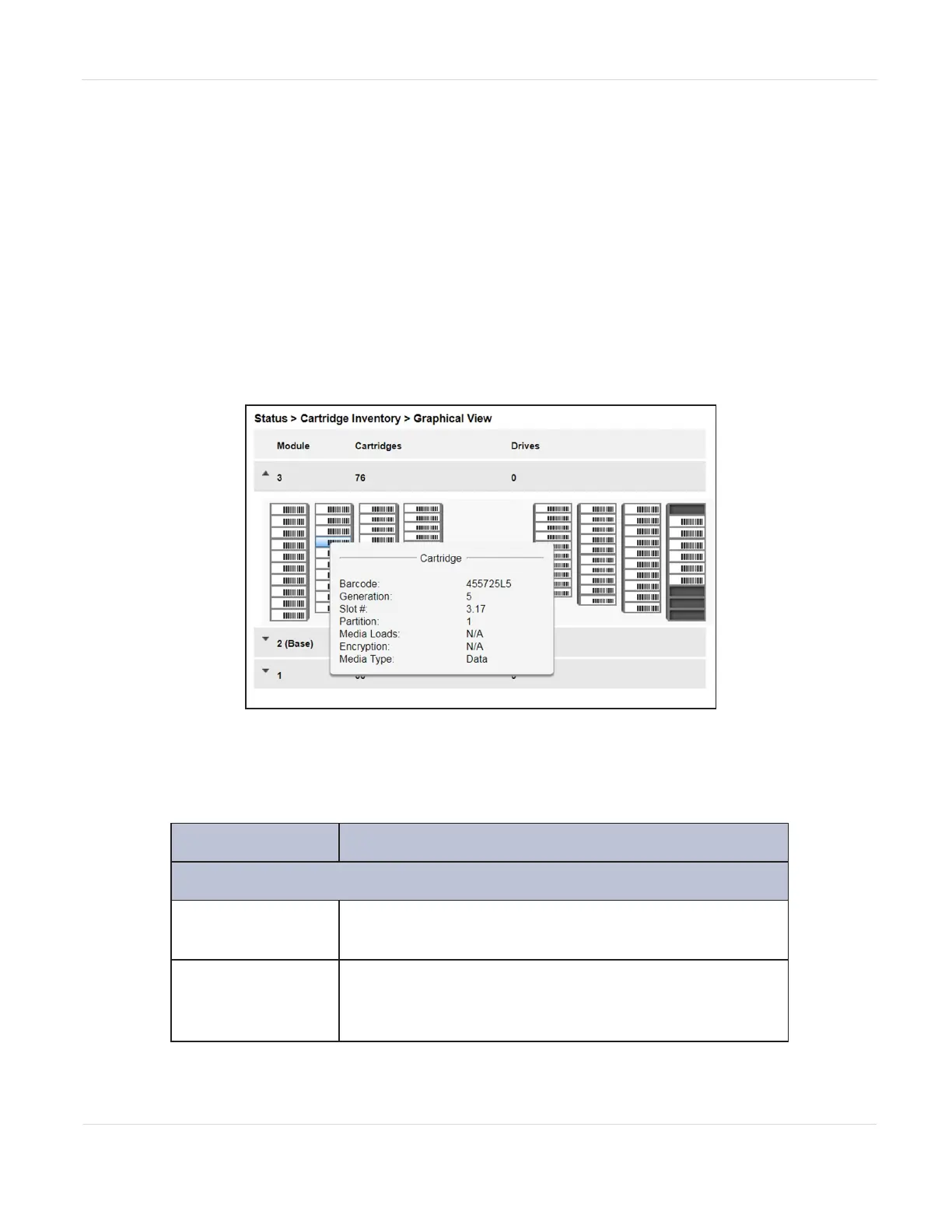
The cartridge inventory graphical view displays library elements, such as slots and
tape drives, with information about the cartridge stored in the element.
• To see the elements organized by module, from Status, navigate to Cartridge
Inventory > Graphical View.
• To see the elements organized by logical library or partition, see Using
Partition Map Graphical View on page158.
Figure93 The Cartridge Inventory Graphical View screen.
Moving the mouse over a drive or cartridge to display additional information in a
pop-up window.
Field Description
Drive Information
Drive
LTO generation of drive and format (Full Height or
Half Height).
Drive #
The drive number. Tape drives are numbered from
the bottom of the library up to the top beginning
with “1”.
JANUARY 2023 156
SPECTRA STACK LIBRARY
USER GUIDE
CHAPTER 5 - VIEWING LIBRARY STATUS



 To Next Page