VIEWING LIBRARY AND MODULE STATUS
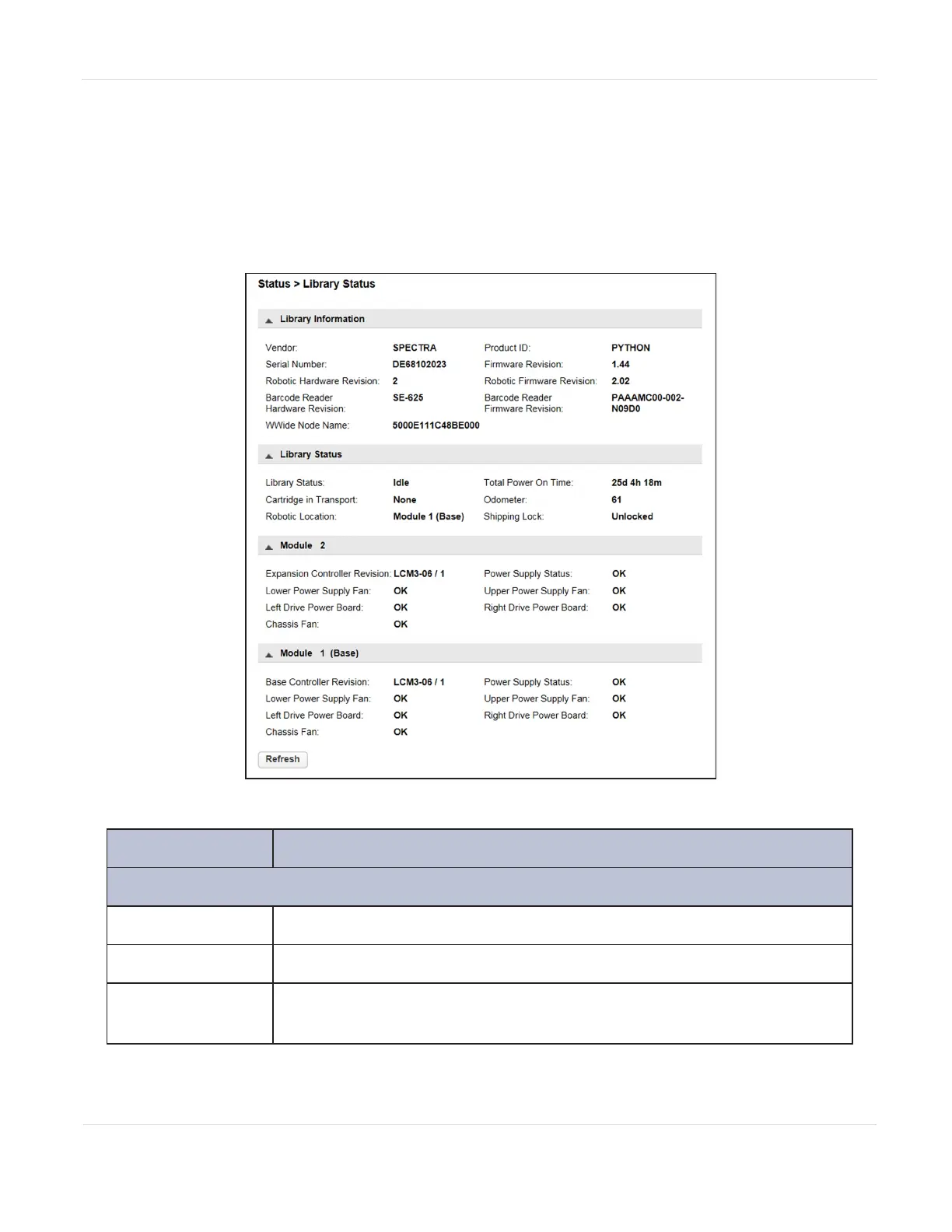
Summary information and status is displayed in the top banner and left side bar of
the interface. For additional library module configuration and status information
navigate to the Status > Library Status screen.
Figure91 The Library Status screen.
Field Description
Library Information
Vendor
SPECTRA
Serial Number
Library serial number.
Robotic Hardware
Revision
Hardware revision of the robotic hardware.
JANUARY 2023 150
SPECTRA STACK LIBRARY
USER GUIDE
CHAPTER 5 - VIEWING LIBRARY STATUS



 To Next Page