LOGS AND TRACES
Viewing Log Files
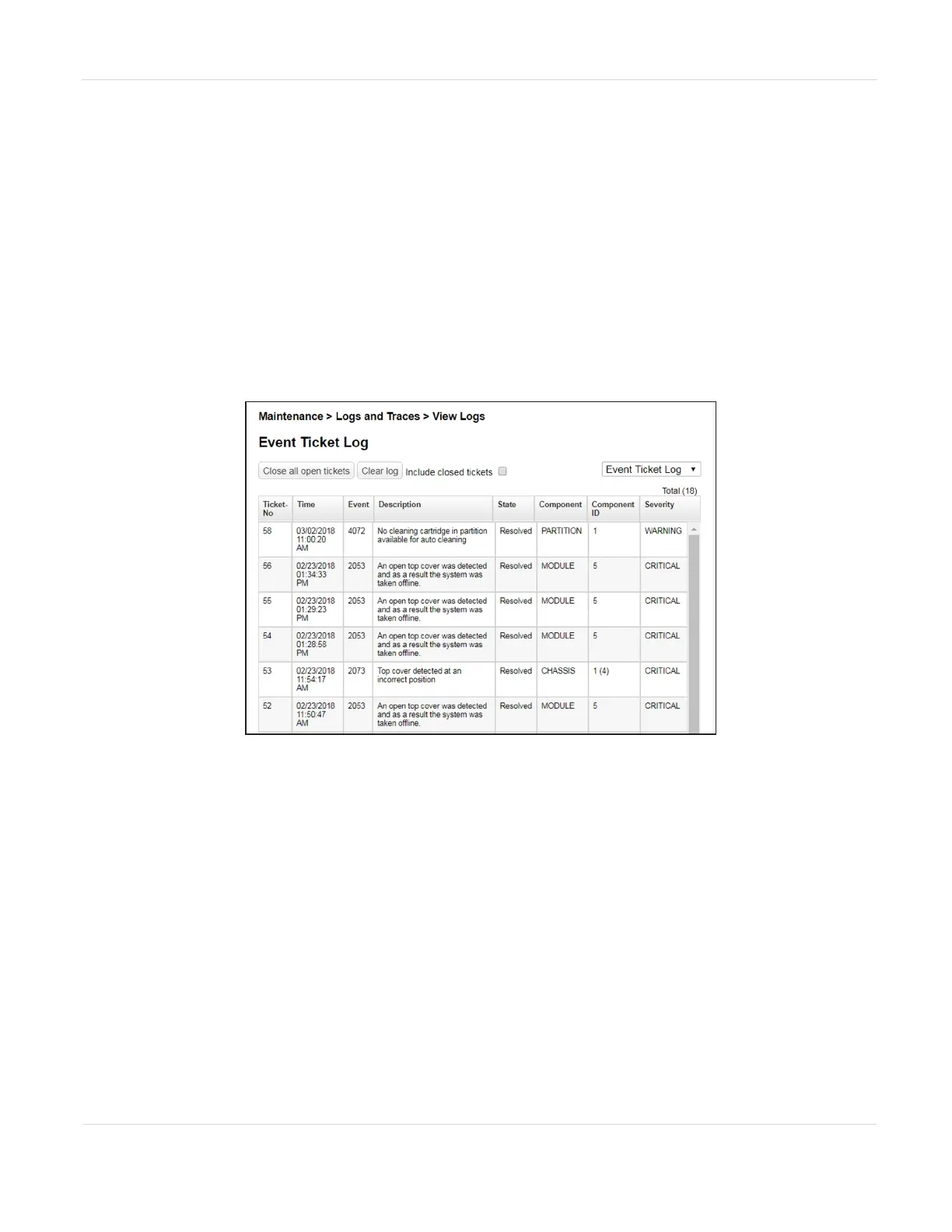
To view the library log files, navigate to the Maintenance > Logs and Traces > View
Logs screen and then select one of the logs. The available logs are:
• Event Ticket Log - Records library error and warning events
• Information Log - Records library information warnings
• Configuration Log - Records configuration changes
Figure112 The View Logs screen.
The log entries are displayed in order of most recent to oldest. The log entries contain
a date and time code, event code, severity, component identifier, and event details.
The format for the date and time is: YY.MM.DD HH.MM.SS.ss.
• YY.MM.DD - The date displayed as Year.Month.Day
• HH.MM.SS.ss - The time displayed as Hour.Minute.Second.Hundredths of a
second
JANUARY 2023 195
SPECTRA STACK LIBRARY
USER GUIDE
CHAPTER 7 - MAINTAINING THE LIBRARY



 To Next Page