MOVING MEDIA
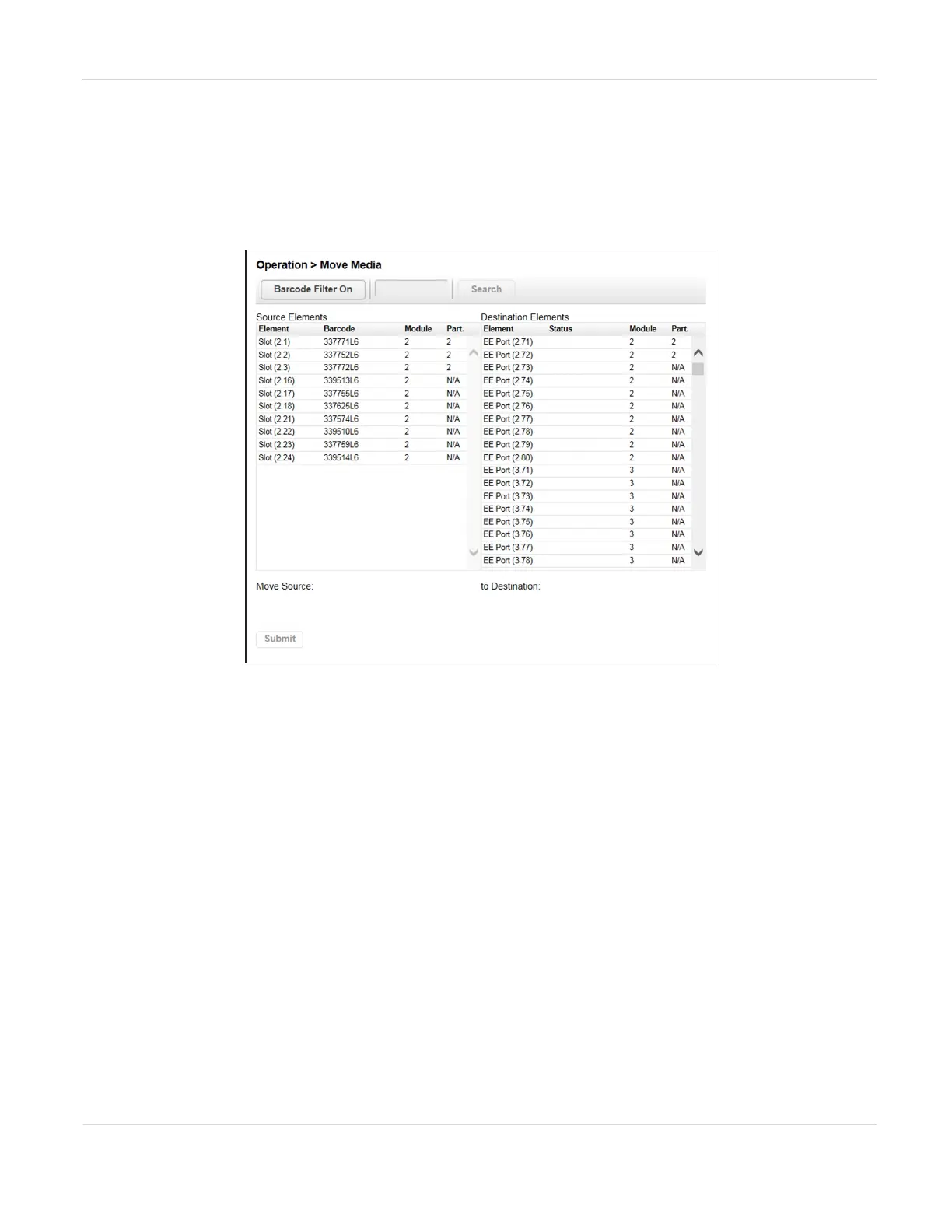
You can move a tape cartridge located in a source element to an available destination
element within the same partition from the Operation > Move Media screen.
Figure83 The Move Media screen.
• Source Elements - Tape drives, enabled EE ports, and storage slots that contain a
tape cartridge
• Destination Elements - Tape drives, enabled EE ports, and storage slots that do
not contain a tape cartridge
Tape drives are in the order of their drive numbers. Tape drives are numbered from
the physical bottom of the library starting with Drive (1).
Slots are listed in the order of the slot numbers. Slots are numbered (m.s), where m is
the module number and s is the slot within the module. For example, the tape
numbered (1, 5) is present in the 5th slot of the first module.
JANUARY 2023 141
SPECTRA STACK LIBRARY
USER GUIDE
CHAPTER 4 - OPERATING THE LIBRARY



 To Next Page