Backup Custom Certificate
Once you have saved a custom security certificate, click Backup Custom Certificate
(see Figure49 on page104) and use your browser to save the file.
Restore Custom Certificate
To restore a previously saved custom certificate, click Browse and use your browser
to locate the certificate file. Then click Restore Custom Certificate (see Figure49 on
page104).
Session Timeout
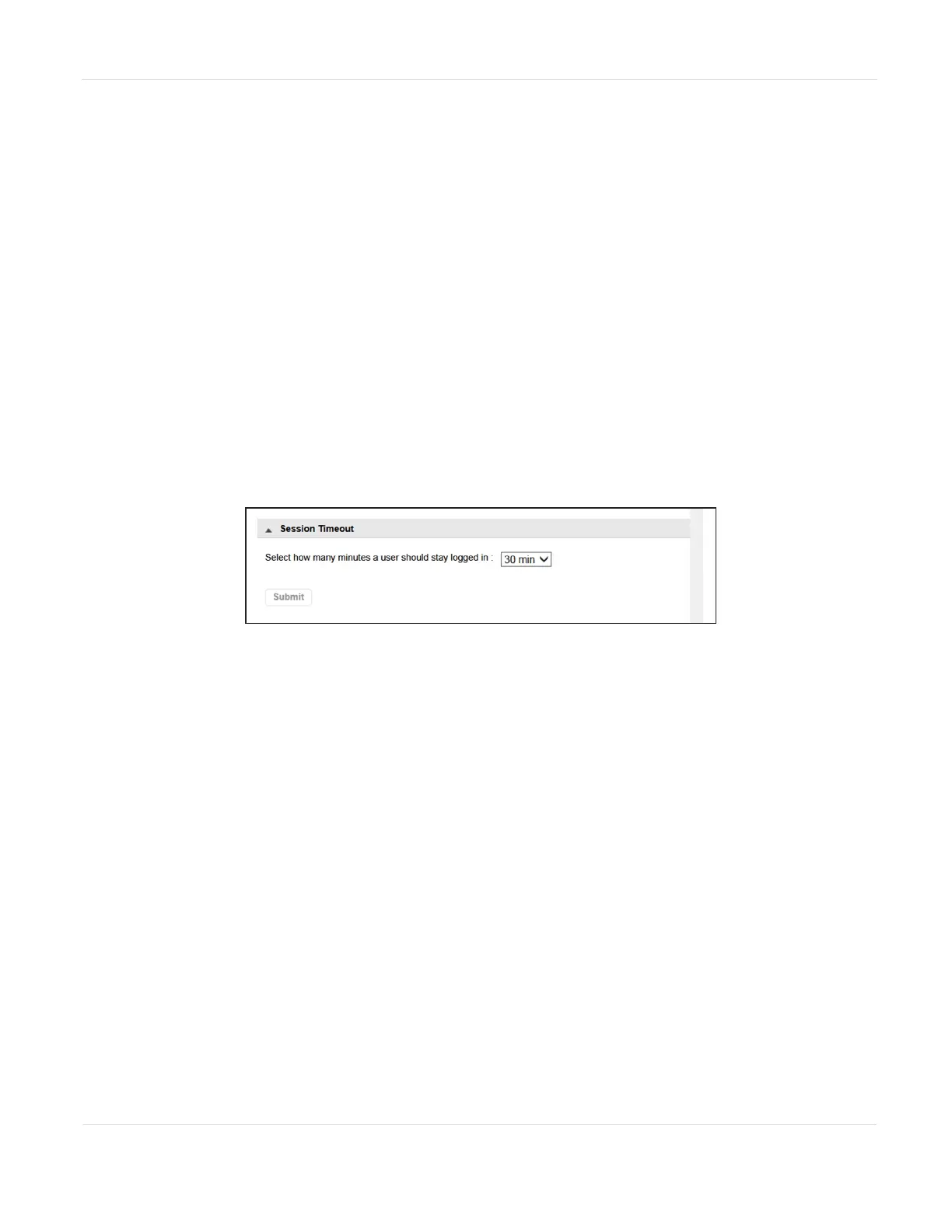
On the Configuration > Web Management screen, use the Session Timeout pane to
configure the session timeout for the RMI/OCP.
Figure54 The Session Timeout pane of the Configuration
> Web Management screen.
Using the drop-down, select how long the user should remain logged in (5 or 30
Minutes) and click Submit.
OCP/RMI Session Locking
The library supports only one OCP or RMI session at a time for Administrator,
Security, or Service users. By default, when a new user logs in to the RMI or OCP, the
existing user session is terminated. Use the OCP/RMI Session Locking pane of the
Configuration > Web Management screen to change this behavior.
JANUARY 2023 107
SPECTRA STACK LIBRARY
USER GUIDE
CHAPTER 3 - CONFIGURING THE LIBRARY



 To Next Page