ENABLING OR DISABLING EE PORTS
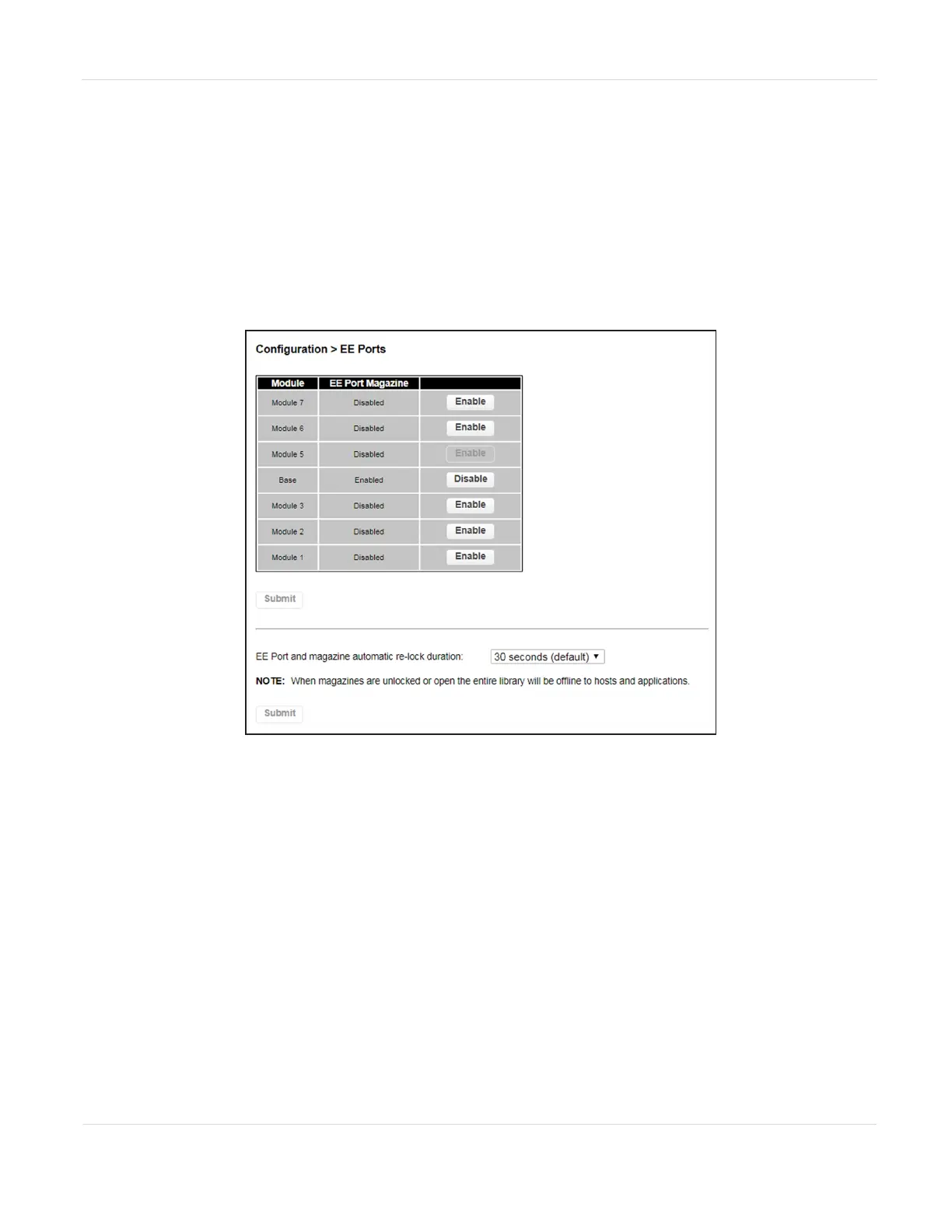
The Configuration > EE Port screen lists each of the EE ports and shows whether each
is enabled or disabled. Disabled EE ports are available as storage slots.
Partitions do not need to have EE port slots. If a partition does not have EE port slots,
the magazine must be accessed to import or export cartridges. Opening a magazine
takes the library offline, while opening an EE port does not.
Figure29 The Configuration EE Ports screen.
1. To change the EE port state, click Enable or Disable next to the appropriate
module.
2. If desired, use the EE port and magazine automatic re-lock duration drop down
list to change the amount of time before EE ports or magazines automatically re-
lock if you do not open the door and access the EE port or magazine. The
choices are 30 seconds (default) or 5 minutes.
3. Click Submit to save your selections.
JANUARY 2023 83
SPECTRA STACK LIBRARY
USER GUIDE
CHAPTER 3 - CONFIGURING THE LIBRARY



 To Next Page