Using the Expert Partition Wizard
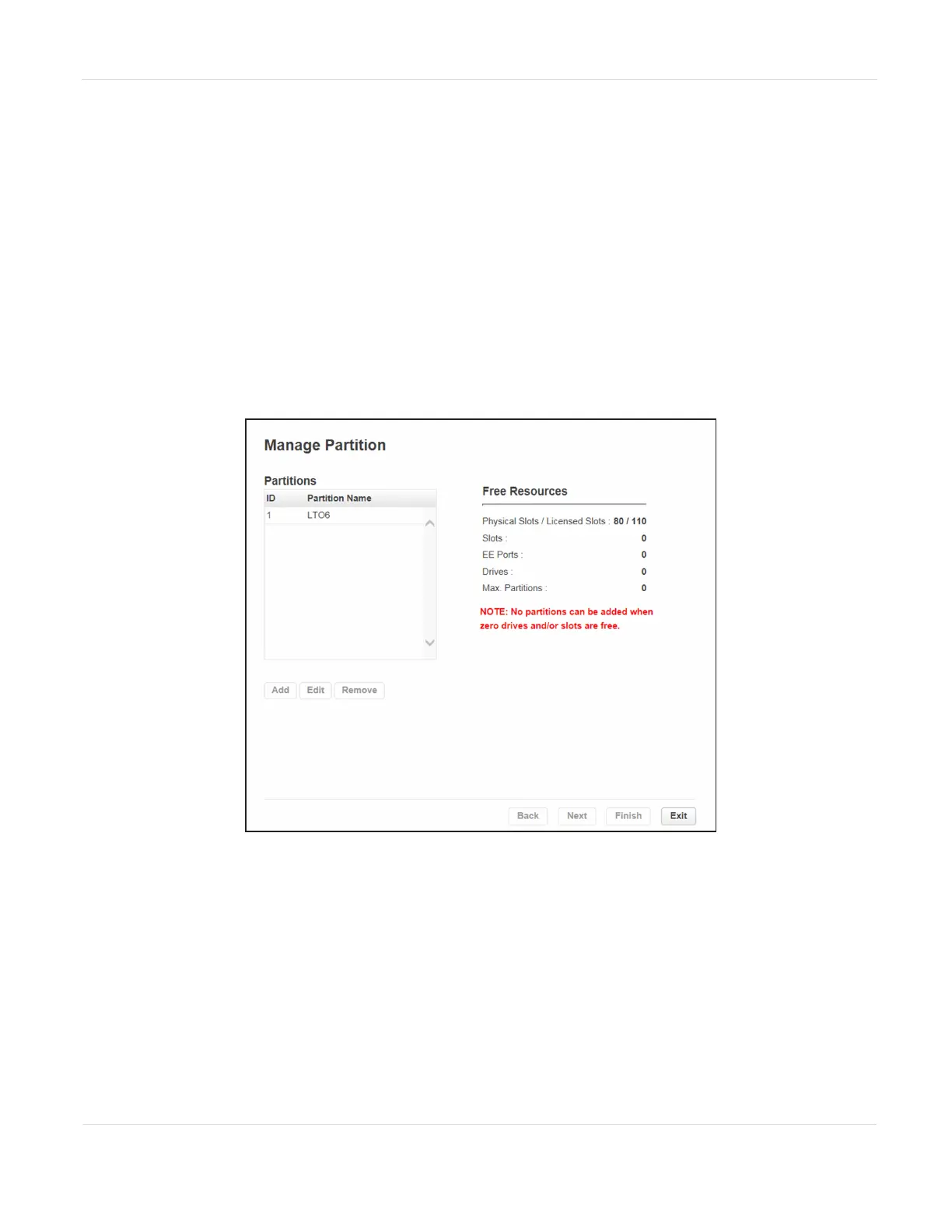
Select Configuration > Partitions > Expert Wizard to start the wizard. The Manage
Partitions screen lists the current partitions, if any, and the free resources. Use this
wizard to configure one partition at a time.
Notes: l If you want to enable or disable EE ports, click Cancel to leave the wizard and
update the EE port configuration (see Enabling or Disabling EE Ports on
page83) before configuring partitions.
l All of the partitions in the library go offline while partitions are configured.
Ensure that host operations for all partitions are idle before running the
partition wizard.
Figure34 The Manage Partitions screen.
JANUARY 2023 88
SPECTRA STACK LIBRARY
USER GUIDE
CHAPTER 3 - CONFIGURING THE LIBRARY



 To Next Page