CONFIGURING EVENT NOTIFICATION PARAMETERS
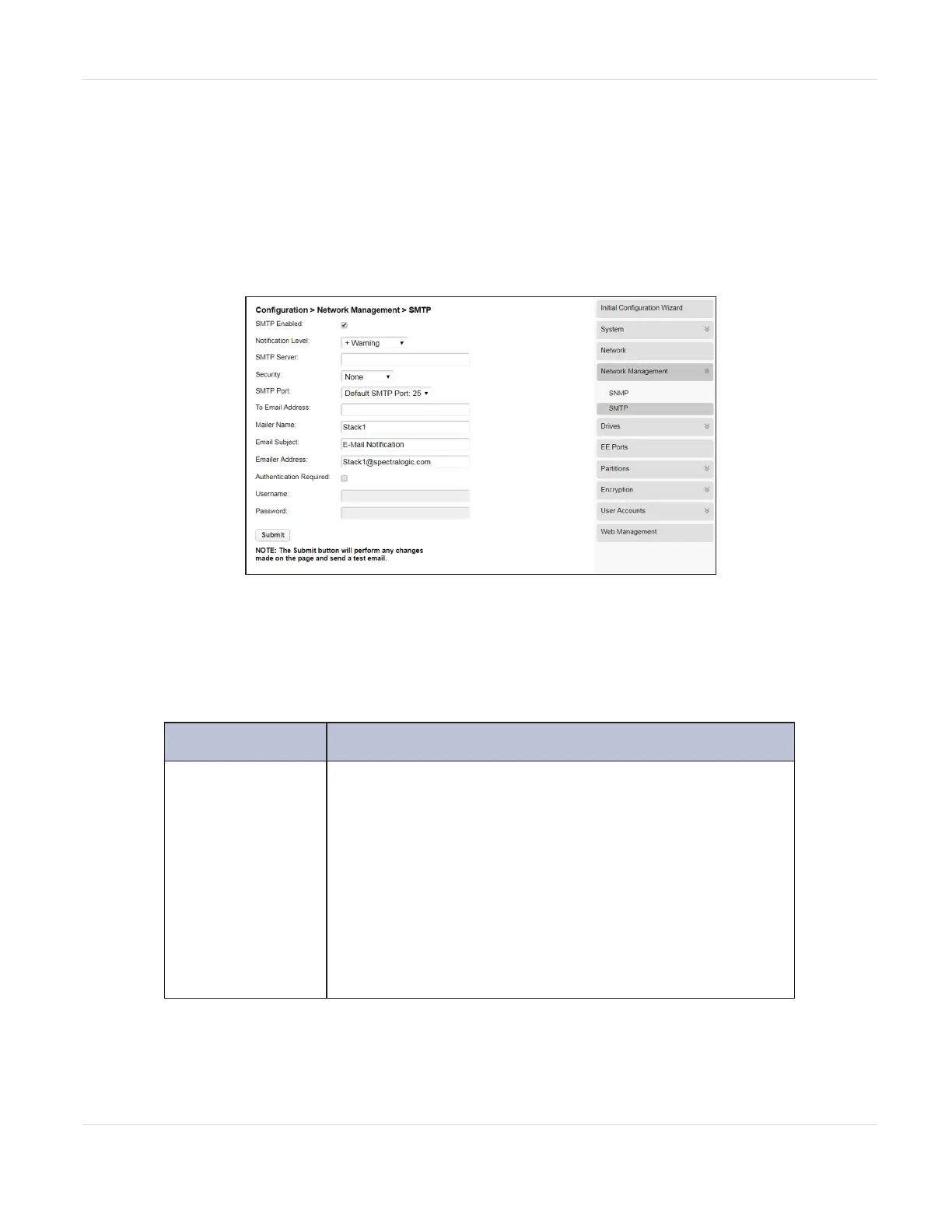
You can enable SMTP (Simple Mail Transfer Protocol) functionality and configure
email notification of library events to one email address from the Configuration >
Network Management > SMTP screen. The library must have network access to an
SMTP server.
Figure27 The SMTP screen.
1. Select the SMTP Enabled check box to enable SMTP. When selected, the
configuration entry fields become accessible.
2. Enter the required information.
Field Description
Notification
Level
The types of events for which the library should send
email.
• Inactive—No events are sent.
• Critical—Only critical events are sent.
• + Warnings—Only critical and warning events are
sent.
• + Configuration—Only critical, warning, and
configuration events are sent.
• + Information—All events are sent.
JANUARY 2023 79
SPECTRA STACK LIBRARY
USER GUIDE
CHAPTER 3 - CONFIGURING THE LIBRARY



 To Next Page