FORCING A DRIVE TO EJECT A CARTRIDGE
The force drive media eject operation attempts to force the tape drive to eject the
cartridge and place it into an open slot. Only the Administrator user can force eject a
tape cartridge.
Before performing this operation, it is recommended that you attempt to eject the tape
using your backup software or a library move media operation (see Moving Media on
page141). While a cartridge is being force ejected, a window indicating the process is
ongoing displays. No operations are available until the force eject completes.
Note: If the drive has difficulty ejecting the cartridge, the media is possibly bad or
damaged. Contact Spectra Logic Technical Support for assistance. See Contacting
Spectra Logic on page11.
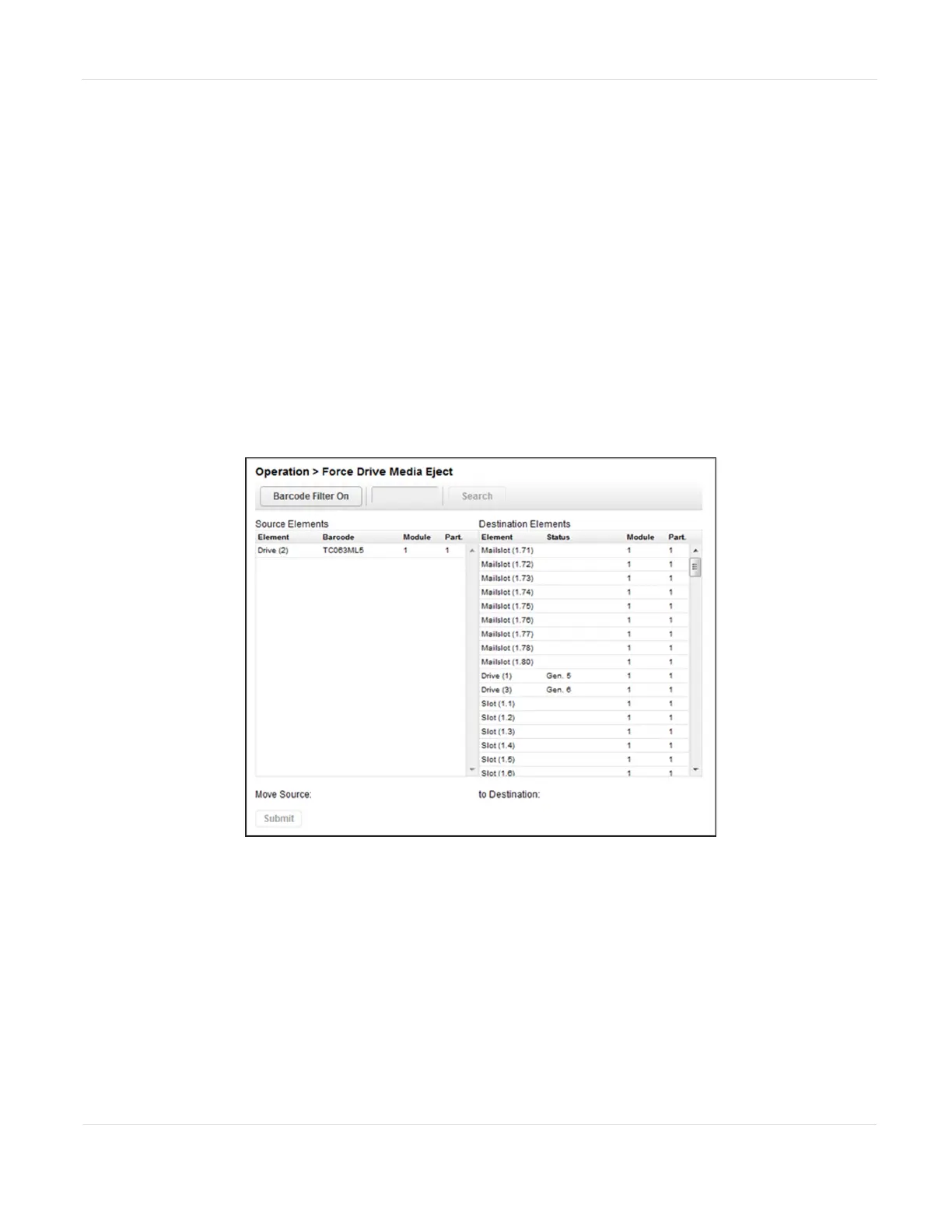
Figure89 The Force Drive Media Eject screen.
1. Navigate to the Operation > Force Drive Media Eject screen.
2. Select the drive for which you want to force a tape ejection in the Source
Elements list.
3. Select the destination in the Destination Elements list.
4. Click Submit.
JANUARY 2023 147
SPECTRA STACK LIBRARY
USER GUIDE
CHAPTER 4 - OPERATING THE LIBRARY



 To Next Page