CLEANING A TAPE DRIVE
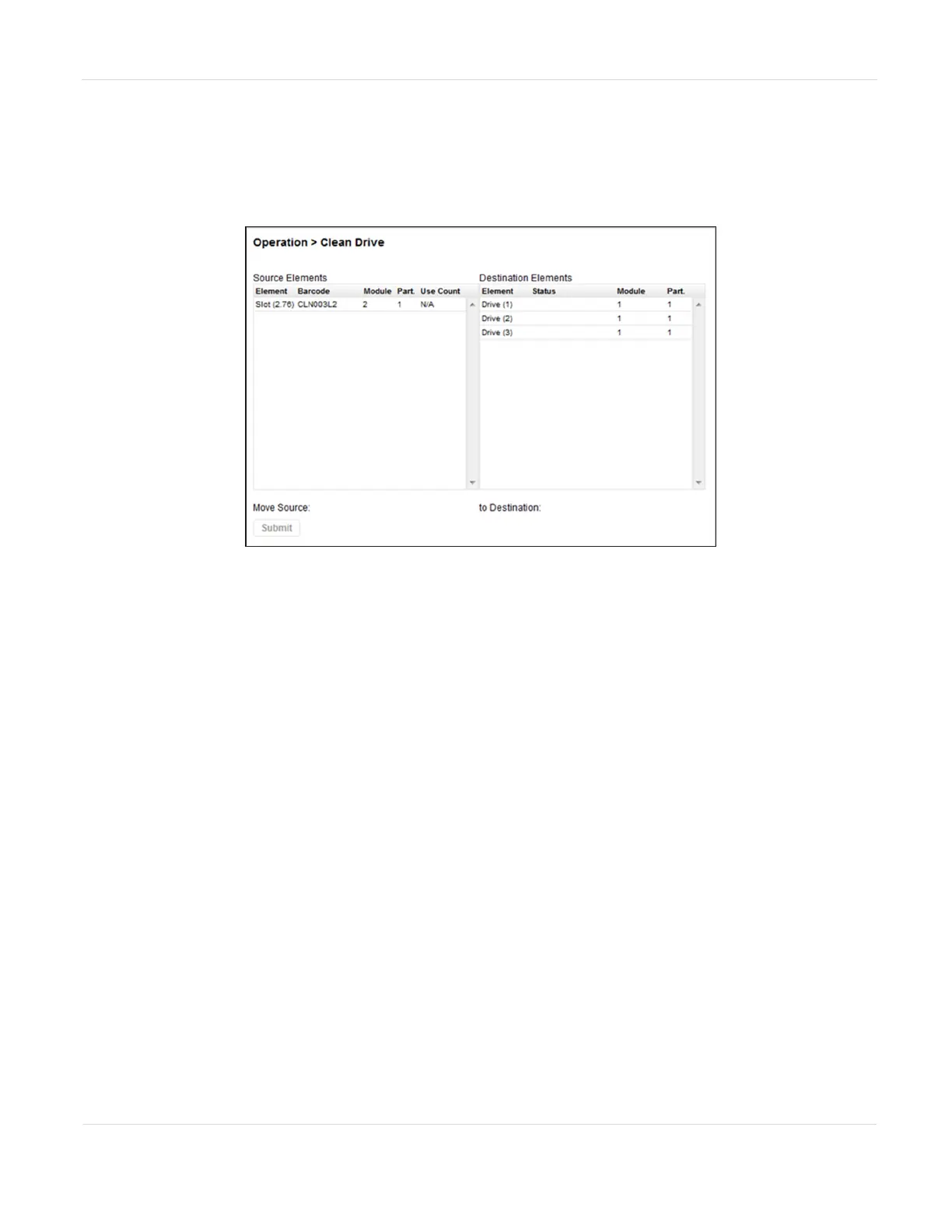
You can initiate a drive cleaning operation from the Operation > Clean Drive screen.
Figure88 The Clean Drive screen.
1. Select a cleaning cartridge from the Source Elements list. The library uses the
barcode label to identify cleaning cartridges.
If no cleaning cartridges are available, load one into an EE port or magazine slot.
2. Select the tape drive to be cleaned from the Destination Elements list.
Tape drives currently containing a cartridge are not listed. To clean a tape drive
not listed, move the cartridge out of the drive.
3. Click Submit.
JANUARY 2023 146
SPECTRA STACK LIBRARY
USER GUIDE
CHAPTER 4 - OPERATING THE LIBRARY



 To Next Page