Position Test
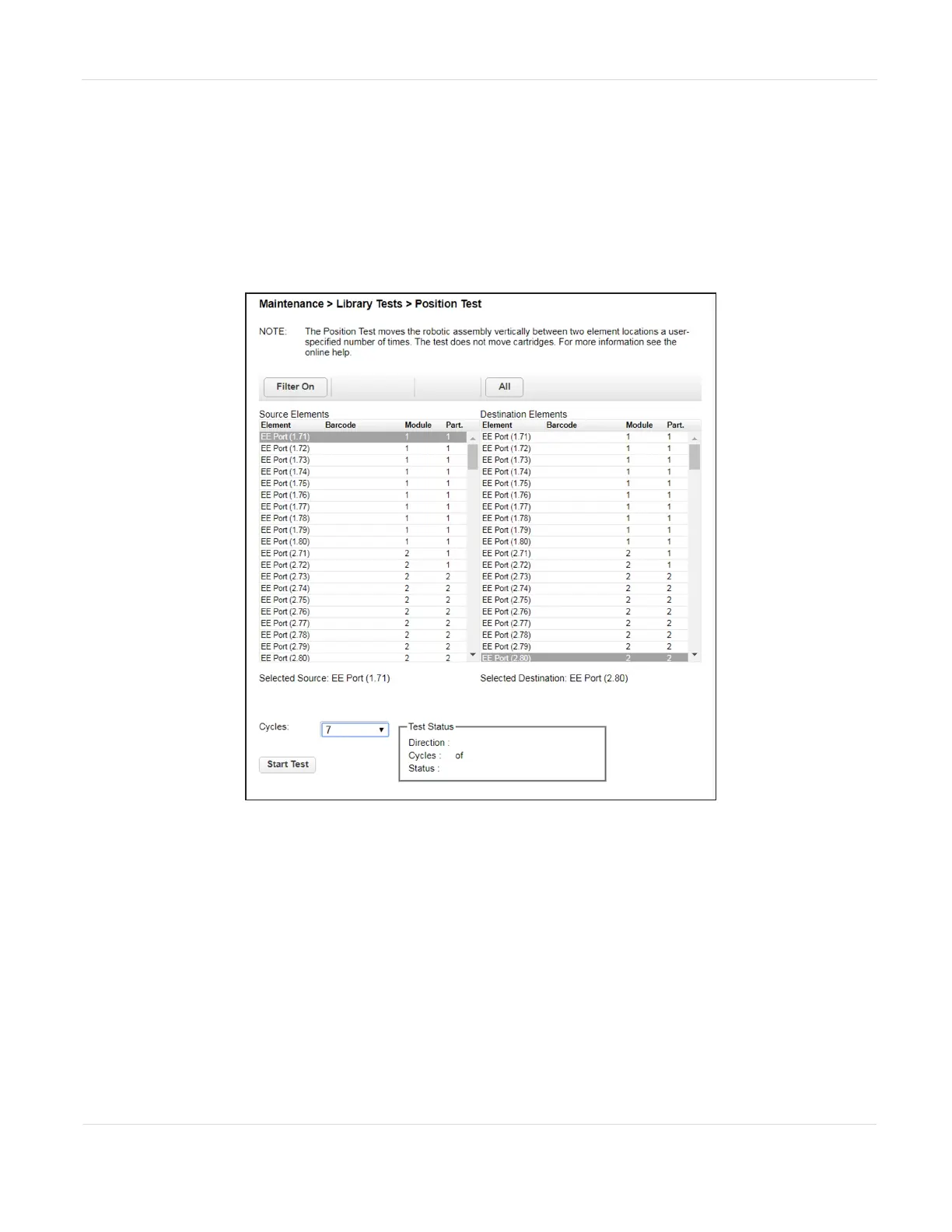
The Position Test moves the robotic assembly vertically between two selected
elements. The test does not move cartridges.
1. To run the position test, navigate to the Maintenance > Library Tests > Position
Test screen.
Figure108 The Position Test screen.
2. Select one element from the Source Element list and another from the
Destination Element list.
3. Using the drop-down menu, select the number of Cycles, and click Start Test.
JANUARY 2023 192
SPECTRA STACK LIBRARY
USER GUIDE
CHAPTER 7 - MAINTAINING THE LIBRARY



 To Next Page