RESCANNING THE CARTRIDGE INVENTORY
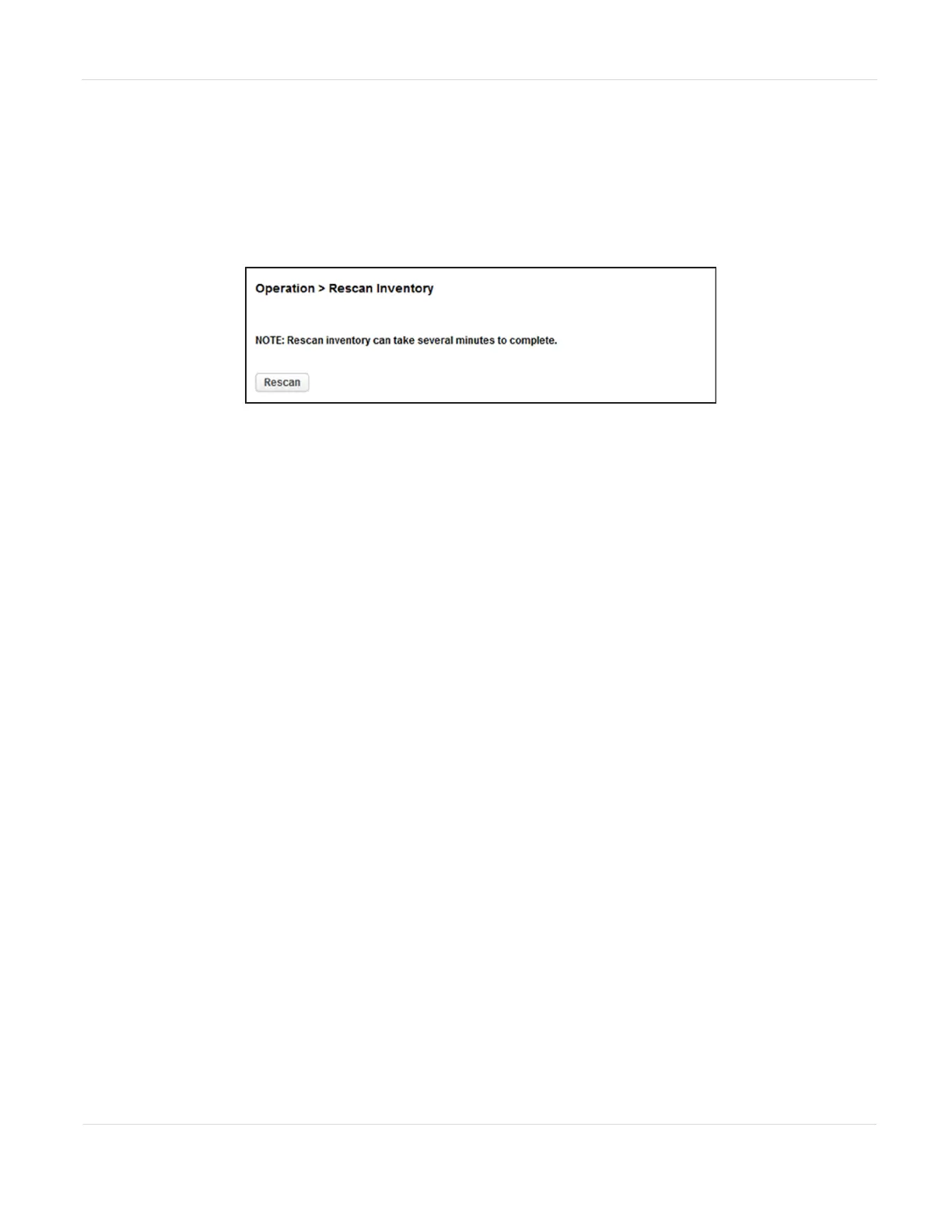
To rescan the cartridges in the library, navigate to the Operation > Rescan screen and
click Rescan. The library changes to Scanning status and is unavailable to perform
other operations until the scan completes.
Figure90 The Rescan Inventory screen.
JANUARY 2023 148
SPECTRA STACK LIBRARY
USER GUIDE
CHAPTER 4 - OPERATING THE LIBRARY



 To Next Page